
Hard Drive Data Recovery Services
Every hard drive failure is different, but losing access to your files doesn’t always mean they are gone. At LapFix, we provide professional Hard Drive Data Recovery services for internal and external hard drives, recovering data from failed desktop computers, laptops, portable USB drives, workstations, NAS devices, and business storage systems.
Our engineers recover data from Western Digital (WD), Seagate, Toshiba, HGST (Hitachi), Samsung, LaCie, and G-Technology hard drives affected by clicking noises, bad sectors, firmware corruption, PCB failures, accidental formatting, deleted partitions, electrical damage, and mechanical failure. Whether your drive is a 2.5-inch laptop HDD, 3.5-inch desktop HDD, SATA drive, IDE drive, or USB external hard drive, we use professional recovery equipment and advanced diagnostic techniques to safely recover your valuable files. For hard drives with internal mechanical damage, head crashes, or seized motors, recovery may require cleanroom procedures to safely replace damaged components before imaging the drive.
From irreplaceable family photos to business databases and critical documents, every recovery is performed in-house by experienced engineers. Customers throughout Virginia can visit our laboratory, while our secure nationwide mail-in service allows clients across the United States to recover data without leaving home.
Recover Data from Failed, Clicking & Corrupted Hard Drives
Traditional hard drives are complex mechanical devices that store data on spinning magnetic platters using precision read/write heads. Over time, normal wear, accidental drops, power surges, overheating, firmware corruption, electronic failure, or physical damage can prevent a drive from functioning properly. Continuing to power on a failing hard drive—especially one that is clicking, grinding, beeping, or repeatedly disconnecting—can significantly reduce the chances of a successful recovery.
At LapFix, we diagnose hard drive failures at both the electronic and mechanical levels to determine the safest recovery approach. We recover data from Western Digital (WD), Seagate, Toshiba, HGST (Hitachi), Samsung, LaCie, G-Technology, and many other internal and external hard drives used in desktop computers, laptops, workstations, NAS devices, and business storage systems. Our engineers regularly recover data from popular external drives including WD My Passport, WD My Book, Seagate Backup Plus, Seagate Expansion, Toshiba Canvio, LaCie Rugged, and G-Drive series.
Whether your drive is a 2.5-inch laptop hard drive, 3.5-inch desktop hard drive, SATA, IDE, SAS, or an enterprise-class HDD with capacities ranging from hundreds of gigabytes to over 20TB, every recovery begins with a detailed evaluation. We regularly recover files from hard drives affected by failed read/write heads, firmware corruption, bad sectors, PCB failures, damaged partitions, RAW file systems, accidental formatting, and file system corruption while protecting the integrity of your data throughout the recovery process.
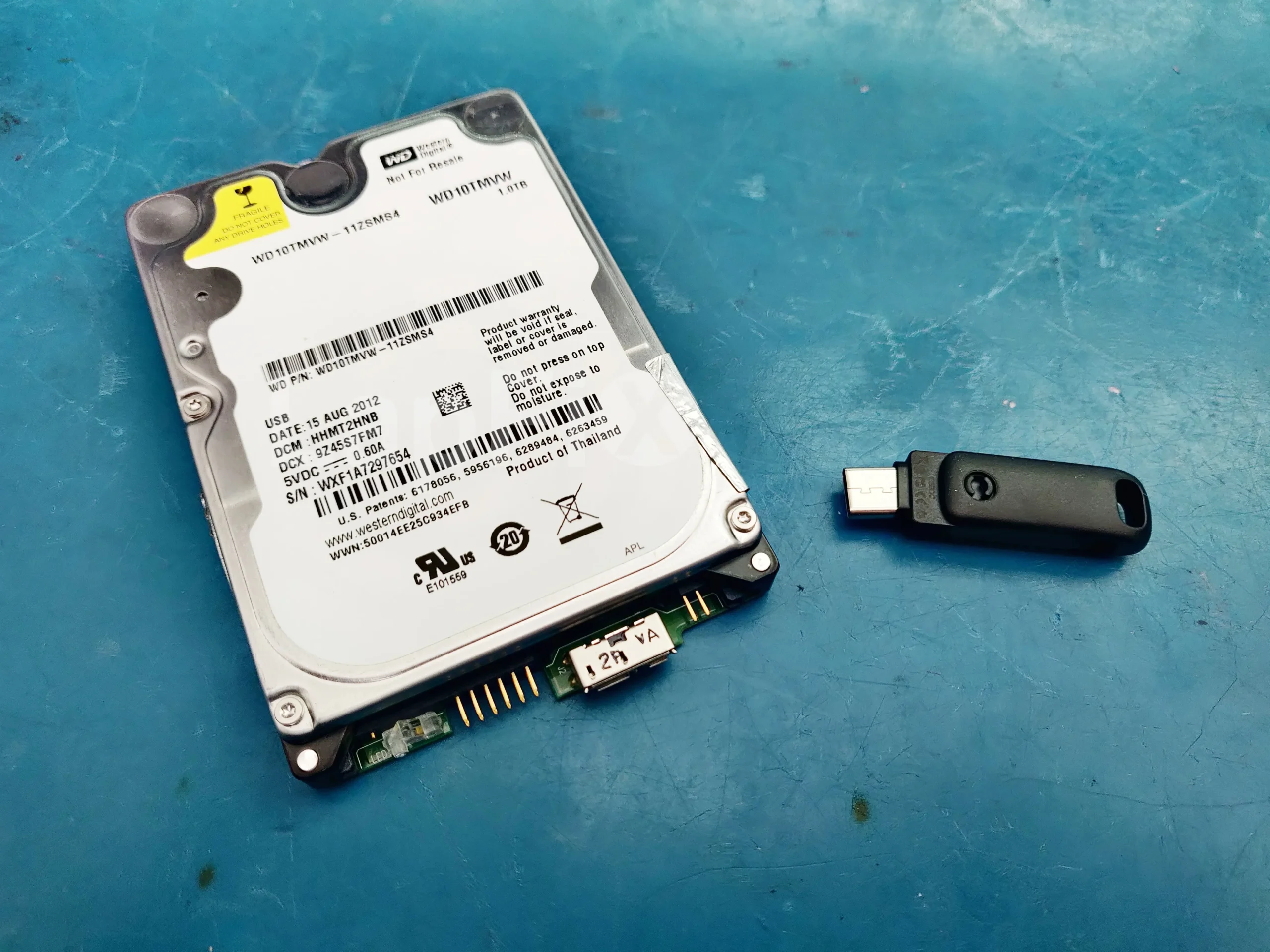
Hard Drive Recovery Services for Every Failure
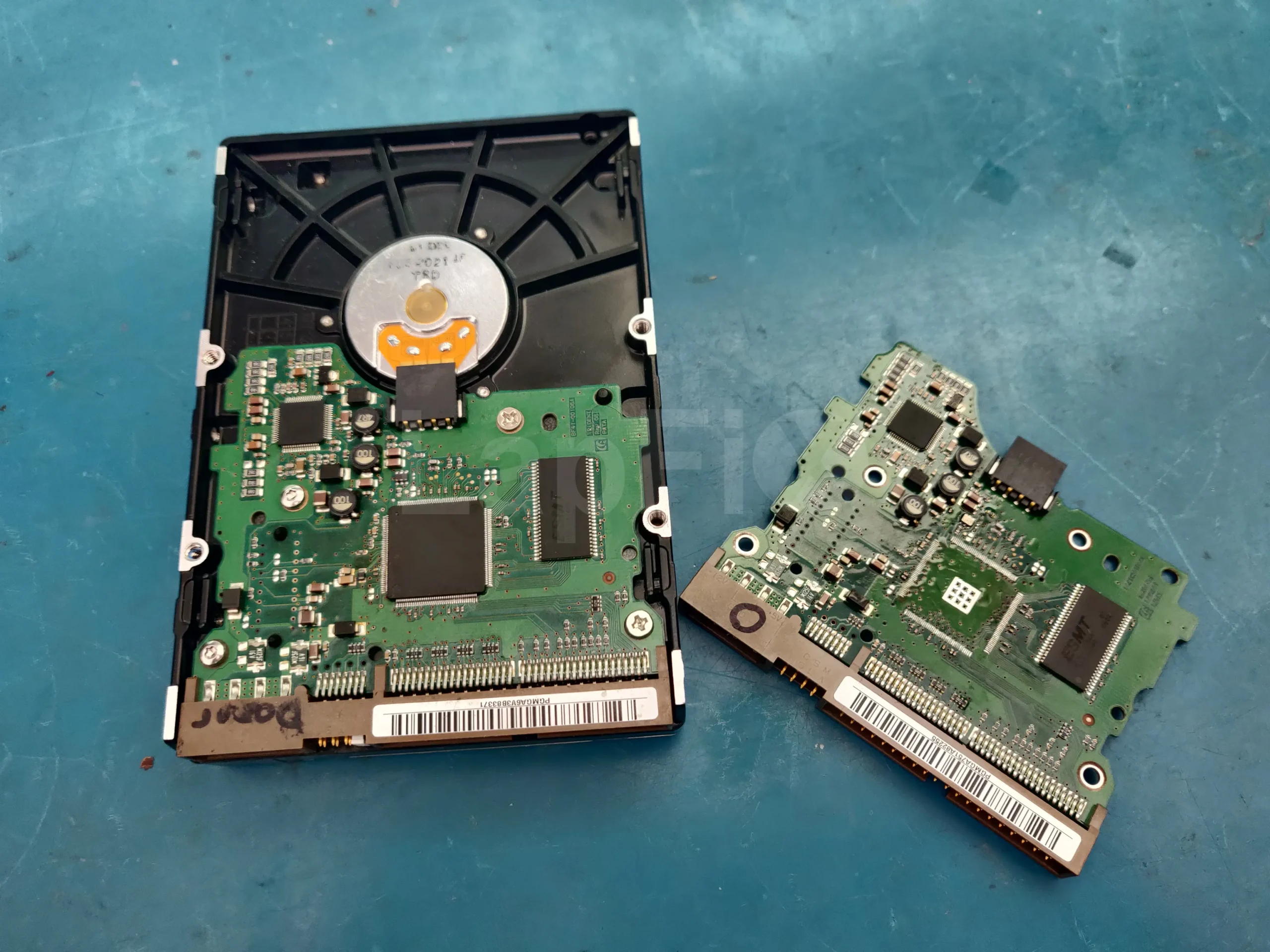
Clicking Hard Drive Recovery
Recover data from clicking or grinding hard drives with failed read/write heads, internal mechanical damage, or severe wear.
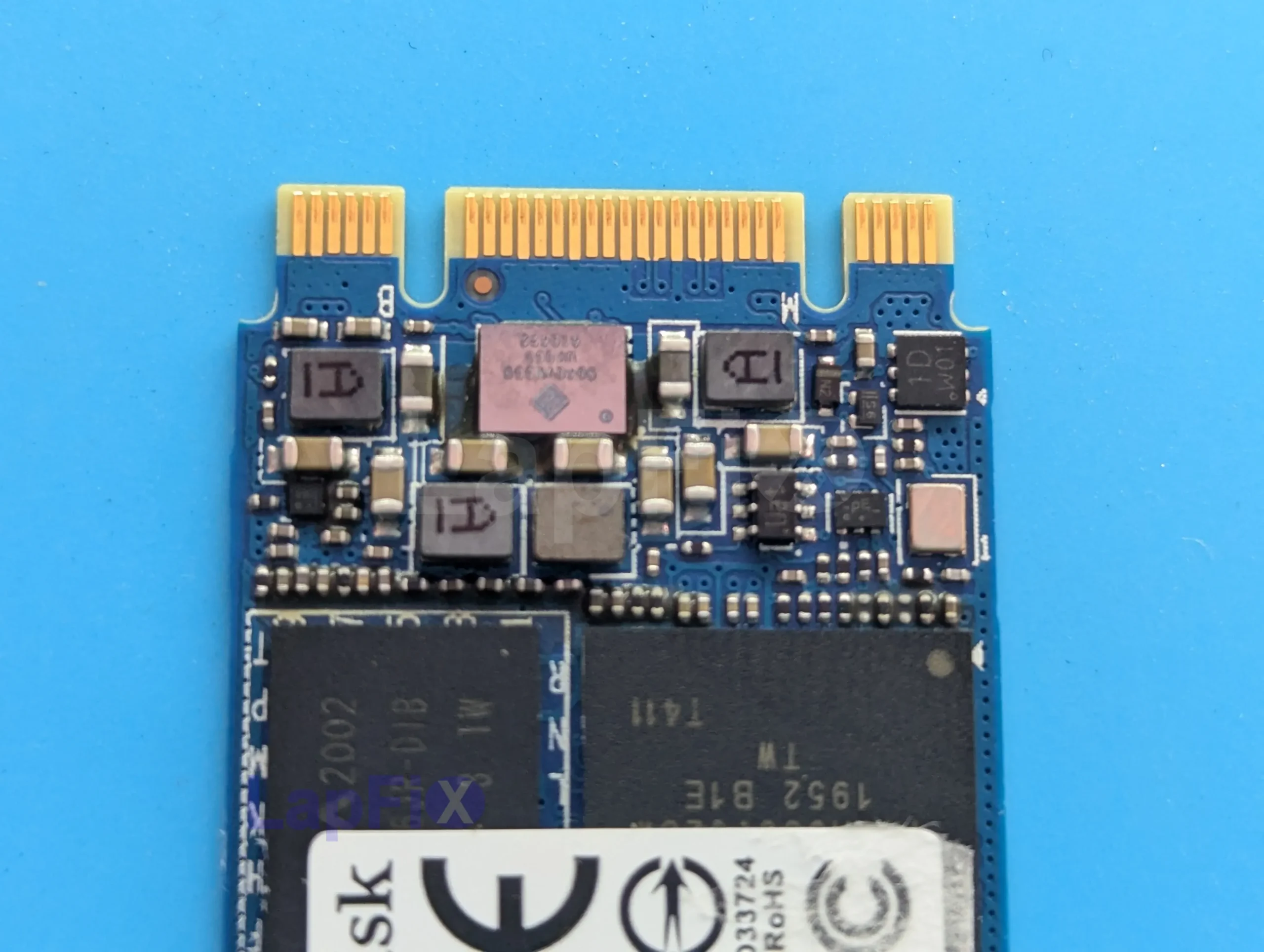
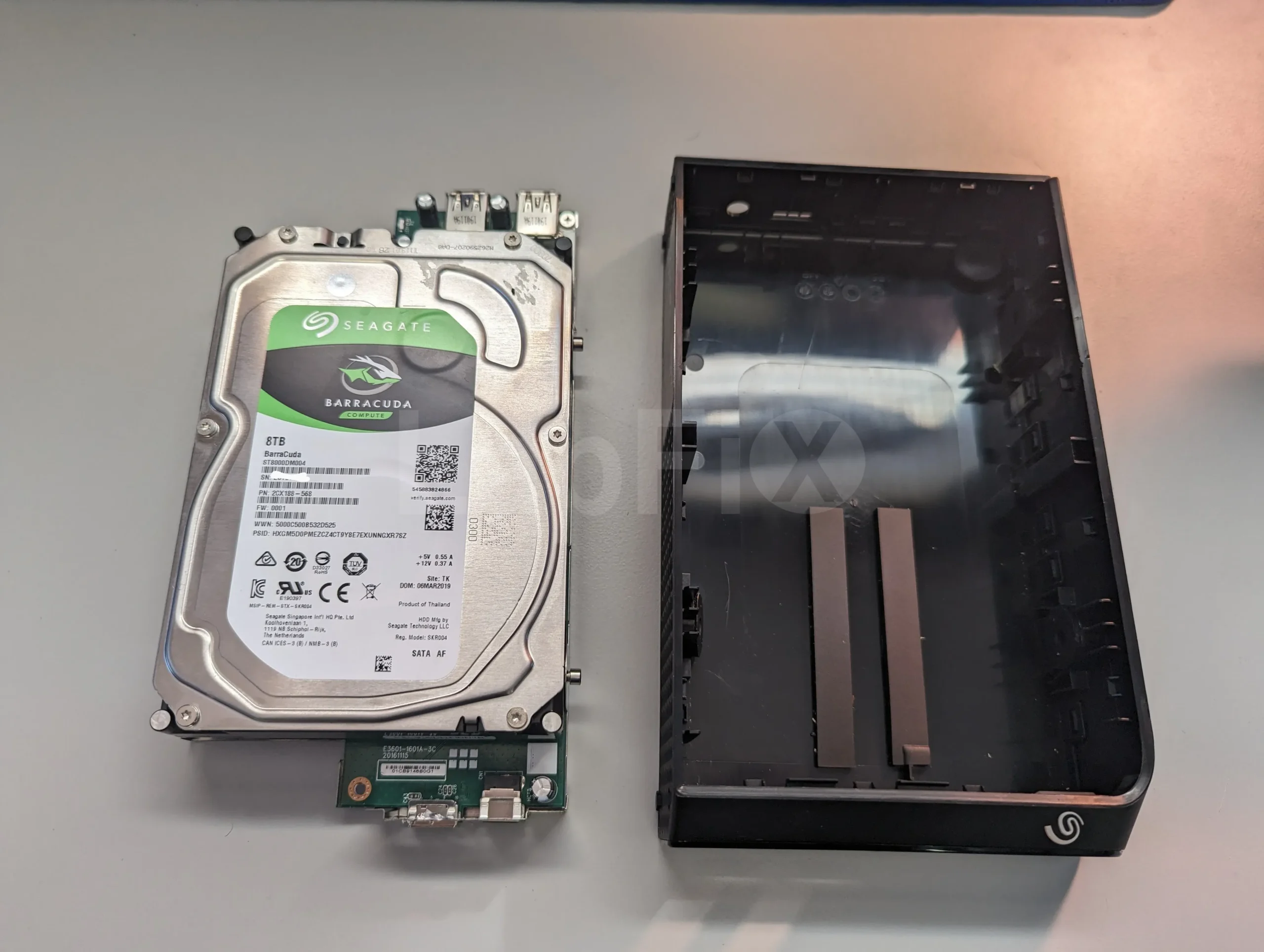
External Hard Drive Recovery
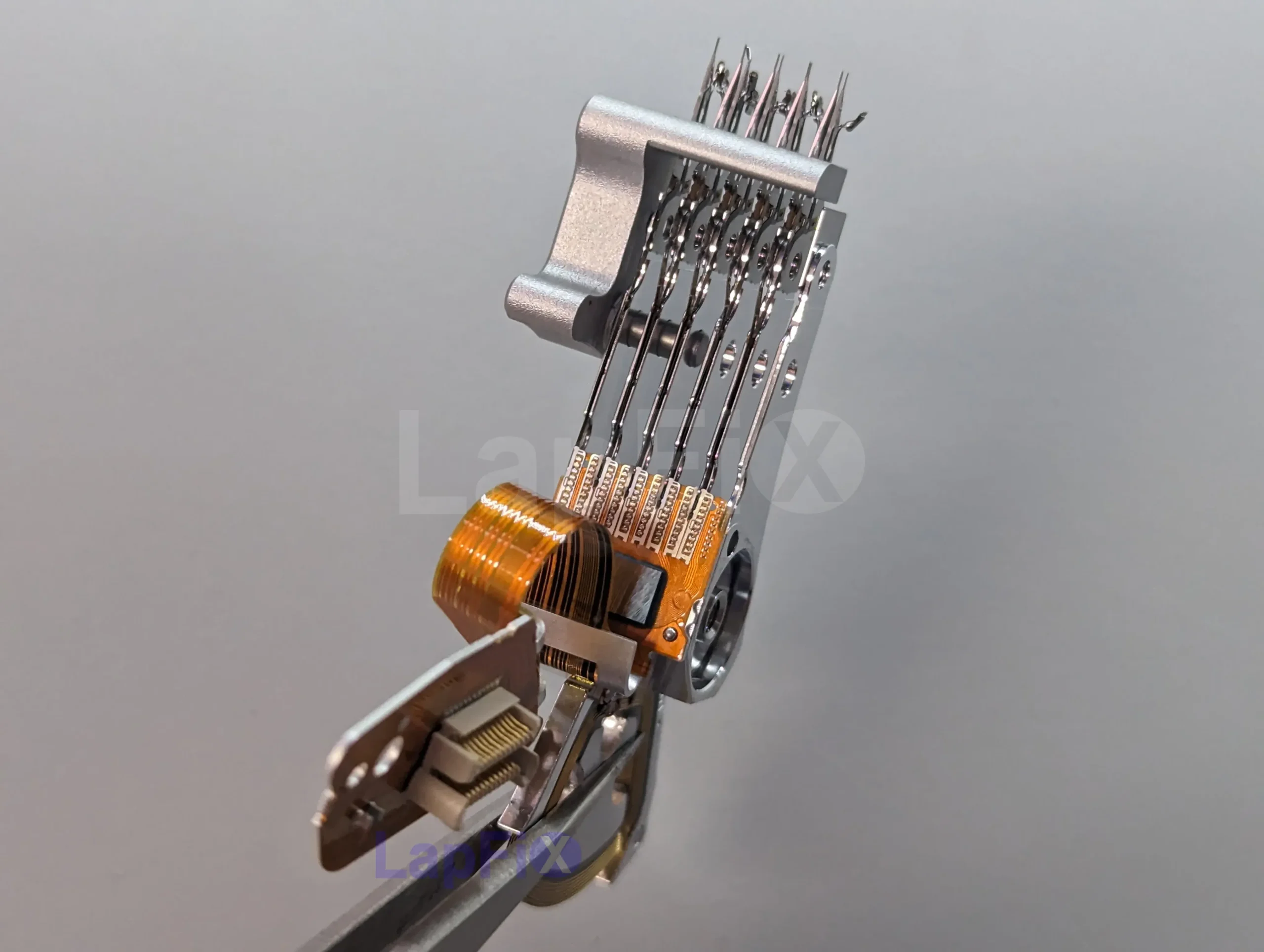
Hard Drive Not Detected
Recover data from hard drives that are not recognized by Windows, macOS, BIOS, external enclosures, or USB connections.
Deleted File Recovery
Recover deleted photos, videos, documents, emails, and partitions lost after accidental deletion, formatting, or file system corruption.
Corrupted Hard Drive Recovery

Dead Hard Drive Recovery
How Hard Drive Failures Actually Happen
Hard drives fail differently than SSDs because they’re mechanical. There’s a spinning platter, an actuator arm, and read/write heads that hover just above the disk surface while it’s running. All of that physical movement wears down over time, and it’s also what makes drives sensitive to drops, vibration, and heat.
Symptoms vary a lot. Some drives click or tick before they fail completely. Some just disappear from the computer, or disconnect and reconnect on their own. Others die instantly after a power surge or a bad firmware update, with no warning at all. Underneath, the actual cause can be a seized motor, worn-out read/write heads, a burnt-out PCB, corrupted firmware, or bad sectors that spread across the disk. Two drives with the same symptom can have completely different problems, so we run diagnostics before doing anything else.
If your drive is clicking, showing up as RAW, asking to be formatted, or dropping in and out, stop using it. Repeatedly powering it back on, running CHKDSK, or letting recovery software write to the drive can overwrite the data you’re trying to save.
Not every failure needs the drive opened up. Some are electronics-only — a bad PCB or corrupted firmware — and those we can usually fix without touching the inside of the drive. Others are mechanical, and those go into the cleanroom, since opening a failed drive outside a controlled environment can turn a fixable problem into a permanent one.
Common Signs of a Failing Hard Drive
If your hard drive shows any of these symptoms, avoid repeatedly restarting the computer or running repair utilities. Continuing to use a failing drive can cause additional damage and reduce the chances of recovering your data. A professional evaluation can help determine the safest recovery method before the condition worsens.
If your hard drive is making unusual noises, showing as RAW, repeatedly disconnecting, or asking to be formatted, stop using it immediately. Powering on a failing drive can make the damage worse. A professional evaluation gives you the best chance of recovering your files safely.
Why Choose LapFix for Hard Drive Recovery?
Hard Drive Recovery Specialists
No Outsourcing
In-House Repairs
Nationwide Mail-in Service
What Our Customers Say About LapFix
Our customers across Virginia, Washington, D.C., and Maryland trust LapFix.com for fast, reliable, and affordable laptop and Mac repairs. Here’s what they say about our data recovery, logic board repair, and computer services.


I did not expect free service for an issue that was not the company's fault. However, the diagnosis by email and immediate dismissal of responsibility is disheartening.
Poor customer service, a high bill, and a lack of professional interest in their work is a bad combination.




From start to finish, the communication was great, the turnaround time was quick, the customer service and the price was outstanding. They kept me updated along the way and made sure everything was working properly before returning my laptop.
I've been using my MacBook since getting it back, and it's running perfectly. It's clear they genuinely care about their customers and take pride in the quality of their work.
Thank you again, Eric, and the entire LapFix team for getting my laptop back up and running. I'll definitely be recommending you to anyone who needs computer repairs!

I had checked with Best Buy and a few other places, but no one was able to help. I found Lapfix by chance and decided to try one last time. They looked at both laptops, explained what could be done, and successfully repaired both.
The Lenovo screen repair cost less than $300 and was completed in less than a week. For the Microsoft Surface, they also had to work on the software and chip-related issues, and the total was still less than $800. That repair took less than two weeks.
Now both laptops are working perfectly, and I’m very happy with the service. The work was professional, honest, and technically solid. As someone with a background in IT and cybersecurity, I was genuinely impressed.
If you think your laptop cannot be fixed, I recommend checking with them first before spending money on a new one.













I brought it to LapFix and Eric was able to fix the motherboard and repair the BIOS so it could finally boot. I am so unbelievably grateful to Eric and the team at Lapfix for saving this important piece of hardware for my business. Thank you so much!! Eric is a wizard!


Mason completed the work sooner than expected and saved me the considerable replacement cost of a laptop that had become unusable.
I would highly recommend this business. They are professional, provide quick responses to communications, and solved a problem that other repair services I consulted were unable to address.










I like that the guys cracking open machines appear to be the same ones who meet you at the front desk.
Hard Drive Recovery FAQ – Common Questions Answered
What types of hard drives can you fix?
We work with every major type of hard drive including traditional HDDs, SSDs, NVMe drives, external USB drives, and RAID/server storage. Whether your drive has mechanical damage, firmware issues, won’t power on at all, or any other issue, our technicians have the tools and experience to recover your data safely and professionally.
Why is a cleanroom important for hard drive data recovery?
Hard drives are built to extremely tight mechanical tolerances, which makes them vulnerable to even microscopic contamination. Our certified cleanroom keeps dust and airborne particles out of the equation entirely, giving technicians a safe environment to open the drive and inspect or repair it internally.
What happens after my hard drive enters the cleanroom?
When internal repair work is needed, our technicians carefully examine the read/write heads, platters, and other delicate components before stabilizing the drive. From there, we typically create a full sector-by-sector image and recover from that copy instead of the original drive — that way, the fragile original media only has to survive the process once.
Can you recover data from a hard drive that isn’t showing up on my computer?
Yes. Even if your hard drive isn’t detected, our technicians can diagnose the issue and recover data from failed heads, damaged firmware, bad sectors, or controller problems.
How long does hard drive data recovery take?
Most jobs wrap up in 1–3 business days, though timing shifts with how severe the failure is. For more serious mechanical damage, it can take longer — but you’ll get updates along the way rather than being left in the dark.
Can you recover data from a clicking hard drive?
Yes. Clicking is a classic sign of internal mechanical failure, and the longer the drive keeps running, the harder recovery tends to get. We evaluate the drive first and move to our certified cleanroom with specialized equipment when the situation calls for it.
Do you recover data from drives that were dropped or physically damaged?
Yes — dropped, bumped, and impact-damaged drives are something we handle regularly, using the right tools and cleanroom procedures to extract your data safely.
Can you recover data from an encrypted, BitLocker, or password-protected drive?
Yes. Our certified technicians work with encrypted BitLocker drives, APFS-encrypted SSDs, and other secured storage systems on a regular basis.
What types of hard drive issues do you repair or recover data from?
We handle mechanical failures, PCB damage, electrical shorts, liquid damage, bad sectors, corrupted partitions, failed SSD controllers, and damaged USB or SATA connectors.
Can You Recover Data from a Hard Drive That Makes a Grinding Noise?
Yes, but power it off immediately if you hear grinding. That sound usually points to serious internal mechanical damage — the read/write heads, spindle motor, or platters themselves. Leaving it running only compounds the damage and lowers your recovery odds. We handle mechanically failed drives through specialized equipment and cleanroom work when it’s warranted. If your drive is grinding or scraping, skip the recovery software and DIY attempts until it’s been professionally looked at.
Can You Recover Data from a Hard Drive After a Power Surge?
Yes, often — even when the drive stops showing up entirely. A surge tends to damage the PCB, firmware, or other electronics rather than the data sitting on the platters themselves. We diagnose exactly what failed before deciding on a recovery path, whether the drive is internal or external.
Can You Recover Files from a RAW Hard Drive?
Yes, in many cases. A drive can show up as RAW for several reasons — file system corruption, damaged partitions, bad sectors, firmware trouble, or a sudden power loss. Windows might even prompt you to format it. Don’t — formatting can seriously cut your chances of getting the data back. We recover from RAW drives, internal and external, while keeping the original data intact wherever we can.
What Does a Clicking Hard Drive Mean?
Clicking is one of the clearest signs of mechanical failure you’ll encounter. Usually it means the read/write heads can no longer properly reach the platters, though firmware corruption or an electronic fault can cause it too. Either way, powering it on repeatedly only makes things worse — if your drive’s clicking and the data matters, stop using it and get it evaluated.
Can You Recover Data from a Failed External USB Hard Drive?
Yes, this is one of our most common recovery cases. External drives fail for all kinds of reasons — dropped enclosures, damaged USB ports, power surges, firmware corruption, bad sectors, or internal mechanical issues. We work across all major brands. If yours has stopped showing up, is clicking, keeps asking to be formatted, or disconnects on its own, stop using it and get it evaluated before trying any software-based fix.
Get Your Hard Drive Data Back – Local & Nationwide Service
Don’t risk losing important files forever. At LapFix, we specialize in hard drive recovery services that bring your data back securely and affordably. Whether you’re in Virginia, DC, Maryland, or anywhere nationwide, our recovery experts are ready to help.
Call us at (703) 379-5976 or start today with our Mail-in Hard Drive Recovery Service.