
Professional MacBook Pro Repair for Intel & Apple Silicon Models
LapFix provides professional MacBook Pro repair services for Intel, T2 Security Chip, and Apple Silicon MacBook Pro models, including M1 Pro, M1 Max, M2 Pro, M2 Max, M3 Pro, M3 Max, and newer systems. Whether your MacBook Pro won’t turn on, has liquid damage, display problems, charging issues, startup failures, overheating, battery problems, or macOS errors, our technicians perform comprehensive diagnostics to identify the root cause before recommending the most effective repair.
Our advanced repair capabilities include logic board repair, component-level microsoldering, Liquid Retina and Liquid Retina XDR display replacement, battery replacement, USB-C and MagSafe charging repair, keyboard and trackpad repair, liquid damage restoration, SSD diagnostics, and professional MacBook Pro data recovery. Every repair is completed in-house using professional diagnostic equipment and advanced board-level repair techniques.
Located in Alexandria, Virginia, we proudly serve customers throughout Virginia, Washington DC, and Maryland. We also provide secure nationwide mail-in MacBook Pro repair, allowing customers across the United States to receive the same expert diagnostics and repair services without leaving home.
Advanced MacBook Pro Repair for Hardware & Software Issues
MacBook Pro computers combine high-performance processors, advanced graphics, high-resolution displays, and compact engineering into a powerful professional workstation. Because many critical components are integrated into the logic board, accurate diagnostics are essential before any repair is recommended. Every MacBook Pro repair at LapFix begins with a structured diagnostic evaluation to determine the underlying cause of the problem rather than simply replacing parts.
Whether your MacBook Pro has liquid damage, charging issues, display problems, startup failures, overheating, battery degradation, keyboard issues, or software errors, our technicians use professional diagnostic equipment and component-level repair techniques to restore reliable operation whenever possible.
Common MacBook Pro Problems We Repair:
- MacBook Pro won’t turn on
- MacBook Pro won’t charge
- Liquid damage from water or coffee spills
- Cracked Liquid Retina and LiquidRetina XDR displays
- Battery replacement
- Keyboard and trackpad problems
- USB-C and MagSafe charging issues
- Startup failures and boot loops
- MacBook Pro stuck on the Apple logo
- Black screen or no display
- Logic board failures
- SSD and storage problems
- Overheating and loud fans
- Professional MacBook Pro data recovery
Professional MacBook Pro Repair Services We Offer
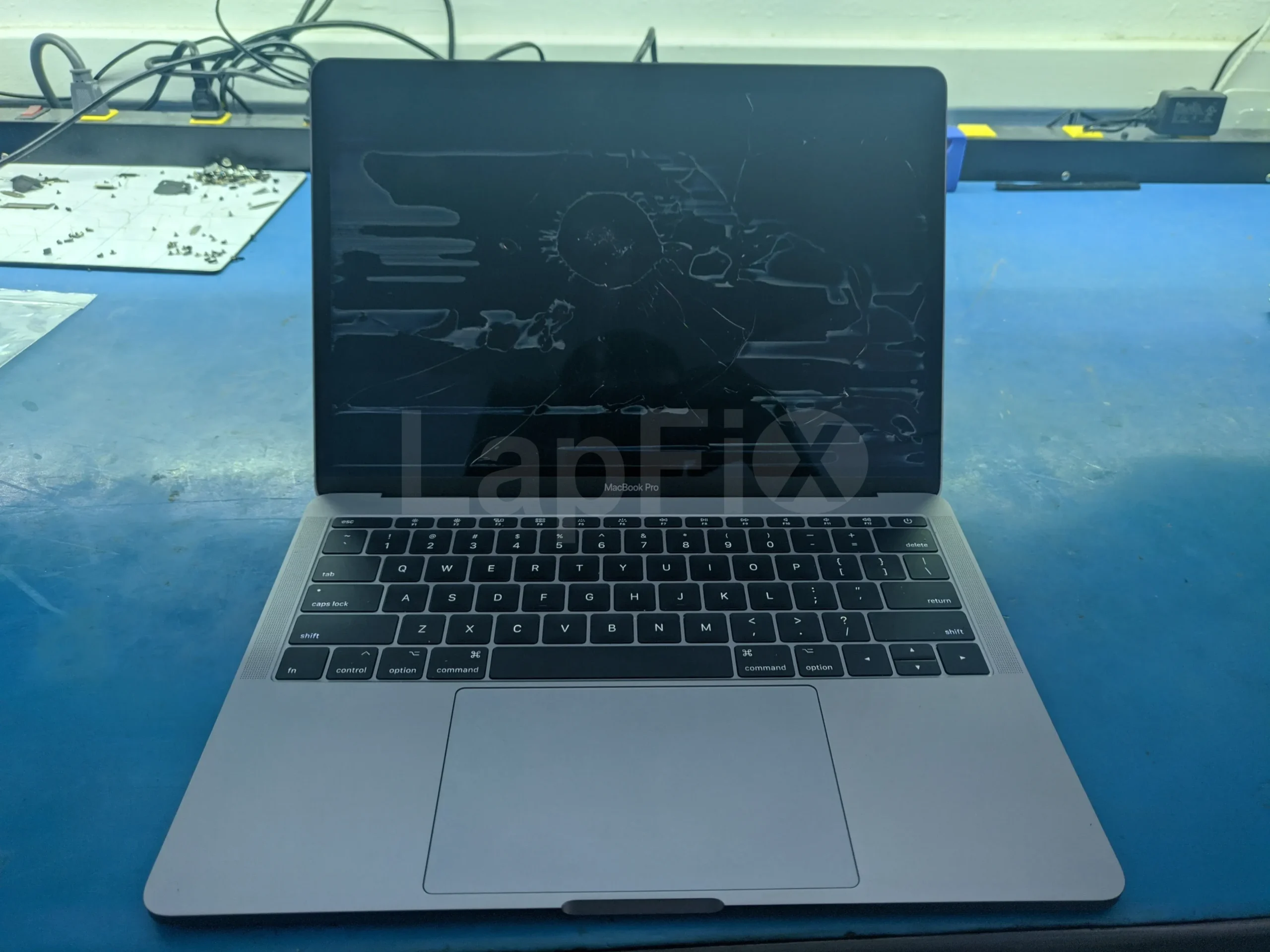
MacBook Pro Screen Repair & Replacement
Fix and replace cracked, flickering, dim, or dead Retina and LCD MacBook Pro screens.
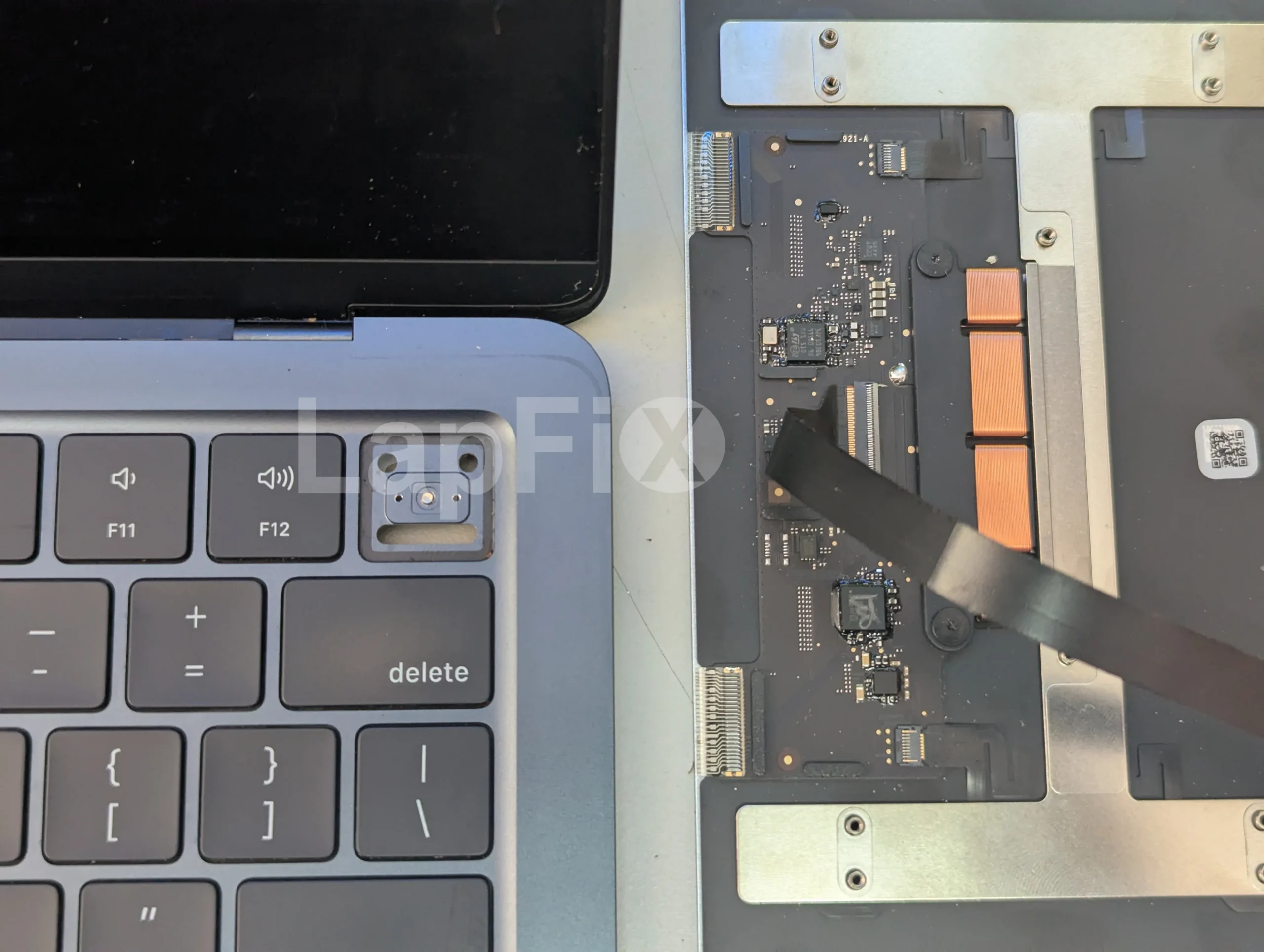
Keyboard & Trackpad Repair
Repair or replace unresponsive, faulty, or damaged MacBook Pro keyboards and trackpads.
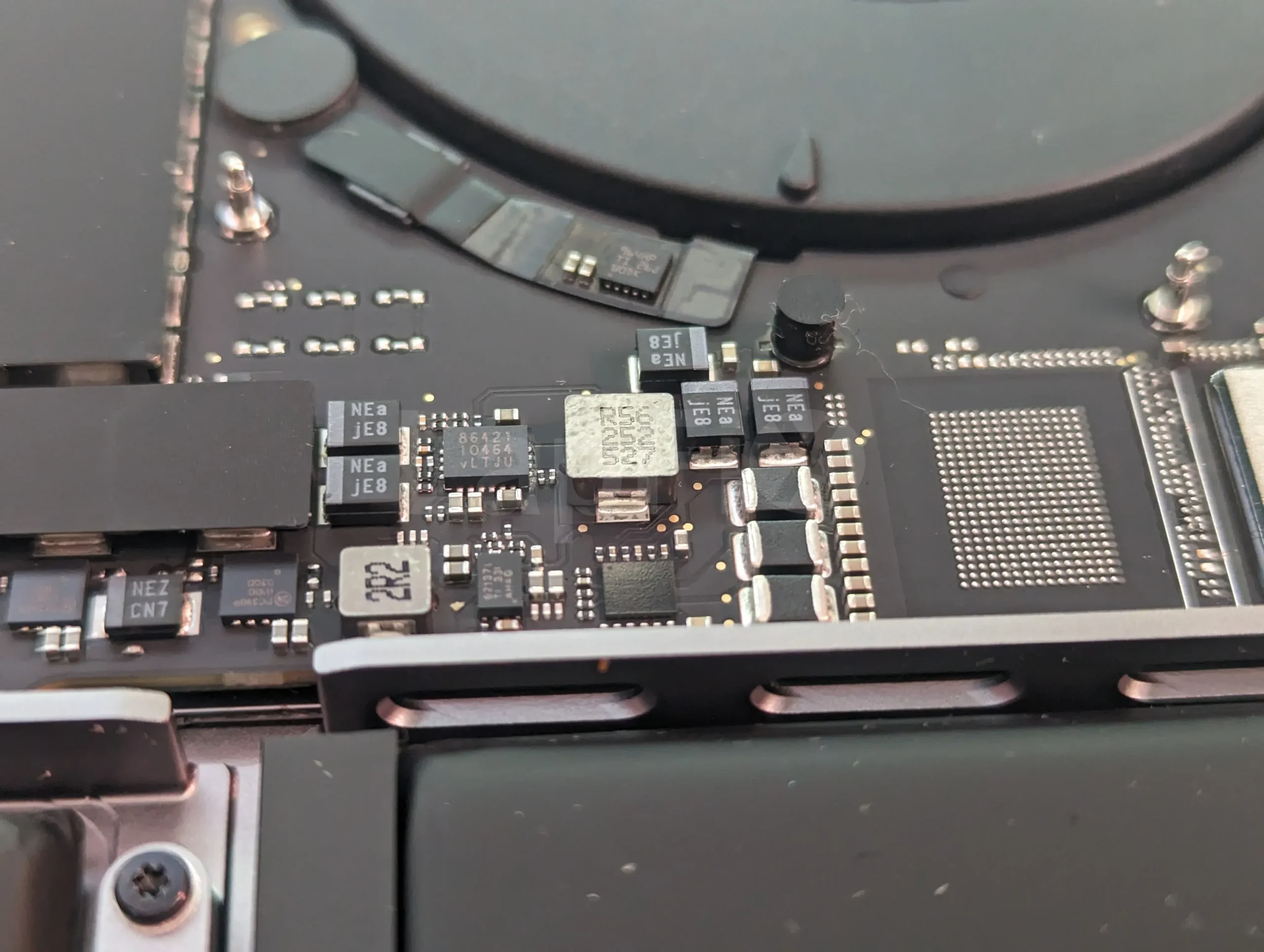
Logic Board & Micro-Soldering
Advanced micro-soldering repairs for power issues, charging circuits, logic board issues and USB port damage.
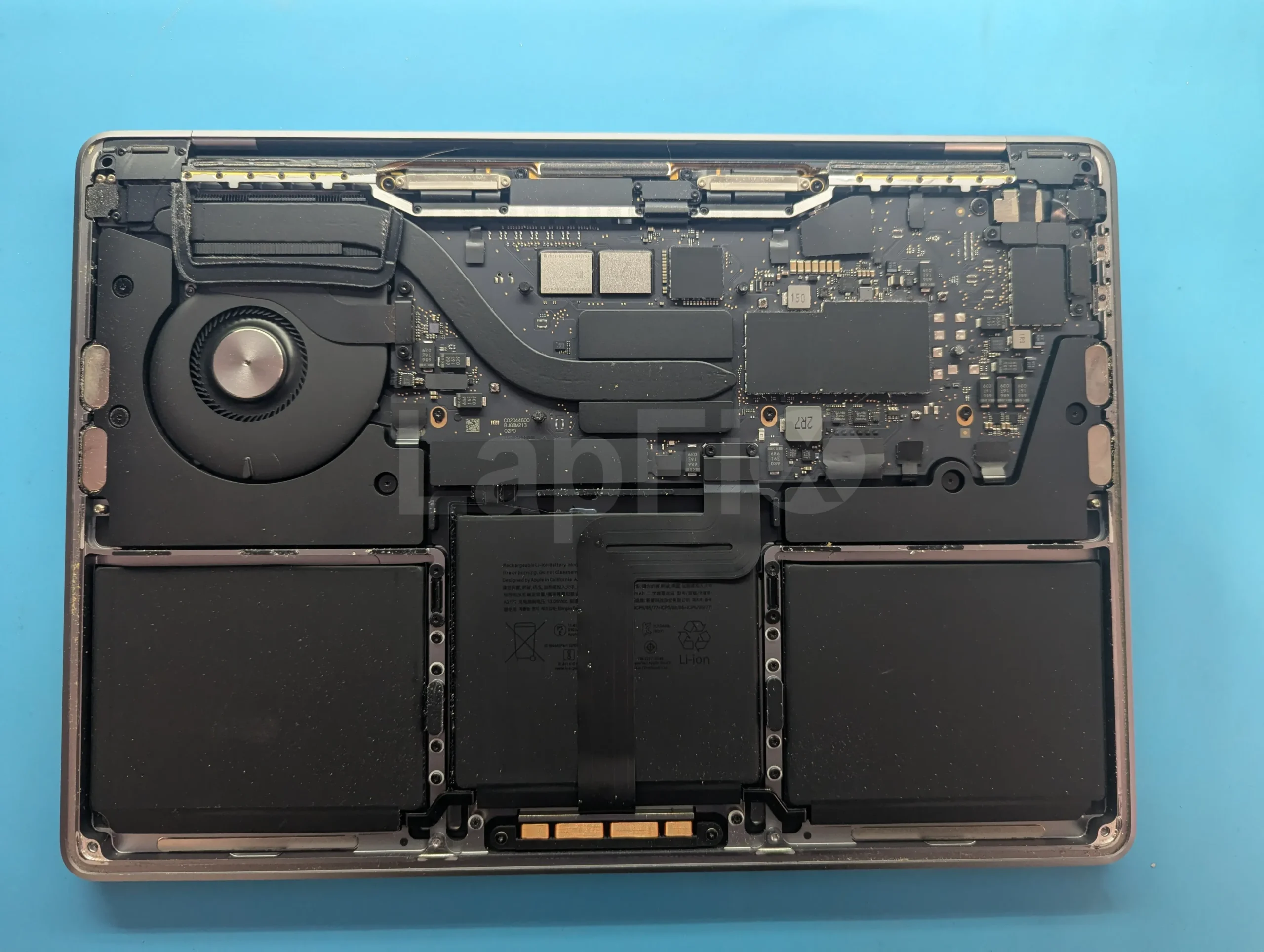
Battery Replacement
Restore performance with genuine, long-lasting MacBook Pro battery replacements.
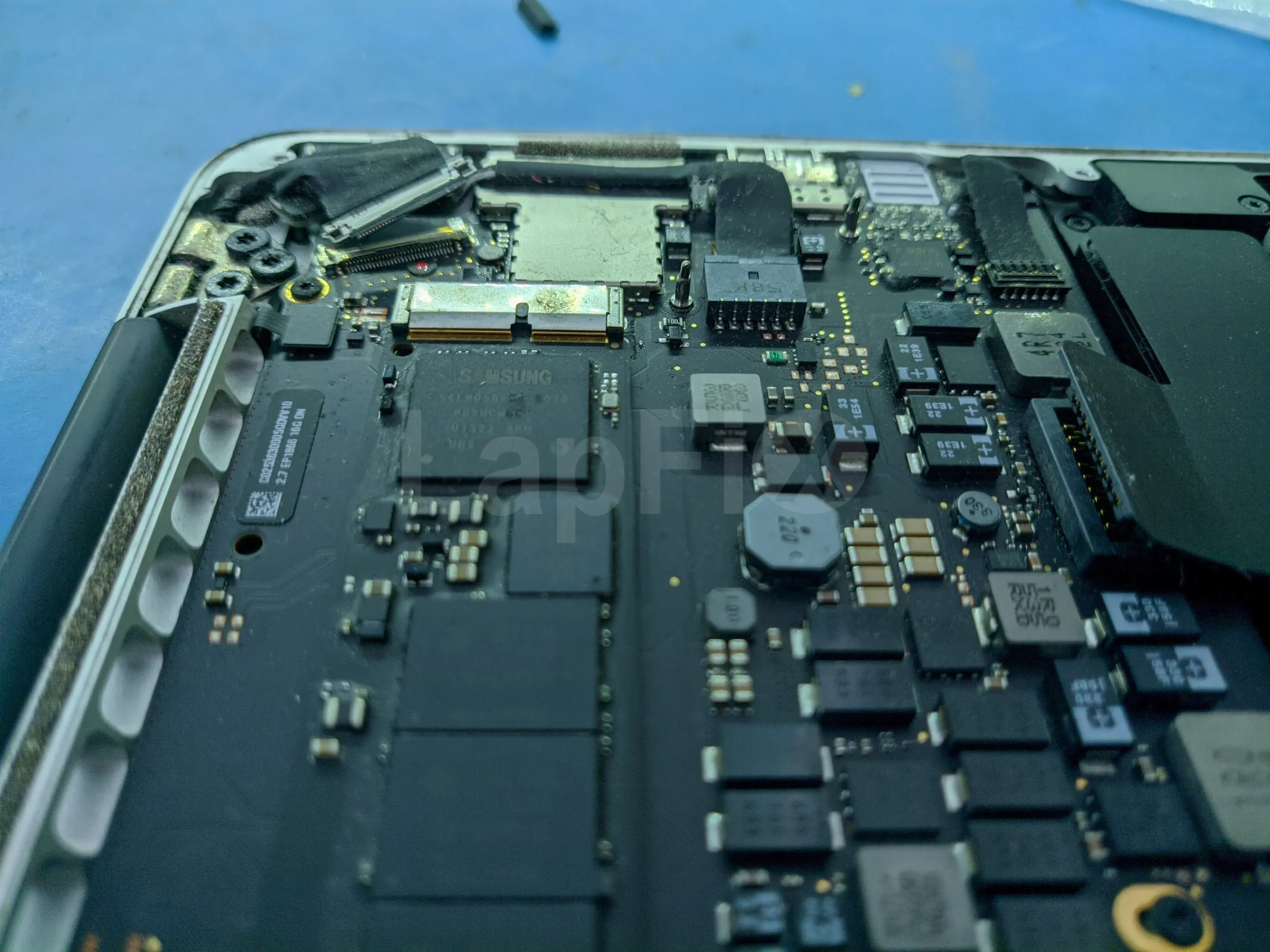
SSD & Storage Upgrades
Boost your MacBook Pro speed with faster SSDs and expanded storage upgrade options.
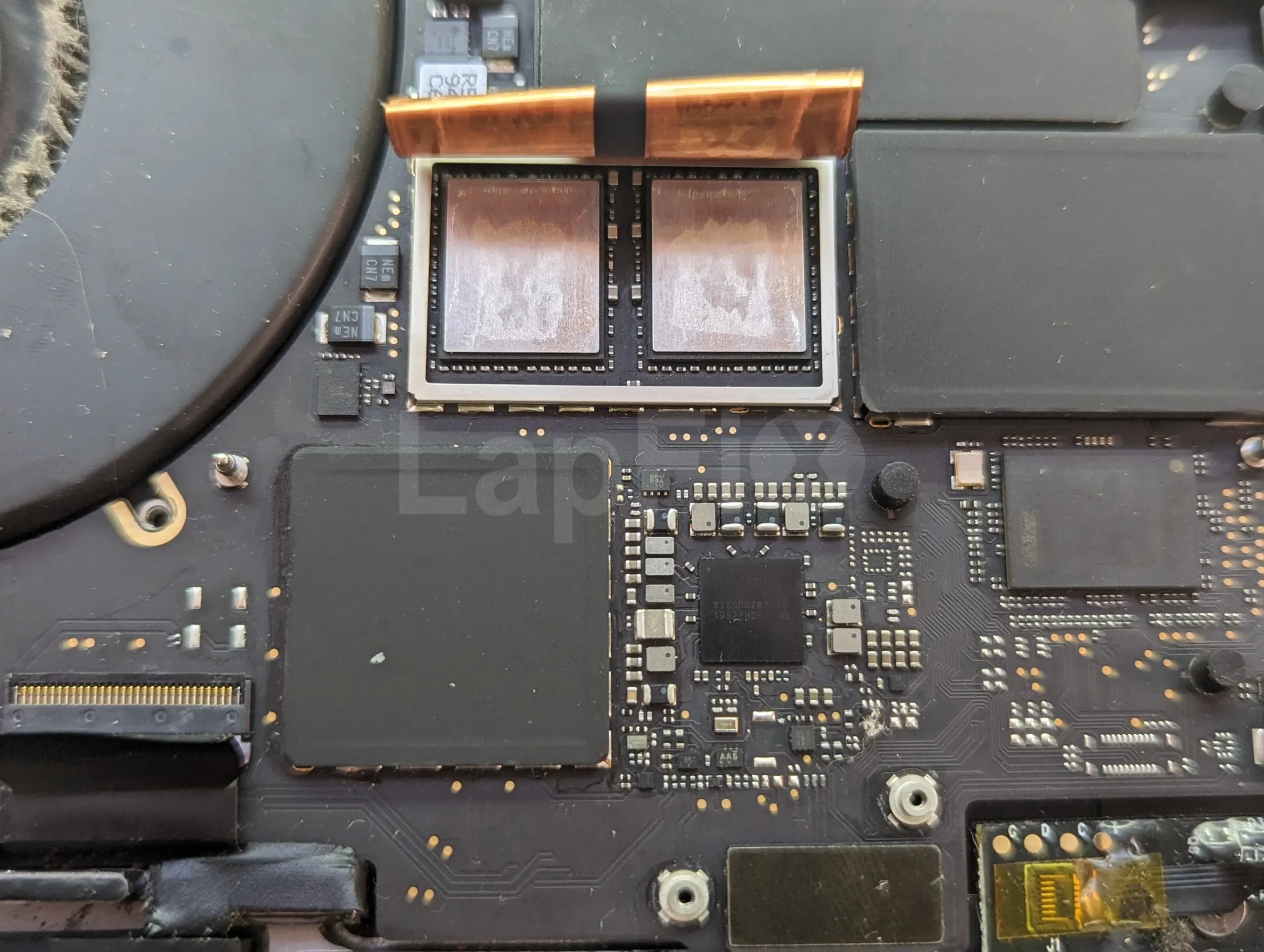
Data Recovery Solutions
Recover lost, corrupted, or accidentally deleted MacBook Pro data securely and safely.
Why Choose LapFix for MacBook Pro Repair?
Certified Expert
Technicians
No Outsourcing
In-House Repair
Nationwide Mail-in Service
What Our Customers Say About LapFix
Our customers across Virginia, Washington, D.C., and Maryland trust LapFix.com for fast, reliable, and affordable laptop and Mac repairs. Here’s what they say about our data recovery, logic board repair, and computer services.





From start to finish, the communication was great, the turnaround time was quick, the customer service and the price was outstanding. They kept me updated along the way and made sure everything was working properly before returning my laptop.
I've been using my MacBook since getting it back, and it's running perfectly. It's clear they genuinely care about their customers and take pride in the quality of their work.
Thank you again, Eric, and the entire LapFix team for getting my laptop back up and running. I'll definitely be recommending you to anyone who needs computer repairs!

I had checked with Best Buy and a few other places, but no one was able to help. I found Lapfix by chance and decided to try one last time. They looked at both laptops, explained what could be done, and successfully repaired both.
The Lenovo screen repair cost less than $300 and was completed in less than a week. For the Microsoft Surface, they also had to work on the software and chip-related issues, and the total was still less than $800. That repair took less than two weeks.
Now both laptops are working perfectly, and I’m very happy with the service. The work was professional, honest, and technically solid. As someone with a background in IT and cybersecurity, I was genuinely impressed.
If you think your laptop cannot be fixed, I recommend checking with them first before spending money on a new one.













I brought it to LapFix and Eric was able to fix the motherboard and repair the BIOS so it could finally boot. I am so unbelievably grateful to Eric and the team at Lapfix for saving this important piece of hardware for my business. Thank you so much!! Eric is a wizard!


Mason completed the work sooner than expected and saved me the considerable replacement cost of a laptop that had become unusable.
I would highly recommend this business. They are professional, provide quick responses to communications, and solved a problem that other repair services I consulted were unable to address.










I like that the guys cracking open machines appear to be the same ones who meet you at the front desk.
MacBook Pro Repair FAQ – Common Questions Answered
Why won't my MacBook Pro turn on?
A MacBook Pro that won’t power on could be dealing with a failed battery, a charging system fault, a logic board issue, a storage problem, or another hardware-related cause. We run structured diagnostics to pin down what’s actually wrong before recommending a repair.
Can you repair a MacBook Pro logic board without replacing it?
Whenever it’s technically feasible, yes. We work at the component level — diagnosing and replacing failed chips, power management components, and other circuits — with the goal of restoring function without swapping the entire board unnecessarily.
Can you repair M1, M2, M3, and M4 MacBook Pro models?
Yes. We repair Intel-based MacBook Pro models as well as modern Apple Silicon systems, including M1, M2, M3, and M4 MacBook Pro computers. Our services include Logic Board Repair, screen replacement, battery replacement, charging system diagnostics, liquid damage repair, and Data Recovery.
Do you repair Intel MacBook Pro computers?
Absolutely. We continue to service Intel-based MacBook Pro models, including hardware diagnostics, logic board repair, display replacement, battery service, storage upgrades on supported models, and macOS troubleshooting.
Do you work with T2 Security Chip MacBook Pro models?
Yes. We regularly repair and recover data from MacBook Pro models with Apple’s T2 Security Chip — our technicians know how that added security architecture affects diagnostics, repair, and data recovery.
Can you repair a MacBook Pro that won't charge through USB-C?
Yes. We diagnose and fix charging issues tied to MagSafe 3 connectors, USB-C circuits, batteries, logic boards, and power management components on supported models.
Can you repair MagSafe 3 charging problems?
Yes — this covers the same ground as USB-C charging issues, including MagSafe 3 connectors, batteries, logic boards, and power management components on supported models.
Can you repair Liquid Retina XDR displays?
Yes. Many newer MacBook Pro models use Liquid Retina XDR displays, and we repair or replace panels affected by cracks, impact damage, flickering, vertical lines, and backlight failures using high-quality replacement parts.
Can you repair a MacBook Pro with a black screen?
Yes. A black screen can trace back to the display assembly, backlight circuitry, display cable, graphics circuitry, or the logic board itself. We run structured diagnostics to find the actual source before recommending a screen replacement.
Why is my MacBook Pro stuck on the Apple logo?
Getting stuck on the Apple logo usually points to macOS corruption, a failed storage device, firmware issues, or a hardware fault like a logic board failure. We diagnose the underlying cause before recommending a repair.
Do you repair MacBook Pro models with Touch Bar issues?
Yes. Touch Bar issues can stem from the display assembly, internal flex cables, supporting circuitry, or the logic board. We diagnose the full system to isolate the cause before recommending a fix.
Can you repair liquid-damaged MacBook Pro computers?
Liquid damage is one of the most common causes of MacBook Pro failure. We inspect for corrosion, diagnose damaged components, perform component-level repairs when appropriate, and evaluate whether data recovery is necessary.
Can you recover data from a MacBook Pro that won't turn on?
A MacBook Pro that won’t power on doesn’t automatically mean your data is lost. We evaluate the storage system, logic board, and overall hardware condition to determine the right data recovery approach.
Is there a warranty on your repairs?
Yes, all our repairs come with a 90-day warranty to give you peace of mind.
How long does MacBook Pro repair take?
Most repairs are completed within 24–48 hours, and same-day service is available for common issues like battery replacement.
Get Your MacBook Fixed Today – Local & Nationwide Service
From Intel-based MacBook Pros to modern Apple Silicon systems, LapFix provides comprehensive repair solutions for display failures, battery issues, charging problems, Logic Board Repair, and professional Data Recovery. Customers throughout Virginia, Washington, DC, Maryland, and across the United States can access the same advanced Apple diagnostics through our walk-in and nationwide Mail-In Services.