
Apple Data Recovery Services for MacBook, iMac, iPhone & Apple Silicon Macs
Professional Apple Data Recovery for MacBook Pro, MacBook Air, iMac, Mac Mini, Mac Studio, and iPhone devices. Whether your Apple device has suffered liquid damage, won’t power on, has a failed SSD, logic board damage, macOS corruption, or accidental file deletion, our engineers use advanced board-level diagnostics and specialized recovery techniques to recover your important data.
From Intel-based Macs to Apple Silicon M1, M2, M3, and M4 systems with soldered SSDs and T2 Security Chip encryption, we recover data from Apple devices that many repair shops consider unrecoverable. Local customers are welcome to visit our Virginia lab, while our nationwide mail-in service allows customers across the United States to safely ship their Apple devices for professional data recovery.
Professional Apple Data Recovery Experts
Apple devices use advanced storage technologies, encryption, and tightly integrated hardware that require specialized knowledge to recover data successfully. At LapFix, we specialize in recovering data from MacBook Pro, MacBook Air, iMac, Mac Mini, Mac Studio, and iPhone devices affected by hardware failure, liquid spills, failed SSDs, damaged logic boards, APFS corruption, macOS startup issues, and accidental deletion.
Our engineers perform component-level diagnostics and board repair when necessary to restore access to your data rather than simply replacing parts. We regularly recover data from Apple Silicon Macs with soldered SSDs, T2 Security Chip models, and older Intel-based Macs that no longer power on. Every recovery is performed in-house using professional equipment designed for complex Apple data recovery cases.
Expert Apple Data Recovery Services
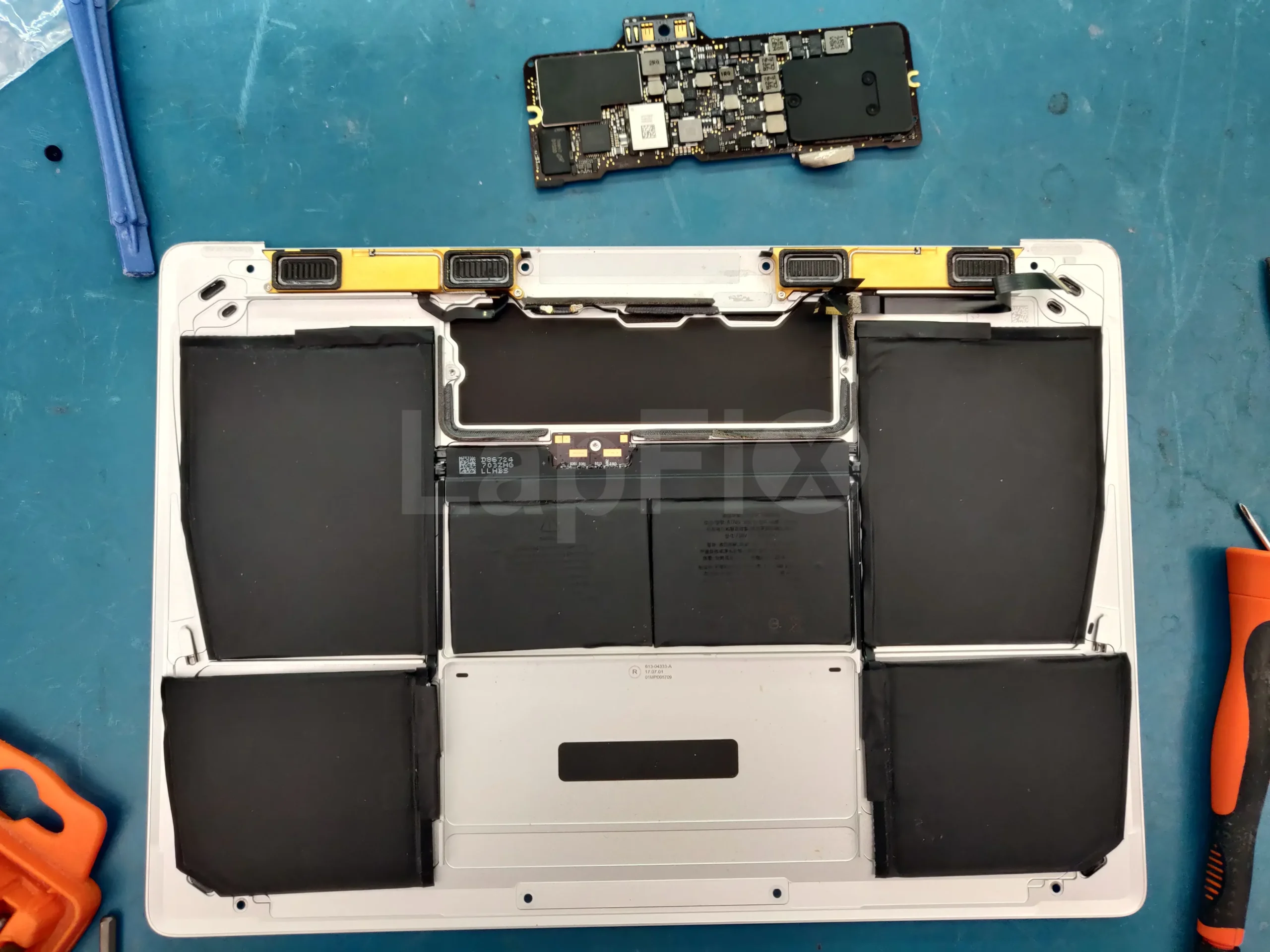
MacBook Data Recovery
Recover data from MacBook Pro and MacBook Air models with failed SSDs, logic board damage, macOS corruption, or accidental deletion.
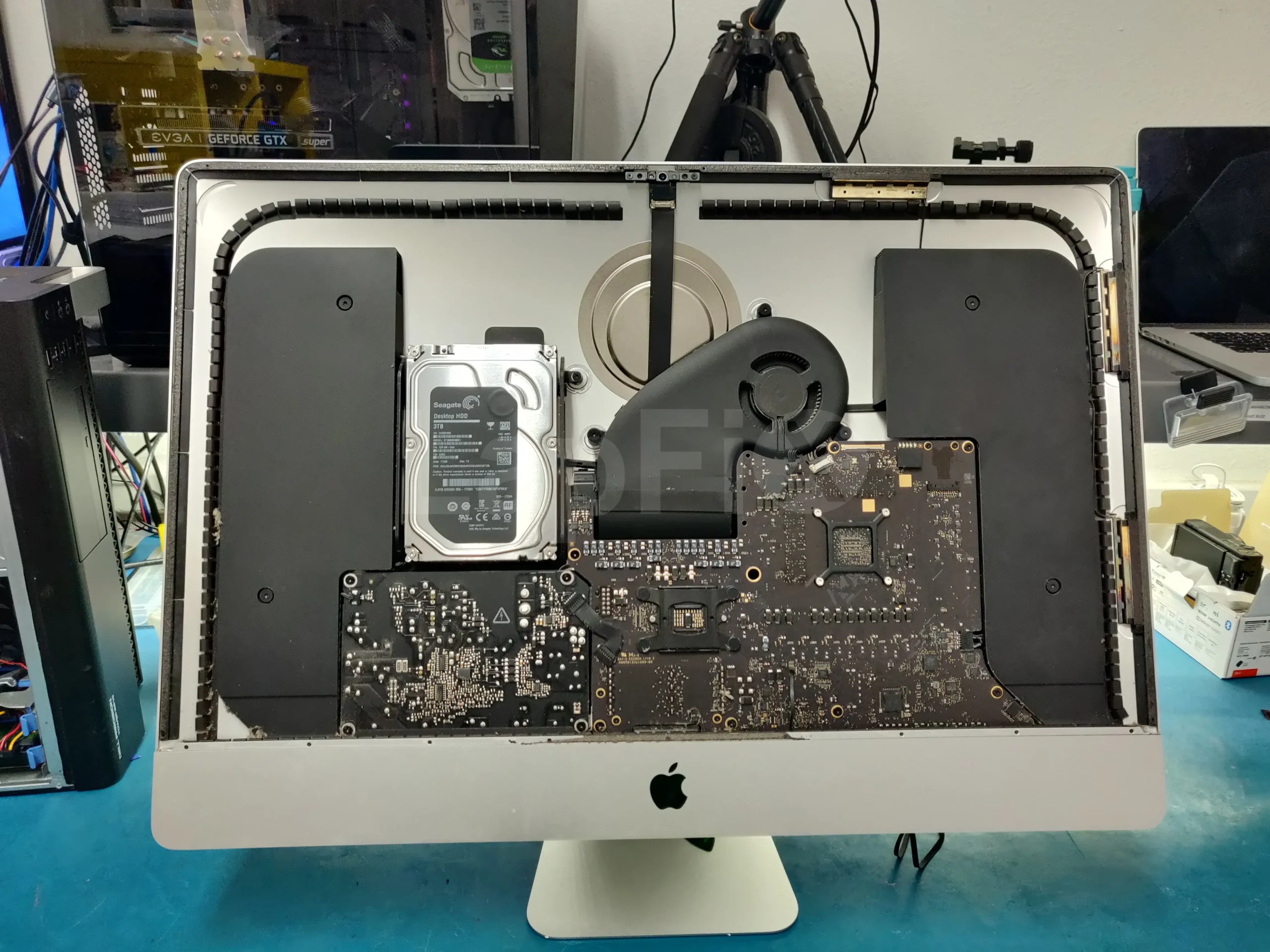
iPhone Data Recovery
Recover photos, videos, messages, and important data from damaged, disabled, water-damaged, or non-responsive iPhones.
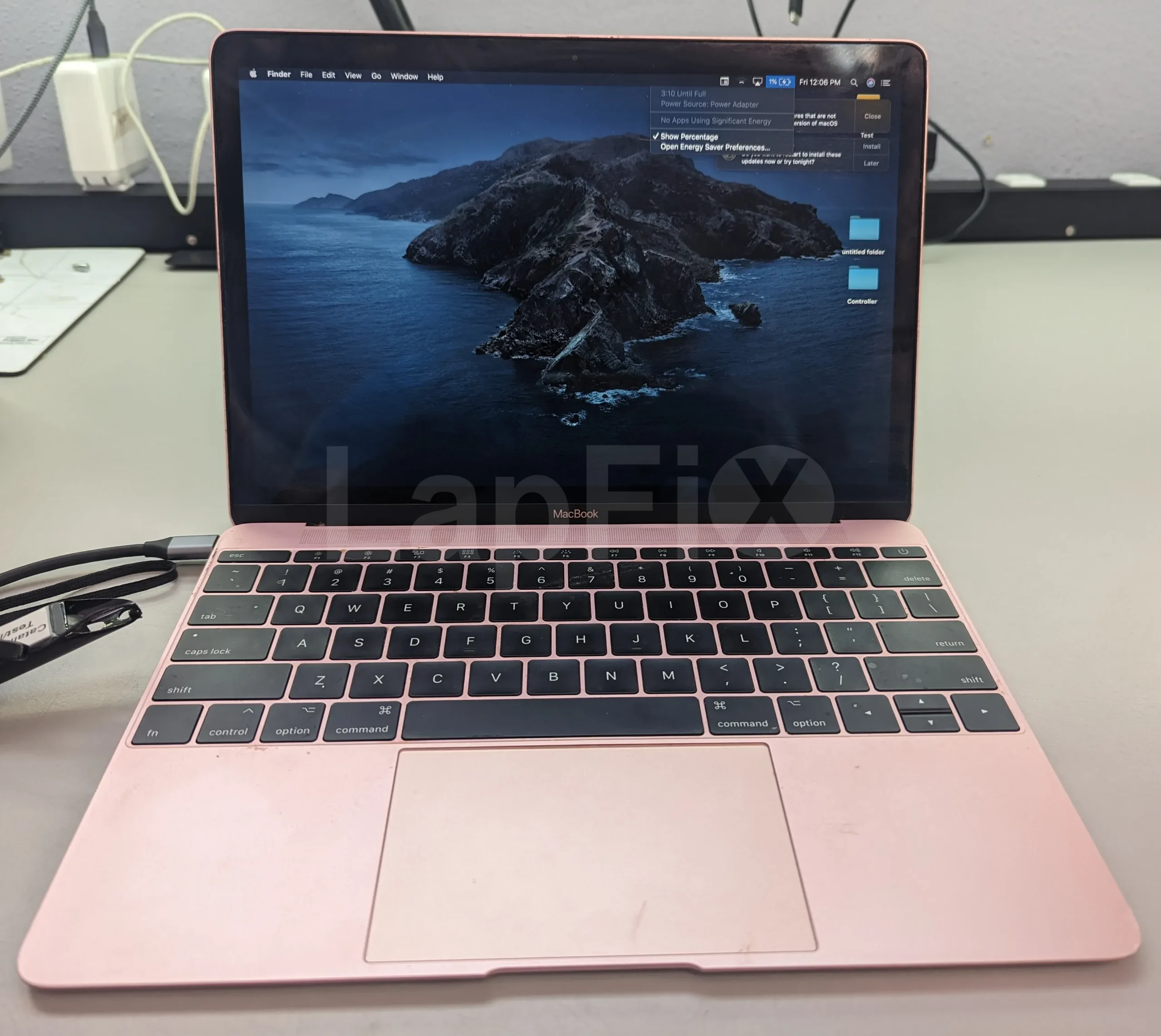
Liquid Damage Recovery
Recover data from Apple devices affected by liquid spills, corrosion, or electrical damage, even when they no longer power on.
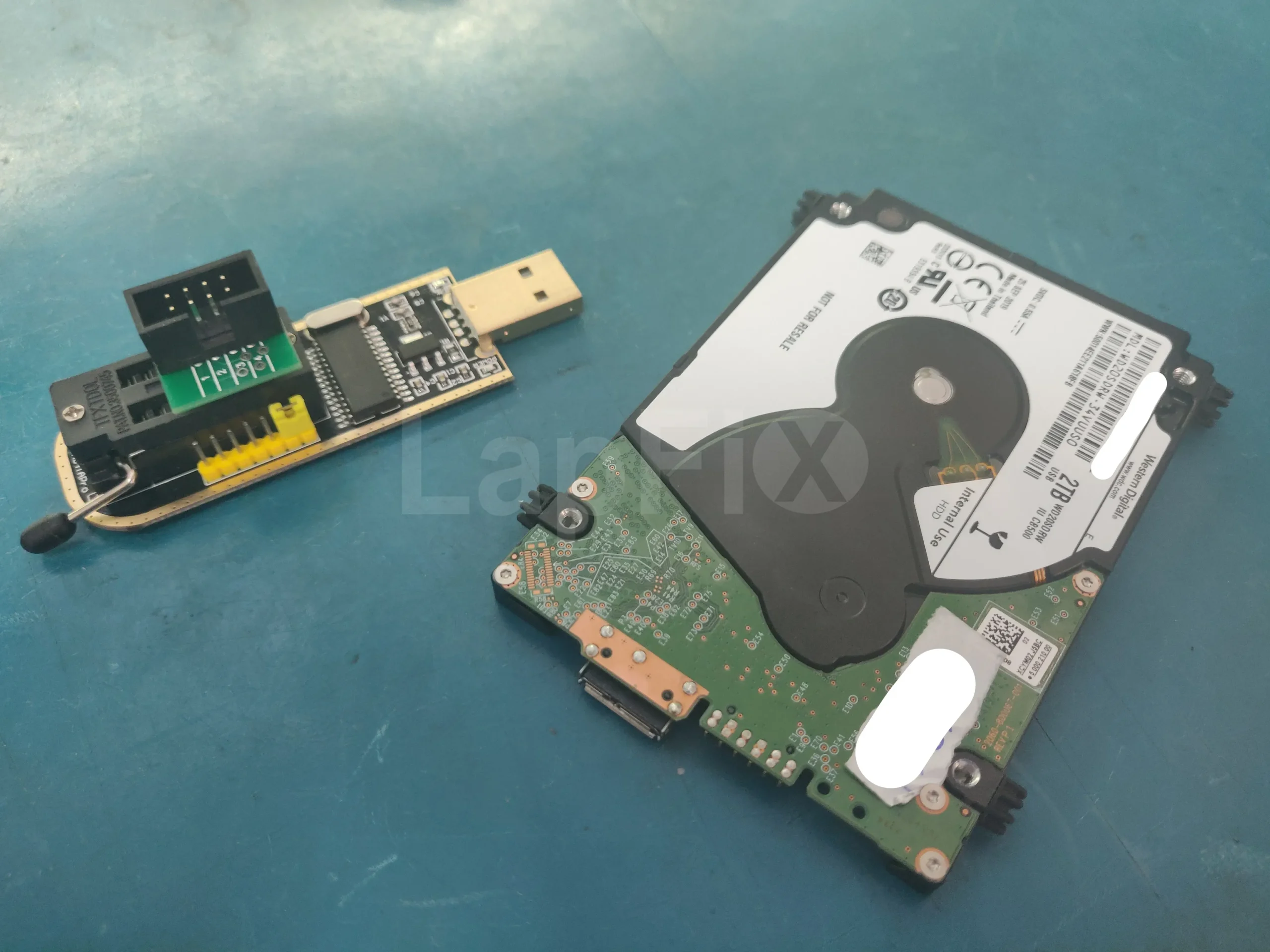
No Power Recovery
Recover data from MacBooks and iPhones that won’t turn on due to logic board failure, charging issues, or component damage.
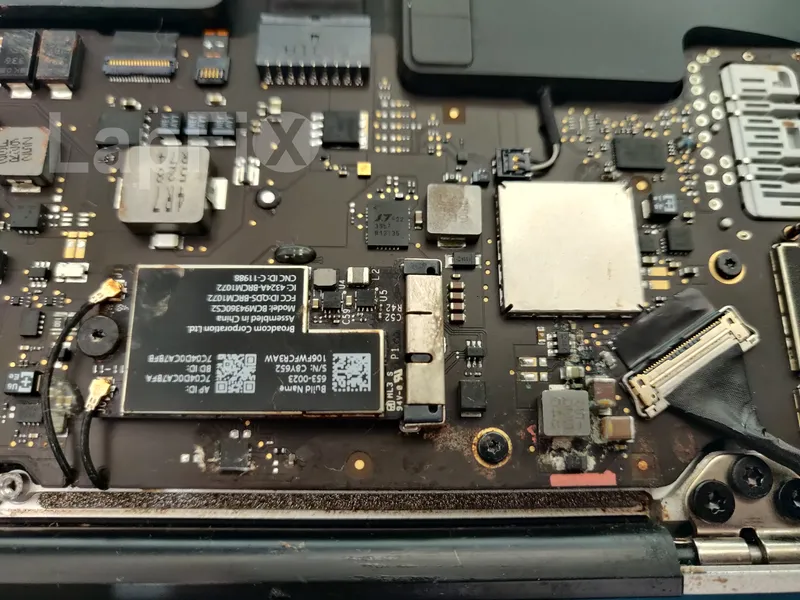
Apple SSD Recovery
Professional recovery for Apple SSDs, including soldered storage, T2 Security Chip, and Apple Silicon M1, M2, M3, and M4 Macs.
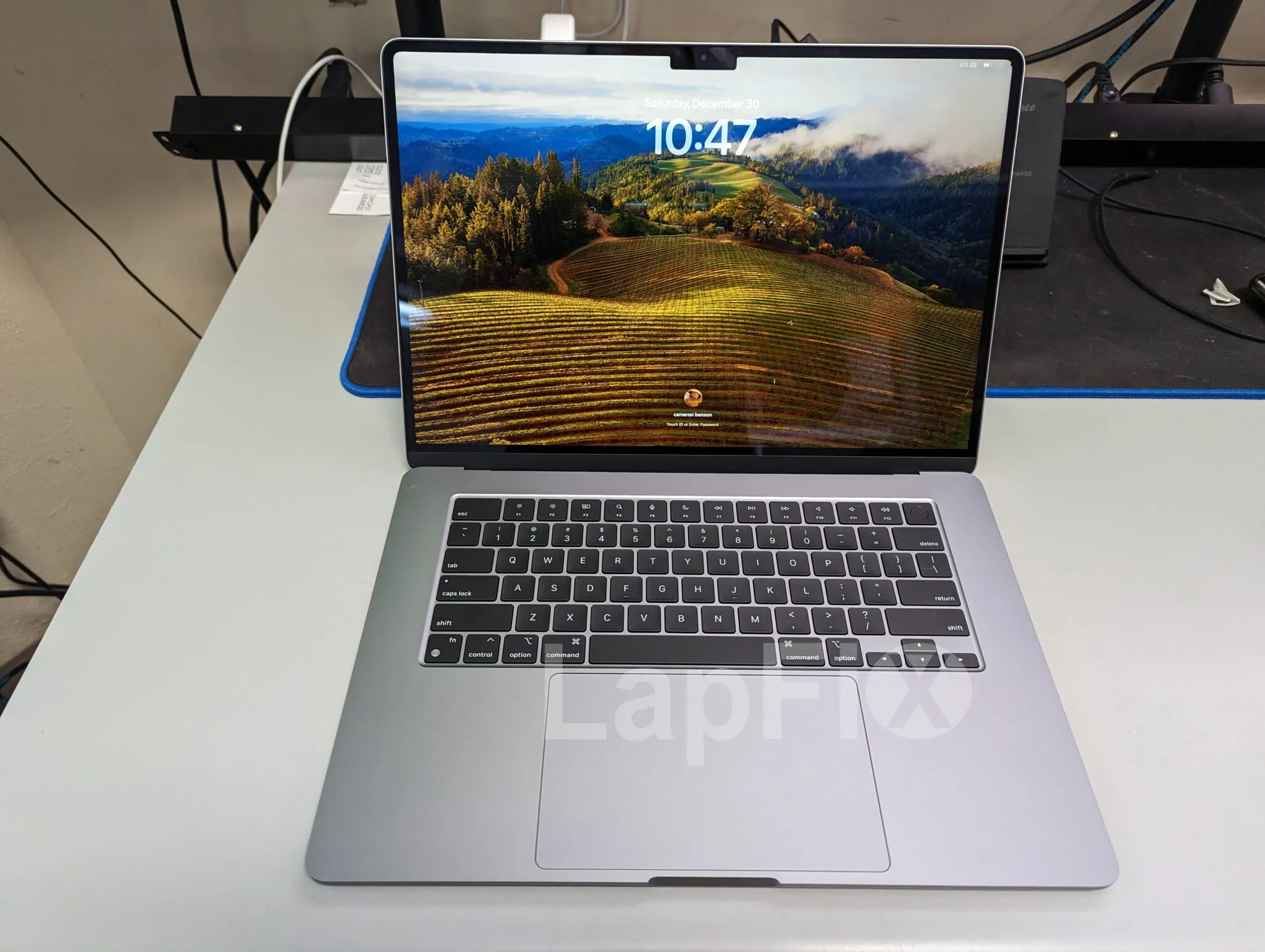
Logic Board Recovery
Recover critical data by repairing damaged Apple logic boards affected by liquid damage, power failure, or failed components.
Why Apple Data Recovery Is Different
Apple devices are built very differently from traditional Windows computers. Many modern MacBooks use soldered Apple SSDs, hardware encryption, and tightly integrated logic boards, making data recovery far more complex than simply removing the storage drive and connecting it to another computer. Features such as APFS, FileVault encryption, the Apple T2 Security Chip, and Apple Silicon (M1, M2, M3, and M4) provide excellent security and performance, but they also require specialized tools and experience when hardware fails.
At LapFix, we recover data from both Intel-based Macs and the latest Apple Silicon devices, including MacBook Pro, MacBook Air, iMac, Mac mini, Mac Studio, Mac Pro, and older Retina MacBook models. Our engineers work with Apple SSDs, Fusion Drives, PCIe and blade SSDs, NVMe storage, and encrypted T2-based systems affected by liquid damage, logic board failure, failed SSDs, power issues, and startup problems.
Many customers contact us after their Mac becomes stuck on the Apple logo, shows a flashing folder with a question mark, repeatedly restarts, experiences kernel panics, or stops recognizing the startup disk after a macOS update. In many of these situations, the storage itself is still intact, but access to the data requires board-level diagnostics, hardware repair, or specialized recovery techniques before the files can be safely extracted.
Every Apple data recovery case begins with a thorough evaluation to determine the exact cause of the failure. Our goal is not simply to repair the computer—it’s to recover your photos, documents, business files, and other irreplaceable data using the safest recovery method possible.
Why Choose LapFix for Apple Data Recovery?
Certified Expert Technicians
No Outsourcing
In-House Repair
Nationwide Mail-in Service
What Our Customers Say About LapFix
Our customers across Virginia, Washington, D.C., and Maryland trust LapFix.com for fast, reliable, and affordable laptop and Mac repairs. Here’s what they say about our data recovery, logic board repair, and computer services.





From start to finish, the communication was great, the turnaround time was quick, the customer service and the price was outstanding. They kept me updated along the way and made sure everything was working properly before returning my laptop.
I've been using my MacBook since getting it back, and it's running perfectly. It's clear they genuinely care about their customers and take pride in the quality of their work.
Thank you again, Eric, and the entire LapFix team for getting my laptop back up and running. I'll definitely be recommending you to anyone who needs computer repairs!

I had checked with Best Buy and a few other places, but no one was able to help. I found Lapfix by chance and decided to try one last time. They looked at both laptops, explained what could be done, and successfully repaired both.
The Lenovo screen repair cost less than $300 and was completed in less than a week. For the Microsoft Surface, they also had to work on the software and chip-related issues, and the total was still less than $800. That repair took less than two weeks.
Now both laptops are working perfectly, and I’m very happy with the service. The work was professional, honest, and technically solid. As someone with a background in IT and cybersecurity, I was genuinely impressed.
If you think your laptop cannot be fixed, I recommend checking with them first before spending money on a new one.













I brought it to LapFix and Eric was able to fix the motherboard and repair the BIOS so it could finally boot. I am so unbelievably grateful to Eric and the team at Lapfix for saving this important piece of hardware for my business. Thank you so much!! Eric is a wizard!


Mason completed the work sooner than expected and saved me the considerable replacement cost of a laptop that had become unusable.
I would highly recommend this business. They are professional, provide quick responses to communications, and solved a problem that other repair services I consulted were unable to address.










I like that the guys cracking open machines appear to be the same ones who meet you at the front desk.
Apple Data Recovery FAQ – Common Questions
Can you recover data from APFS-formatted or encrypted Mac drives?
Yes. Our technicians can recover data from many APFS-formatted and encrypted Mac storage devices, provided the necessary encryption credentials are available. Whether the failure is caused by a logic board issue, storage hardware fault, or another hardware problem, we evaluate the device to determine the most appropriate Data Recovery solution before proceeding.
My MacBook has no power. Can you still recover my data?
Often, yes. A MacBook that won’t power on may still contain recoverable data, even if the failure is caused by the logic board, charging circuitry, or another hardware component. Our technicians diagnose the underlying fault and determine the safest Data Recovery method based on your MacBook’s model and storage architecture.
Can you recover files after I erased or formatted my Mac by accident?
It comes down to how the drive was wiped and whether anything’s overwritten the original data since. We check your Mac’s storage setup to determine recoverability — this matters especially on APFS-formatted and Apple Silicon systems, where modern encryption can affect what’s actually still retrievable.
Is Apple data recovery safe for my device and files?
Yes. We prioritize non-destructive techniques and specialized recovery hardware to protect both your Mac and your data throughout the process. Before touching anything, we evaluate your Mac’s storage architecture and the nature of the failure to determine the safest path forward.
Can you recover data from Macs with liquid damage?
Often, yes. We start by assessing how far the damage has spread across the logic board, power circuitry, and storage — then choose a recovery approach based on the actual condition of those components, not a one-size-fits-all method.
Do you work with T2 or M1/M2 security chips?
Yes. We regularly work on Intel Macs with the T2 Security Chip as well as newer Apple Silicon systems. Because these architectures tie security directly into the logic board and storage, we use recovery procedures built specifically for each platform.
Can you recover data from Macs that are stuck on the Apple logo?
Often, yes. Getting stuck at the Apple logo can point to a storage issue, macOS corruption, or a deeper hardware fault. We diagnose what’s actually causing the startup failure before recommending a recovery path.
Can you recover data from Apple Silicon Macs with failed logic boards?
Apple Silicon Macs build storage directly into the logic board, which makes recovery more involved than on older Intel models. We evaluate the logic board and storage together to find the safest recovery method for that specific failure.
Can you recover data if my Mac keeps restarting or kernel panics?
Constant restarts or kernel panics usually trace back to storage failure, macOS corruption, or an underlying hardware issue. We run a structured diagnostic to find the actual cause and determine whether your data can be safely pulled before any repair happens.
Do you recover data from Mac minis and iMacs?
Yes — we handle Mac mini, iMac, MacBook Air, and MacBook Pro systems. Whatever the cause — a failed SSD, logic board fault, liquid damage, or startup failure — we evaluate the device first to determine the safest way forward.
Can you recover data from FileVault-encrypted Macs?
Yes. As long as you have the necessary credentials, we work with FileVault-encrypted Macs regularly, using recovery methods built around Apple’s security architecture to keep your data intact wherever possible.
Can You Recover Data from a Mac After a Failed macOS Update?
Yes, this is a common and recoverable situation. A failed update can leave your Mac stuck on the logo, caught in a restart loop, or unable to boot — but your files are typically still sitting on the SSD. We recover data through macOS update failures, APFS corruption, and startup disk issues. If this just happened, avoid reinstalling macOS or resetting the drive until your files are safely recovered.
Can You Recover Data from a Mac Showing a Folder with a Question Mark?
Yes, in many cases. That symbol means your Mac can’t locate a valid startup disk — the cause could be a failed SSD, file system corruption, a macOS issue, or a hardware fault. We work across Intel and Apple Silicon Macs, including MacBook Pro, MacBook Air, iMac, Mac mini, and Mac Studio. Before reinstalling macOS or erasing the drive yourself, get it evaluated first — those steps can reduce your chances of recovery.
Get Your Apple Data Back Today – Local & Nationwide Service
Don’t risk losing your valuable files. At LapFix, we provide professional Apple data recovery services trusted by customers in Virginia, DC, Maryland, and nationwide. Whether it’s a MacBook SSD failure, iMac Fusion Drive crash, or APFS encryption issue, our Apple-certified specialists are here to help.
Call us at (703) 379-5976 or start your Mail-in Apple Data Recovery Service today.