
Computer Upgrade Services – Virginia, DC, Maryland & Nationwide
LapFix provides professional computer upgrade services for Windows desktops, laptops, Mac computers, and custom-built PCs. Whether you’re upgrading to an SSD, expanding storage, increasing memory, installing a new graphics card, or improving overall system performance, every upgrade is planned around hardware compatibility, performance goals, and long-term reliability.
Our Alexandria, Virginia location welcomes walk-ins with no appointment required. Customers throughout the United States can also take advantage of our nationwide Mail-In Service, giving them access to the same professional upgrade process regardless of location.
Common Computer Upgrades We Offer
- SSD Upgrade & Storage Migration — Replace aging hard drives with high-speed SSDs while securely transferring your operating system, applications, and data when appropriate.
-
Memory (RAM) Upgrade — Increase available memory to improve multitasking, application responsiveness, and overall system performance.
-
Storage Expansion — Increase available storage capacity with additional internal or external SSD and hard drive solutions.
- Graphics Card (GPU) Upgrade — Improve gaming performance, creative workloads, and graphics-intensive applications with a compatible GPU upgrade.
- Processor (CPU) Upgrade — Upgrade compatible systems to improve processing performance for demanding software and multitasking workloads.
- Cooling System Upgrade — Improve airflow, thermal performance, and long-term system stability with upgraded cooling solutions.
-
Power Supply Upgrade — Install higher-capacity power supplies to support upgraded hardware and maintain reliable power delivery.
-
Operating System & Performance Optimization — Configure Windows, optimize startup processes, update drivers, and remove unnecessary software to improve system responsiveness.
-
Wi-Fi & Network Upgrades — Upgrade wireless networking hardware to improve connection reliability and network performance.
- Gaming PC Performance Upgrades — Optimize gaming systems with carefully selected hardware upgrades, thermal improvements, and performance tuning tailored to your system..
Our Computer Upgrade Process

SSD Upgrade
Upgrade to a high-speed SSD for faster boot times, application loading, and overall system responsiveness.
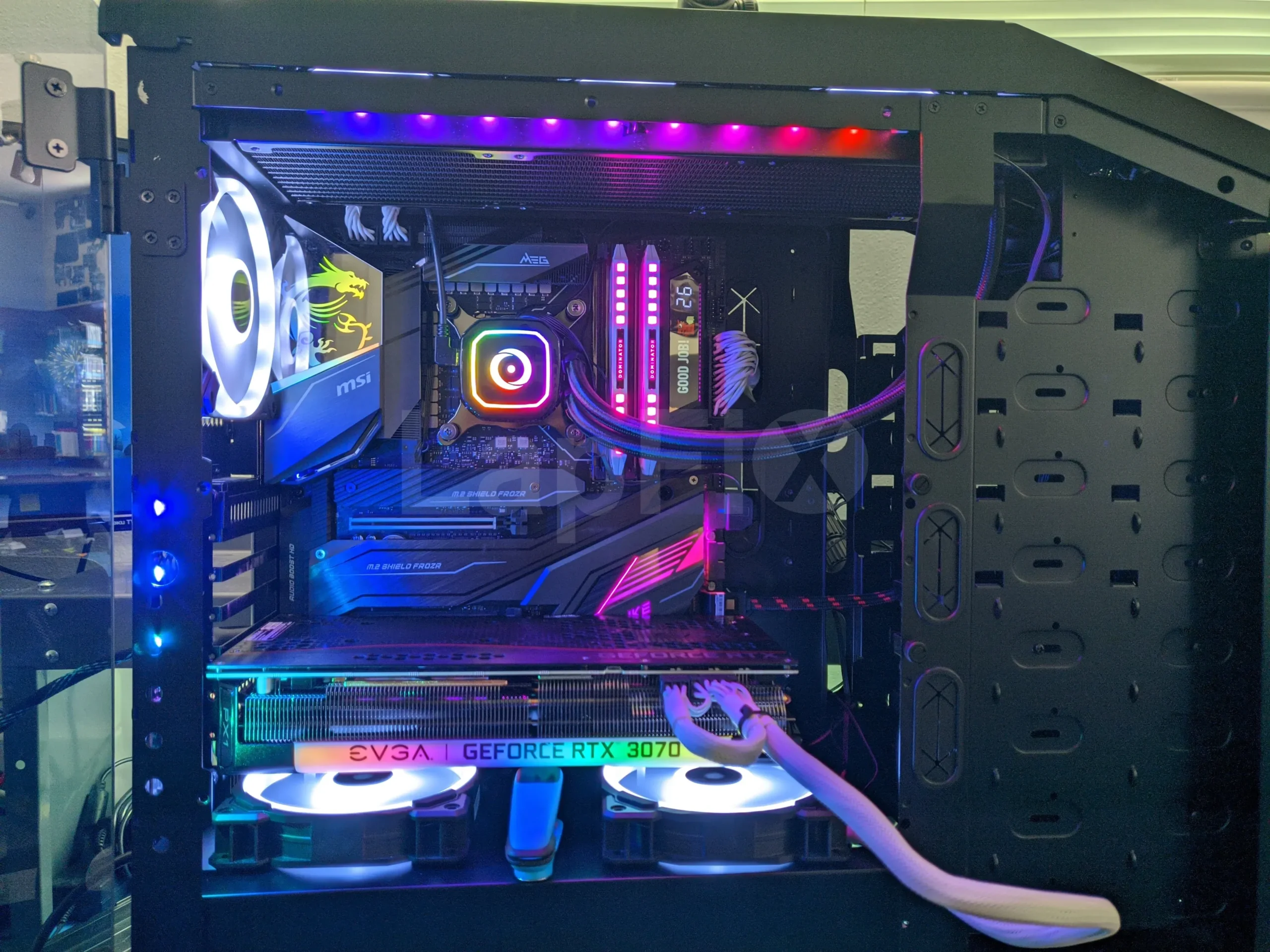
RAM Upgrade
Increase system memory to improve multitasking, responsiveness, and demanding workloads.
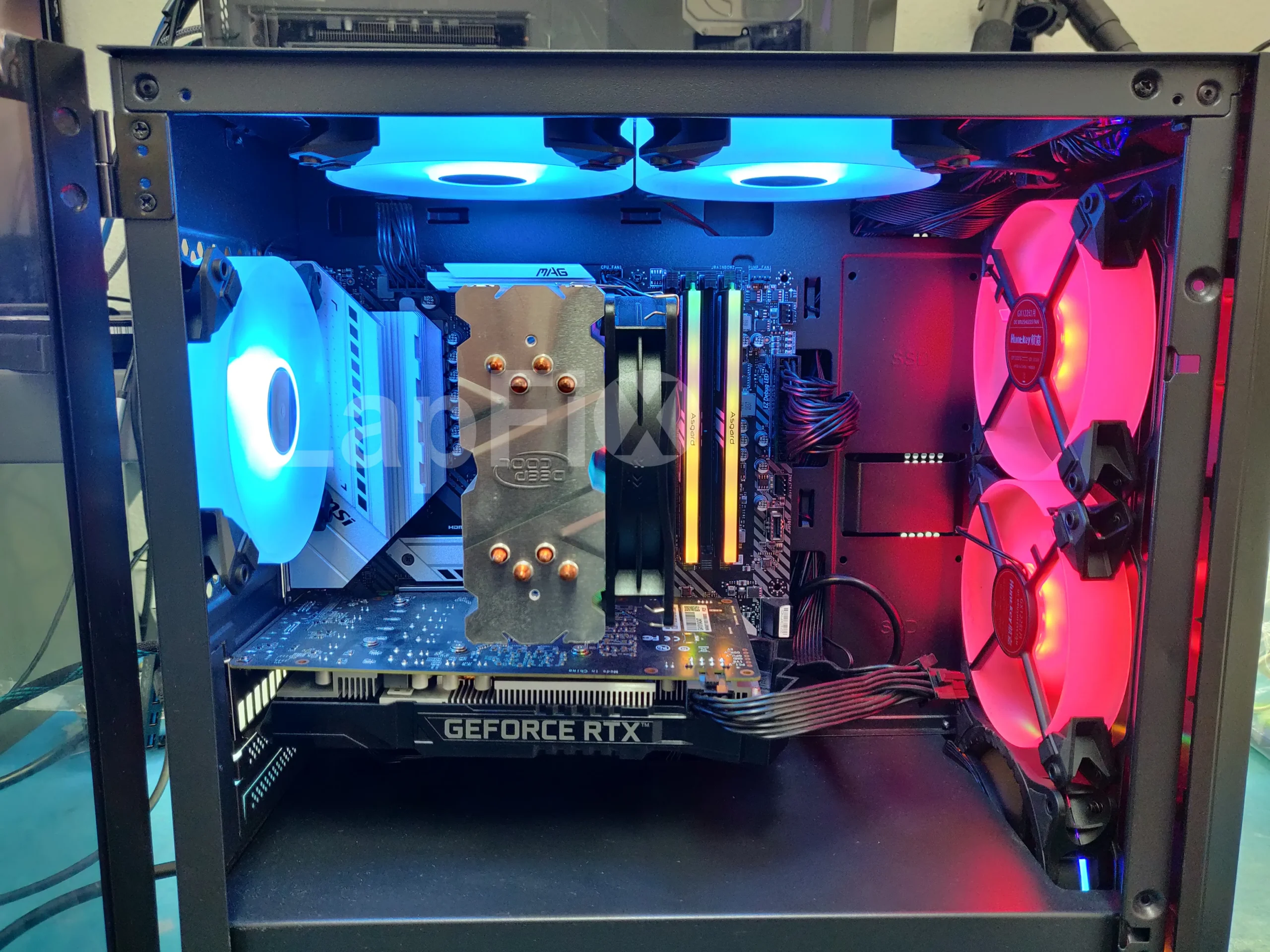
Graphics Card Upgrade
Install a compatible GPU for improved gaming, creative applications, and graphics performance.

Processor (CPU) Upgrade
Upgrade supported processors to increase computing power for demanding software and productivity tasks.
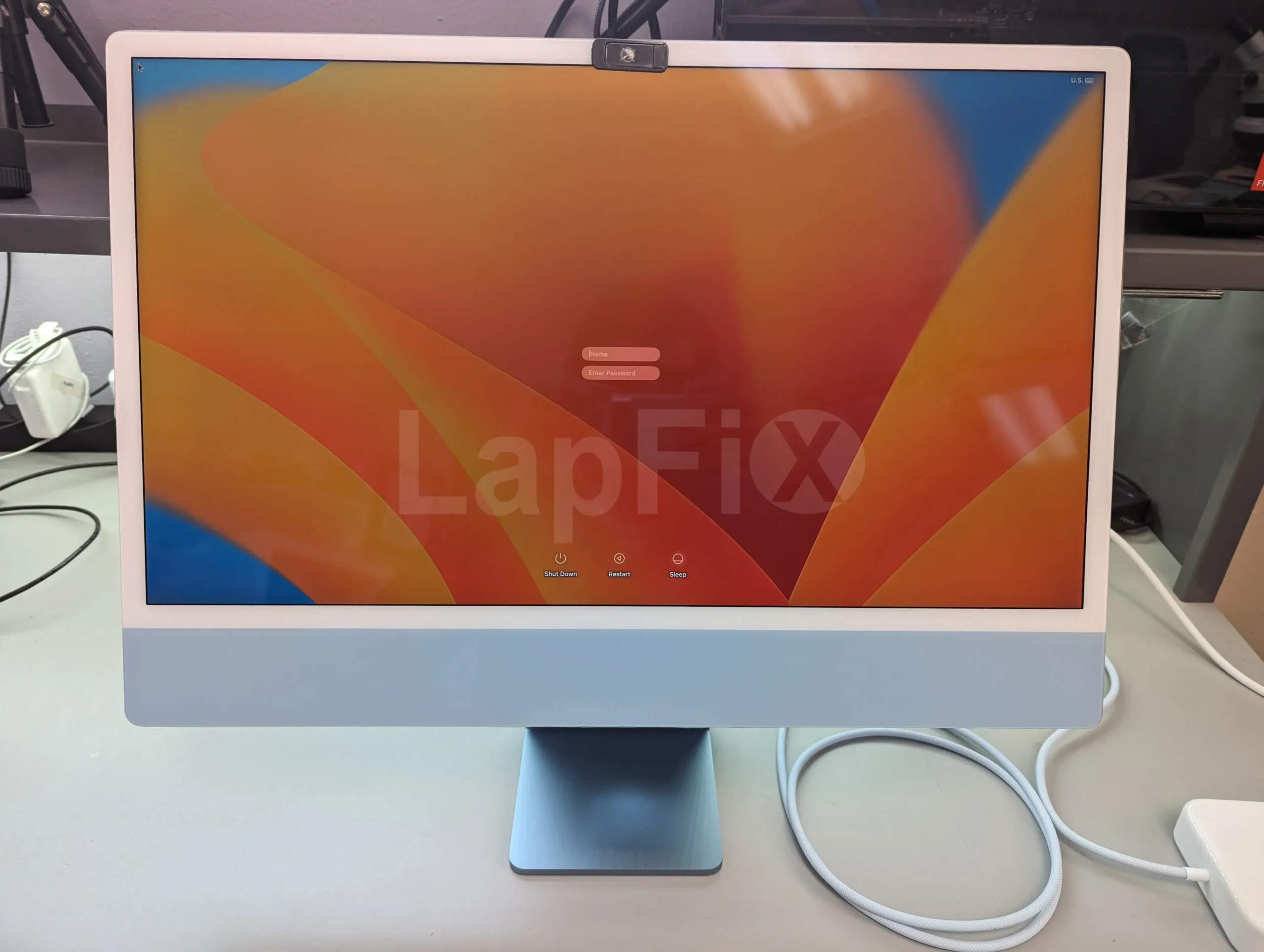
Storage Expansion
Add additional SSD or hard drive storage to increase capacity for files, games, and applications.
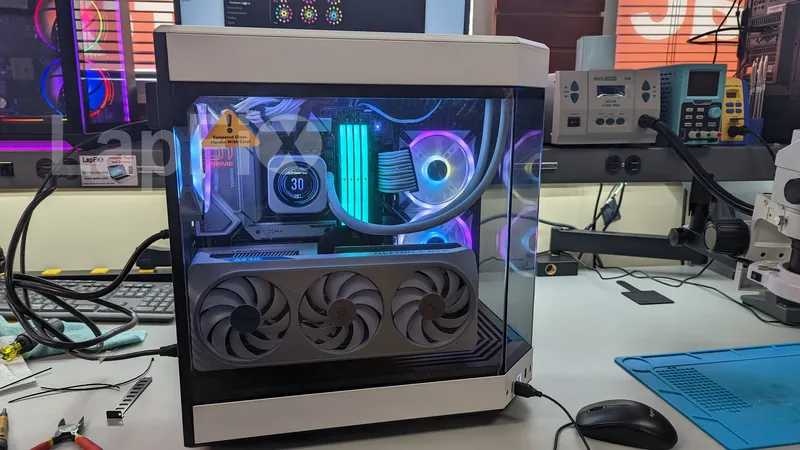
System Optimization
Configure Windows, drivers, BIOS settings, and startup processes to maximize upgrade performance and stability.
Why Choose LapFix for Computer Upgrades?
Certified Expert
Technicians
No Outsourcing
In-House Repair
Nationwide Mail-in Service
What Our Customers Say About LapFix
Our customers across Virginia, Washington, D.C., and Maryland trust LapFix.com for fast, reliable, and affordable laptop and Mac repairs. Here’s what they say about our data recovery, logic board repair, and computer services.


I did not expect free service for an issue that was not the company's fault. However, the diagnosis by email and immediate dismissal of responsibility is disheartening.
Poor customer service, a high bill, and a lack of professional interest in their work is a bad combination.




From start to finish, the communication was great, the turnaround time was quick, the customer service and the price was outstanding. They kept me updated along the way and made sure everything was working properly before returning my laptop.
I've been using my MacBook since getting it back, and it's running perfectly. It's clear they genuinely care about their customers and take pride in the quality of their work.
Thank you again, Eric, and the entire LapFix team for getting my laptop back up and running. I'll definitely be recommending you to anyone who needs computer repairs!

I had checked with Best Buy and a few other places, but no one was able to help. I found Lapfix by chance and decided to try one last time. They looked at both laptops, explained what could be done, and successfully repaired both.
The Lenovo screen repair cost less than $300 and was completed in less than a week. For the Microsoft Surface, they also had to work on the software and chip-related issues, and the total was still less than $800. That repair took less than two weeks.
Now both laptops are working perfectly, and I’m very happy with the service. The work was professional, honest, and technically solid. As someone with a background in IT and cybersecurity, I was genuinely impressed.
If you think your laptop cannot be fixed, I recommend checking with them first before spending money on a new one.













I brought it to LapFix and Eric was able to fix the motherboard and repair the BIOS so it could finally boot. I am so unbelievably grateful to Eric and the team at Lapfix for saving this important piece of hardware for my business. Thank you so much!! Eric is a wizard!


Mason completed the work sooner than expected and saved me the considerable replacement cost of a laptop that had become unusable.
I would highly recommend this business. They are professional, provide quick responses to communications, and solved a problem that other repair services I consulted were unable to address.










I like that the guys cracking open machines appear to be the same ones who meet you at the front desk.
Computer Upgrade FAQ – Common Questions Answered
What types of computer upgrades does LapFix offer?
We provide SSD, RAM, GPU, CPU, WiFi, storage, and full hardware/software upgrades for desktops, laptops, and Macs.
Why is a diagnostic evaluation recommended before upgrading my computer?
A diagnostic evaluation helps determine which upgrades will provide the greatest performance improvement while ensuring your existing hardware can support them. Our technicians assess component compatibility, cooling capacity, power requirements, and overall system health before recommending an upgrade.
What upgrades can improve the performance of my Windows computer?
Depending on your system, upgrading the memory, solid-state drive, graphics card, processor, or cooling system can significantly improve performance. We evaluate your computer’s current hardware and recommend upgrades that provide the best balance of performance, compatibility, and long-term reliability.
Can you upgrade my Mac or MacBook to improve its performance?
Yes, although upgrade options vary by model. Some Macs support storage or memory upgrades, while many newer Apple Silicon systems have these components integrated into the logic board, making them non-upgradeable. We’ll evaluate your Mac and recommend the most effective options based on its design.
Can you professionally install computer components that I already purchased?
Yes. We professionally install customer-supplied components, verify hardware compatibility, ensure proper installation, and thoroughly test the system to confirm the new hardware is operating reliably.
Can you optimize my computer after installing new hardware?
Absolutely. After completing an upgrade, we configure the operating system, install the appropriate drivers, verify hardware performance, and perform system testing to ensure your computer is operating at its full potential.
Can you upgrade my gaming PC for better performance?
Yes. Whether you’re looking for higher frame rates, faster load times, or improved multitasking, we can upgrade graphics cards, processors, memory, storage, cooling systems, and power supplies while ensuring all components work together efficiently to maximize performance.
Boost Your Computer’s Performance Today
Many computers can achieve significant performance improvements through carefully selected hardware upgrades rather than complete replacement. At LapFix, every upgrade is evaluated for compatibility, professionally installed, and tested to ensure reliable operation before your system is returned.