
Laptop Screen Repair Services – Cracked, Flickering & No Display Repair
A damaged laptop display doesn’t always mean the screen itself is defective. Black screens, flickering displays, vertical lines, dead pixels, backlight failures, and no-display conditions can all originate from different components inside the laptop. At LapFix, every repair begins with structured diagnostics to determine whether the problem is caused by the LCD panel, display cable, graphics circuitry, hinges, backlight system, or motherboard before recommending the appropriate repair.
Common Laptop Screen Issues We Fix
Laptop screen issues can present in many different ways, including:
- Cracked or shattered screens
- Bright spots, dark spots, or discolored areas
- Red, green, or blue stuck pixels
- Flickering displays or backlight failures
- Screens that briefly power on before going black
- Horizontal or vertical lines, streaking, or display ghosting
- Blurry, distorted, or duplicated images
- Black screen or no display
- Touchscreen or display responsiveness issues (for supported devices)
Every repair begins with structured diagnostics to determine whether the issue is caused by the display panel, display cable, backlight system, graphics circuitry, or another hardware component before recommending the appropriate repair.
Our Laptop Screen Repair Process
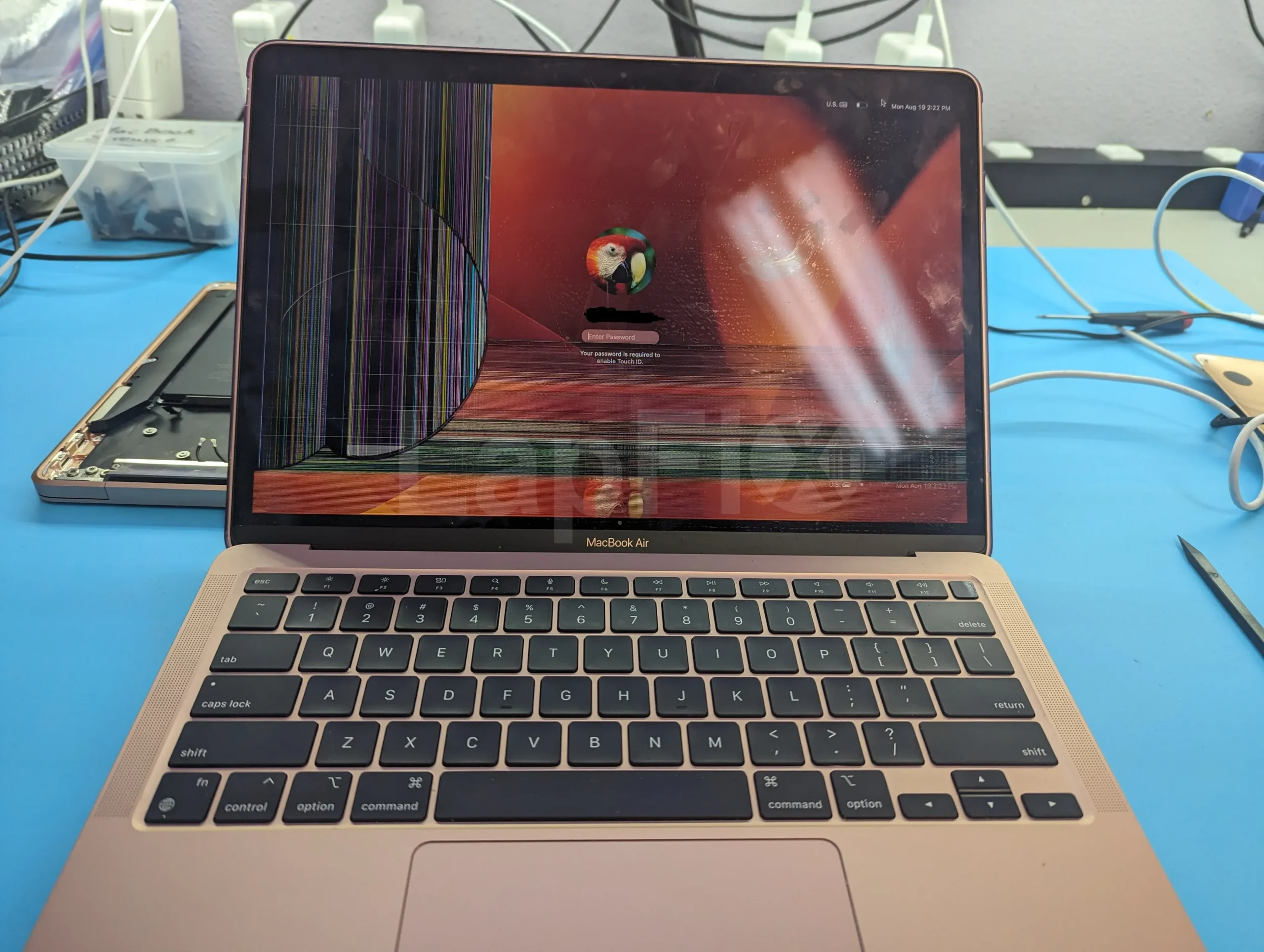
Cracked Screen Replacement
Replace cracked, shattered, or physically damaged laptop screens using high-quality replacement displays. Every installation includes testing for brightness, color accuracy, and proper display performance.
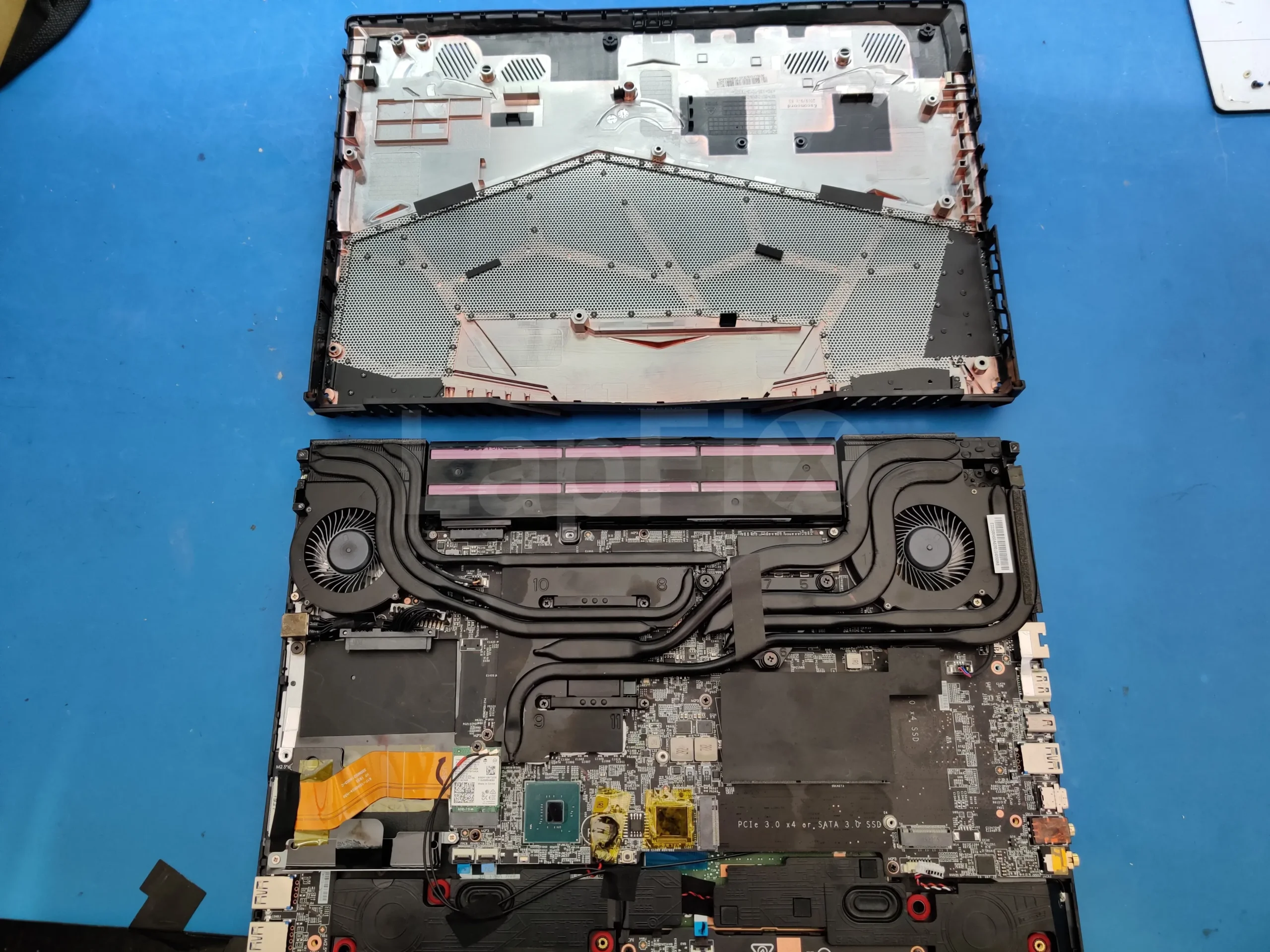
Black Screen & No Display Repair
Diagnose laptops that power on but display a black screen, no image, or intermittent video. We identify whether the fault is caused by the display panel, cable, graphics circuitry, backlight, or motherboard.
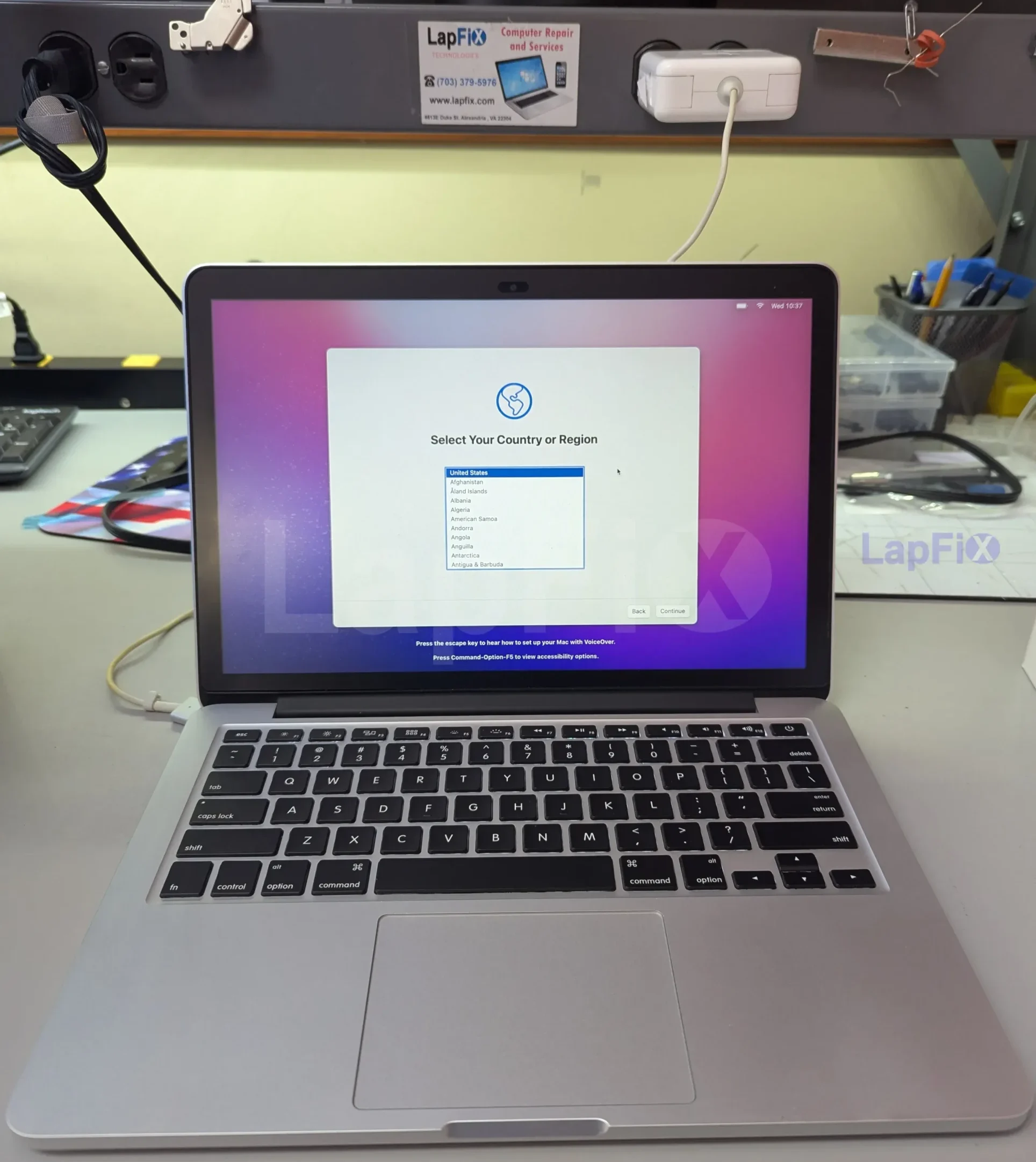
MacBook Retina Display Repair
Professional screen replacement for MacBook Air and MacBook Pro models, including Retina, Liquid Retina, and Liquid Retina XDR displays with precise installation and testing.
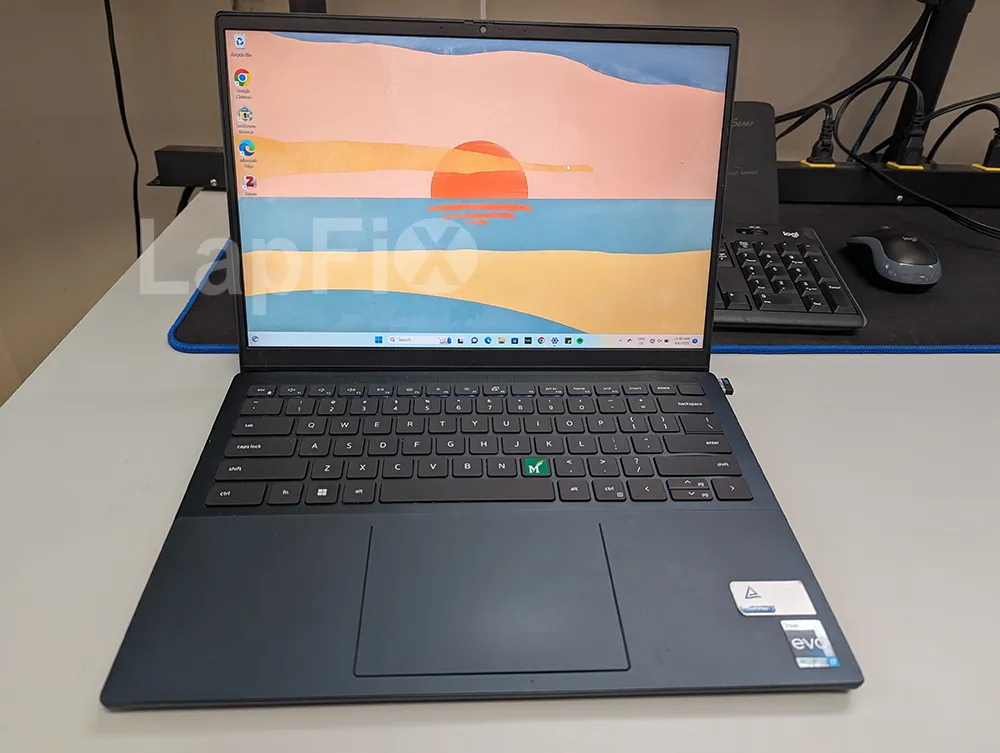
LCD Panel Replacement
Replace defective LCD panels affected by dead pixels, discoloration, pressure damage, image distortion, or internal panel failure while preserving your existing data and system configuration.
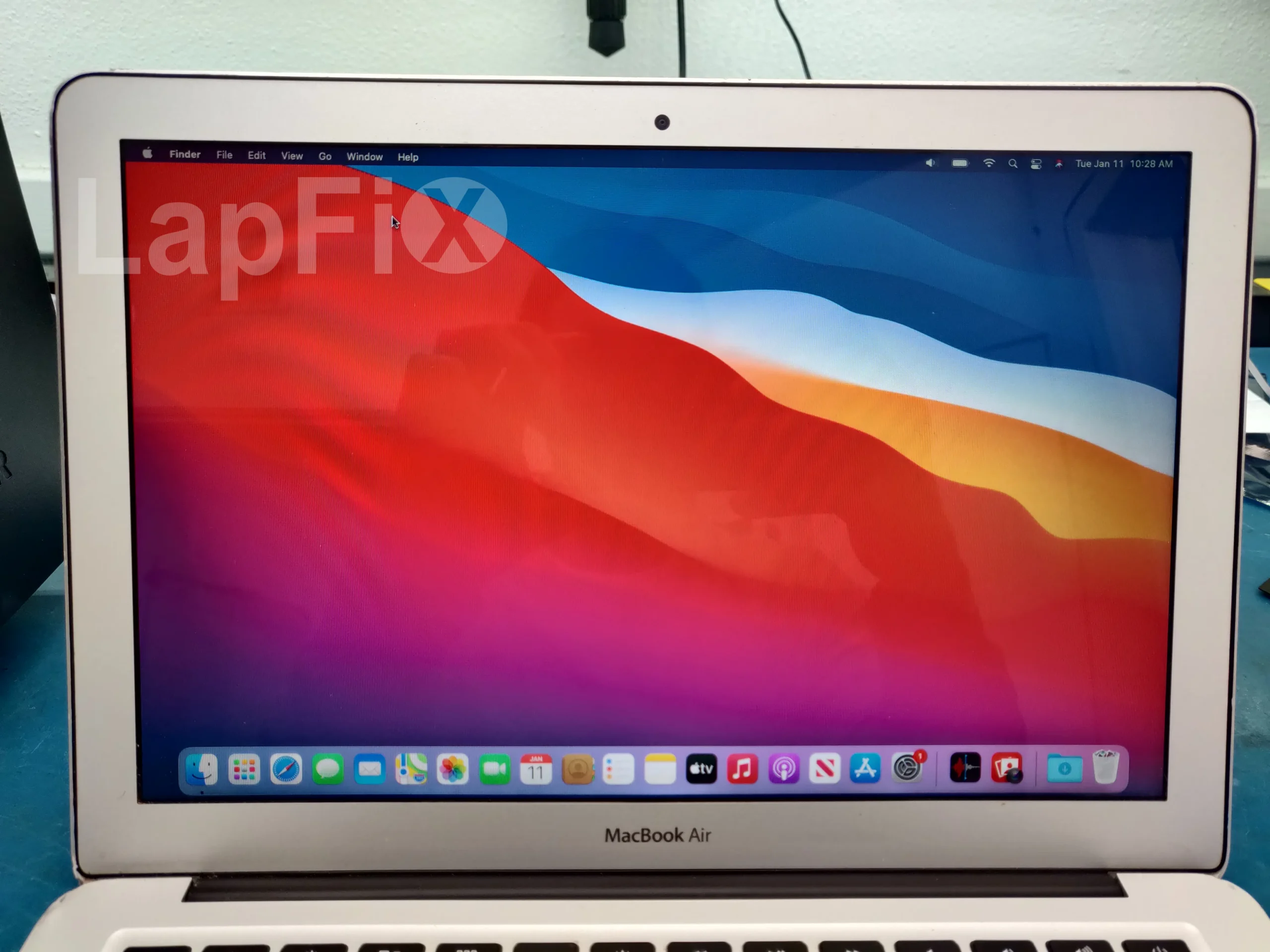
Flickering Screen Repair
Repair flickering displays, flashing screens, horizontal or vertical lines, and unstable images by identifying the underlying hardware issue instead of replacing parts unnecessarily.

Broken Hinges & Display Cable Repair
Repair damaged laptop hinges, loose display assemblies, and worn display cables that can cause intermittent video, screen flickering, or complete display failure.
Why Choose LapFix for Laptop Screen Repair?
Certified Expert
Technicians
No Outsourcing
In-House Repair
Nationwide Mail-in Service
What Our Customers Say About LapFix
Our customers across Virginia, Washington, D.C., and Maryland trust LapFix.com for fast, reliable, and affordable laptop and Mac repairs. Here’s what they say about our data recovery, logic board repair, and computer services.





From start to finish, the communication was great, the turnaround time was quick, the customer service and the price was outstanding. They kept me updated along the way and made sure everything was working properly before returning my laptop.
I've been using my MacBook since getting it back, and it's running perfectly. It's clear they genuinely care about their customers and take pride in the quality of their work.
Thank you again, Eric, and the entire LapFix team for getting my laptop back up and running. I'll definitely be recommending you to anyone who needs computer repairs!

I had checked with Best Buy and a few other places, but no one was able to help. I found Lapfix by chance and decided to try one last time. They looked at both laptops, explained what could be done, and successfully repaired both.
The Lenovo screen repair cost less than $300 and was completed in less than a week. For the Microsoft Surface, they also had to work on the software and chip-related issues, and the total was still less than $800. That repair took less than two weeks.
Now both laptops are working perfectly, and I’m very happy with the service. The work was professional, honest, and technically solid. As someone with a background in IT and cybersecurity, I was genuinely impressed.
If you think your laptop cannot be fixed, I recommend checking with them first before spending money on a new one.













I brought it to LapFix and Eric was able to fix the motherboard and repair the BIOS so it could finally boot. I am so unbelievably grateful to Eric and the team at Lapfix for saving this important piece of hardware for my business. Thank you so much!! Eric is a wizard!


Mason completed the work sooner than expected and saved me the considerable replacement cost of a laptop that had become unusable.
I would highly recommend this business. They are professional, provide quick responses to communications, and solved a problem that other repair services I consulted were unable to address.










I like that the guys cracking open machines appear to be the same ones who meet you at the front desk.
Laptop Screen Repair FAQ – Common Questions Answered
Can a cracked laptop screen be repaired, or does it need to be replaced?
A cracked or shattered panel can’t be repaired — it gets replaced. That said, some drops damage the display cable instead of the glass and can look like a crack from the outside, so we check the cable connection before ordering a new panel.
Why is my laptop screen black even though the laptop is on?
If the fans are running and the power light is on but the screen stays dark, we’re usually looking at a failed backlight, a damaged display cable, a graphics fault, or less often the panel itself. We test each of those individually rather than guessing.
Why is my laptop screen flickering?
Flickering usually points to a connection or power issue rather than a dead panel — often a display cable that’s worked loose from repeated opening and closing, or an aging backlight. We check the cable and backlight before assuming the panel needs to be replaced.
Can you repair laptops with vertical or horizontal lines on the screen?
Yes, and lines are one of the more reliable signs of physical damage to the LCD panel itself, often from pressure in a bag or backpack. This is one of the few symptoms that usually does mean a full screen replacement rather than a cable repair.
Do you replace touchscreens and OLED laptop displays?
Yes — standard LCD, touchscreen, and OLED panels, including Retina and Liquid Retina displays, on Dell, HP, Lenovo, ASUS, Acer, MSI, and MacBook models. Every replacement gets tested for brightness, color, and touch response before it goes back to you.
How long does a laptop screen repair take?
Same day in most cases if we have the panel in stock. Less common models sometimes need the part special-ordered, which can add a couple of business days.
Do you handle liquid-damaged laptops with display issues?
Yes. A spill can affect the display circuitry as well as the panel, so we check and clean the board along with the screen to make sure the video output is actually fixed, not just temporarily working.
How do I know if the issue is the screen or the video card?
You usually can’t tell from the symptom alone — lines, flicker, or a screen cutting out randomly can come from either. We run diagnostics on the LCD, backlight, cable, and GPU to narrow it down before recommending a fix.
How do you determine whether my laptop needs a new screen or another repair?
We check the least invasive possibilities first — the display cable connection and backlight — before concluding the panel itself is bad. A loose cable and a failed panel can look identical from the outside, so ruling out the cheaper fix first matters.
Why does a replacement laptop screen sometimes require firmware calibration?
Some newer laptops pair the display to the motherboard for features like auto-brightness, color accuracy, or high refresh rates. Skipping that calibration step won’t stop the new screen from working, but you can lose those extra features — so we handle it as part of the install.
Will replacing my laptop screen affect my files or data?
No — the screen isn’t connected to your storage drive or operating system, so your files stay untouched. If we notice an unrelated issue during diagnostics, we’ll flag it before doing anything beyond the screen.
Can you replace MacBook Retina and Liquid Retina displays?
Yes, on compatible MacBook Air and MacBook Pro models, including Liquid Retina XDR. We also check the flex cables and logic board connection, since MacBook display problems aren’t always the panel itself.
Do you offer nationwide mail-in laptop screen repair?
Yes. Ship it to our Alexandria shop and we run the same diagnostic process we use for walk-in repairs, then return it once testing confirms everything’s working.
Professional Laptop Screen Repair for Cracked, Black & Flickering Displays
Whether your laptop has a cracked screen, black display, flickering image, dead pixels, backlight failure, or no-display condition, every repair begins with structured diagnostics to determine the exact cause before any parts are replaced. We repair Windows laptops, MacBooks, gaming laptops, and business notebooks, with secure nationwide mail-in service available for customers across the United States.