
Laptop Data Recovery Services
Laptop failures can happen without warning, leaving valuable photos, business documents, and personal files trapped on inaccessible storage. At LapFix, we provide professional Laptop Data Recovery services for Windows laptops affected by failed SSDs, hard drive failure, BitLocker encryption, motherboard damage, liquid spills, accidental deletion, and operating system corruption.
Our engineers specialize in recovering data from laptops that no longer boot, won’t power on, display a black screen, or have suffered electrical or physical damage. From modern NVMe SSDs and soldered storage to encrypted BitLocker drives and damaged motherboards, we use advanced board-level diagnostics and specialized recovery equipment to recover data that many repair shops cannot.
Whether you’re a home user, business, or IT professional, every recovery is performed in-house by experienced engineers. Customers can visit our Virginia laboratory or use our secure nationwide mail-in service from anywhere in the United States.
Why Laptop Data Recovery Is Different
Modern laptops are far more complex than older computers. Many models use soldered SSDs, encrypted storage, proprietary firmware, and integrated motherboard designs that make recovering data much more challenging than simply removing a hard drive. In many cases, replacing a damaged motherboard or SSD without proper diagnostics can permanently prevent access to important files.
Common laptop failures include liquid spills, motherboard damage, failed NVMe SSDs, BitLocker encryption, BIOS corruption, power failures, and accidental deletion. Some laptops stop turning on altogether, while others become stuck at the manufacturer logo, display a black screen, or fail to detect the internal storage device.
At LapFix, we recover data from laptops manufactured by Dell, HP, Lenovo, ASUS, Acer, MSI, Microsoft Surface, Samsung, Razer, LG, Alienware, Gigabyte, Huawei, Fujitsu, Dynabook (Toshiba), Panasonic Toughbook, and many others. We recover data from traditional SATA hard drives, SATA SSDs, NVMe SSDs, M.2 SSDs, PCIe SSDs, and soldered storage found in modern ultrabooks.
Every recovery begins with a detailed evaluation to determine the safest recovery method. Whether the problem is a failed SSD controller, damaged motherboard, BitLocker encryption, liquid damage, or file system corruption, our engineers perform all work in-house using professional recovery equipment to maximize the chances of recovering your files safely.
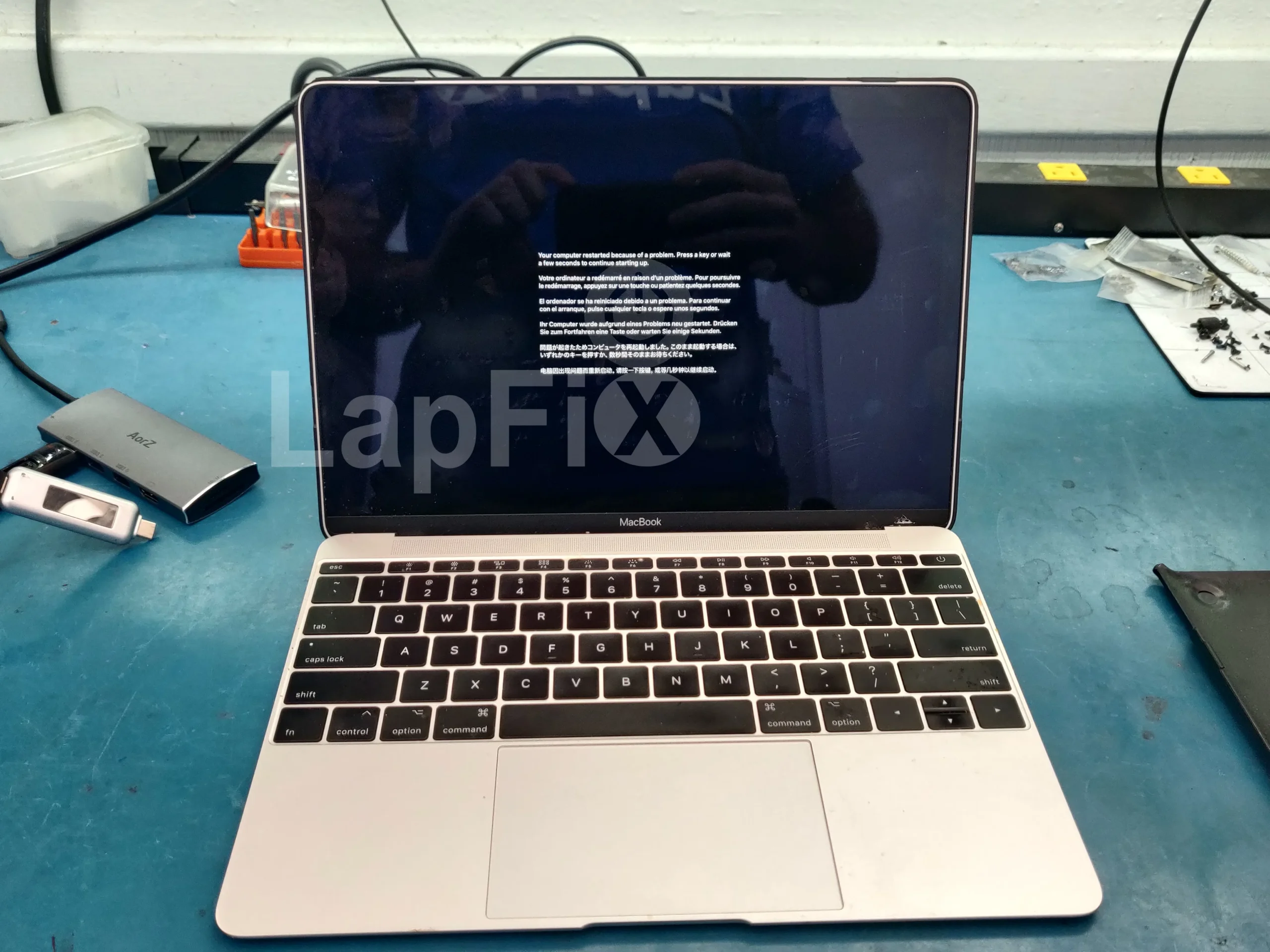
Comprehensive Laptop Data Recovery Services
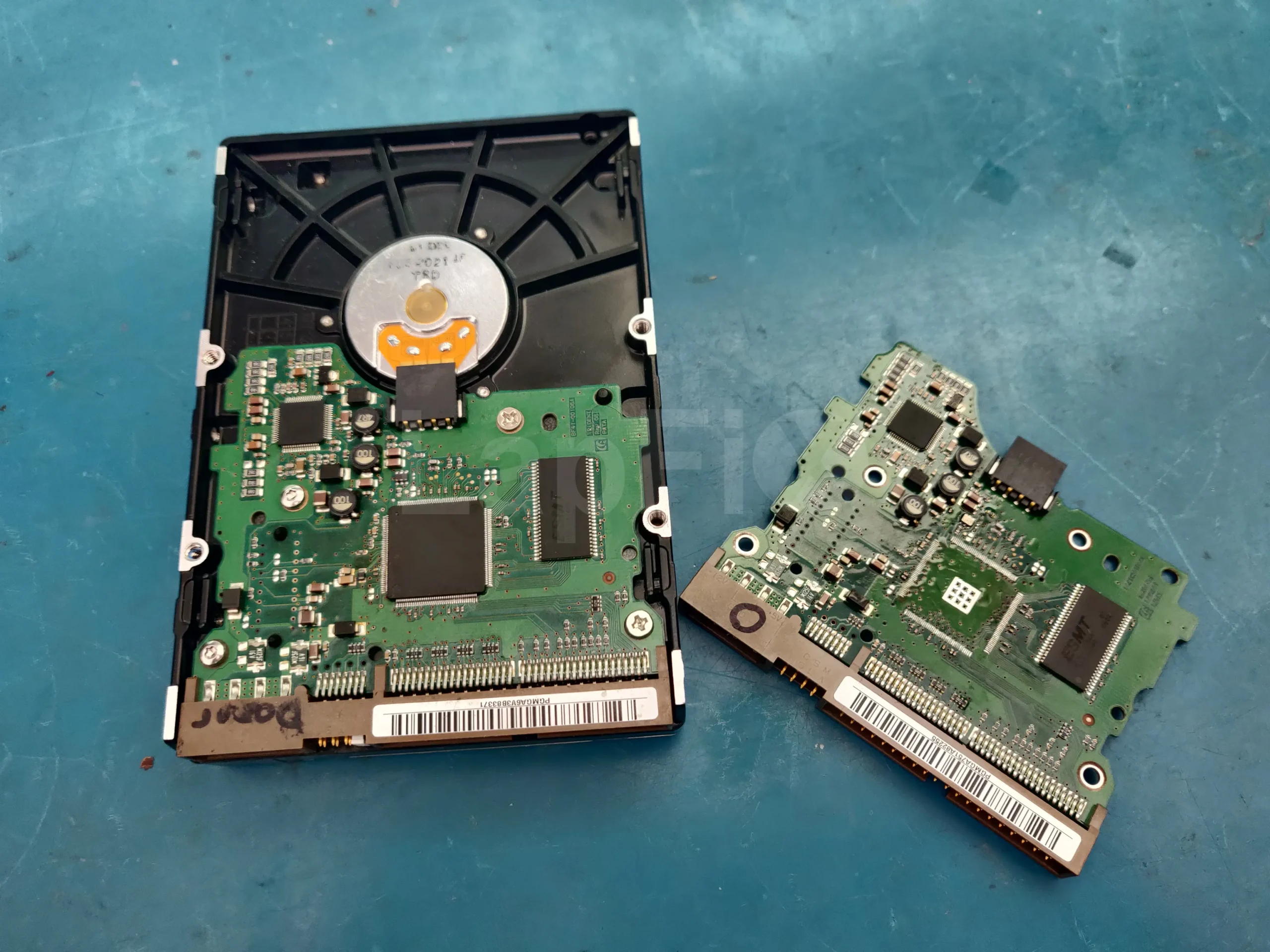
Liquid Spill Data Recovery
Recover data from liquid-damaged laptops, even when the device won’t power on due to motherboard corrosion or electrical failure.
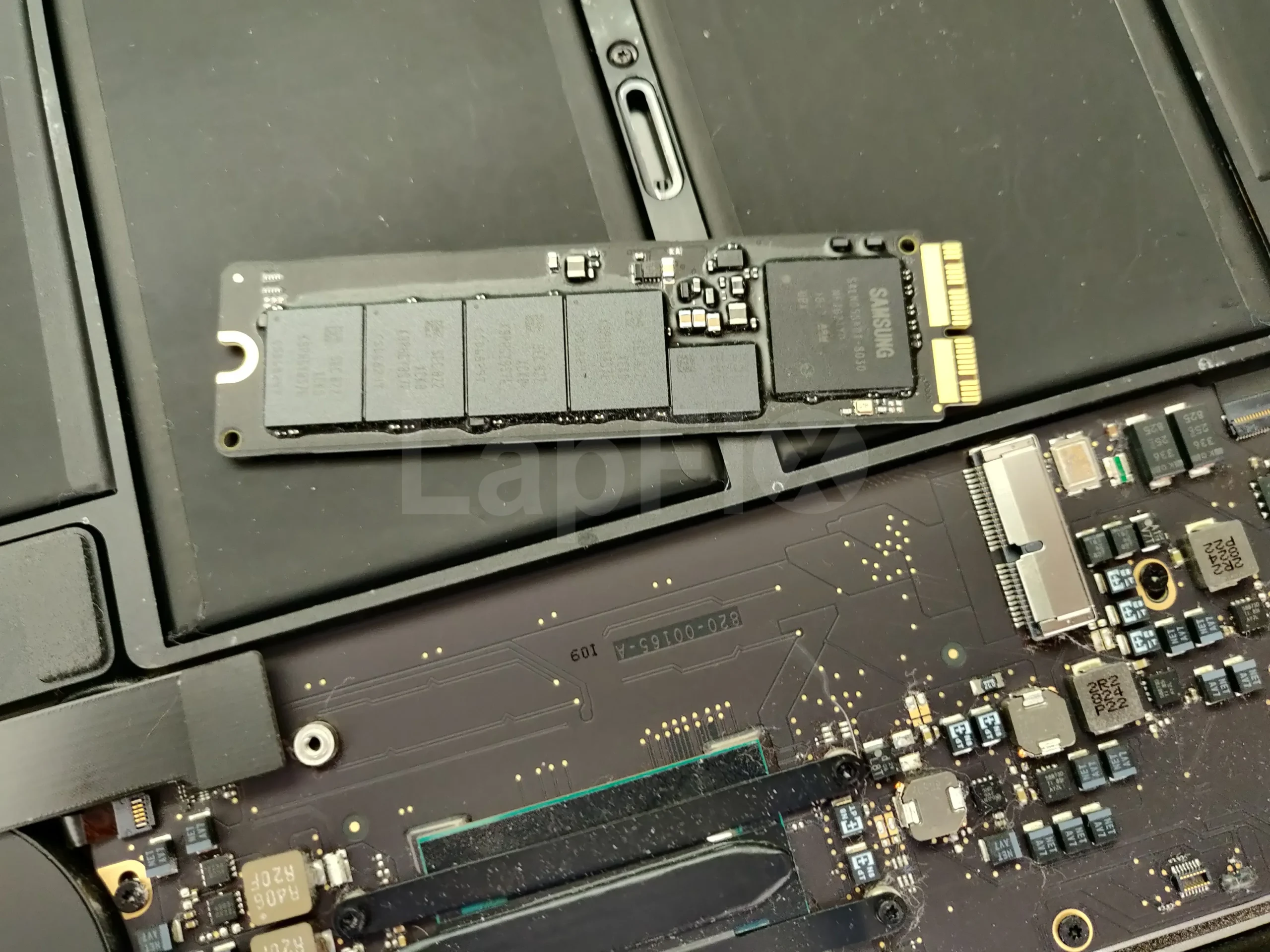
Dead Laptop Recovery
Recover files from laptops that won’t turn on because of motherboard failure, power issues, or damaged internal components.
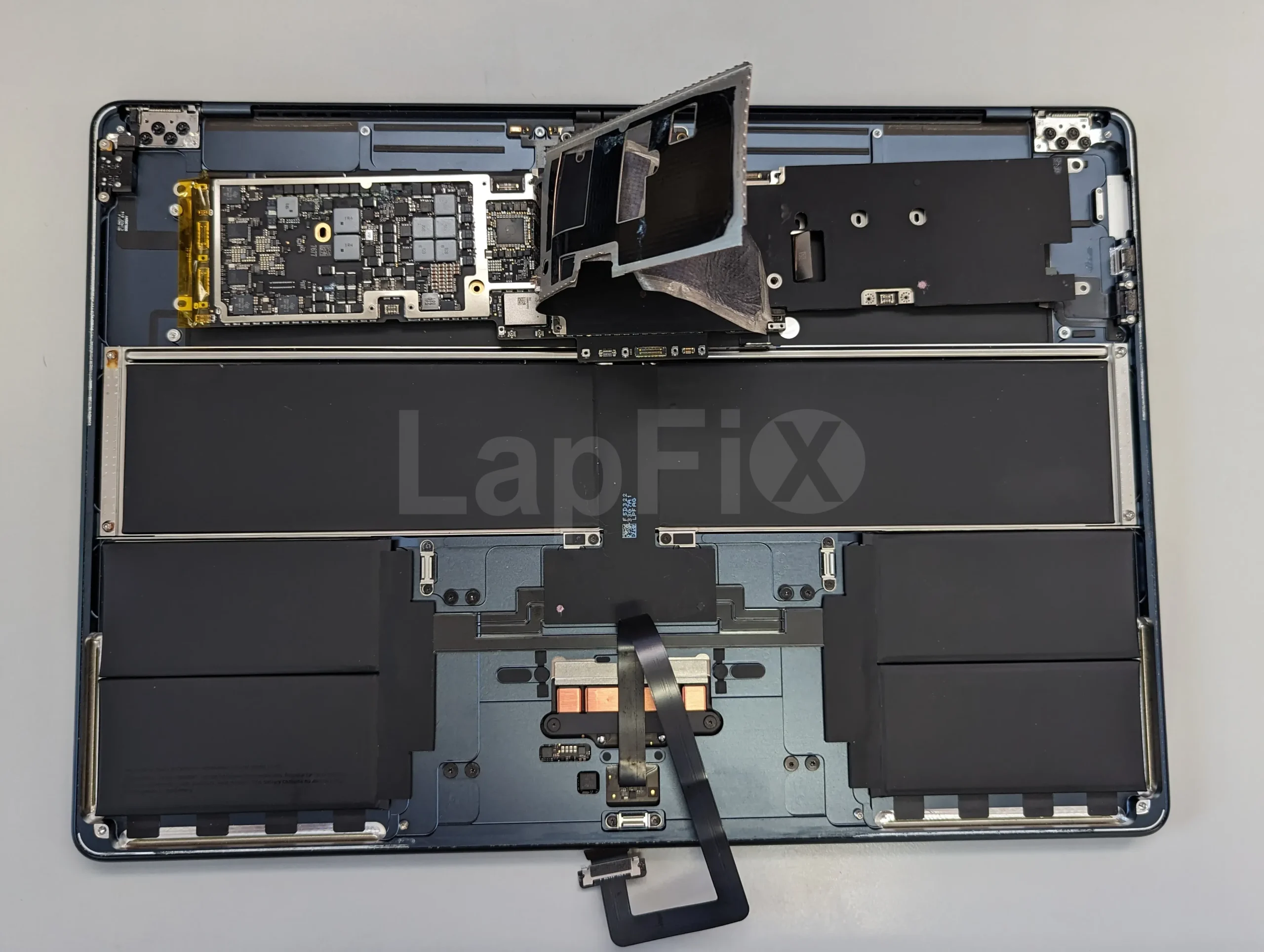
SSD Data Recovery
Professional recovery for failed NVMe, SATA, and soldered SSDs used in modern Windows laptops and ultrabooks.

BitLocker Data Recovery
Recover data from BitLocker-encrypted laptops with failed SSDs, damaged motherboards, or inaccessible Windows installations.
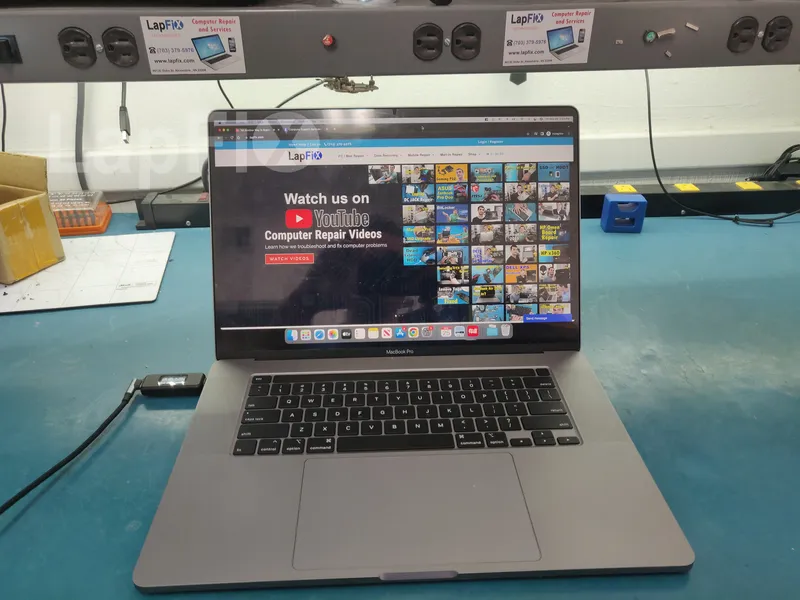
MacBook Data Recovery
Recover important files from MacBook Pro and MacBook Air models with liquid damage, logic board failure, or Apple SSD issues.

Deleted File Recovery
Recover deleted documents, photos, emails, and other files lost after formatting, factory resets, or accidental deletion.
Common Signs Your Laptop May Need Data Recovery
Laptop storage problems often begin with warning signs before complete failure. Your laptop may become unusually slow, freeze during startup, display a black screen, restart repeatedly, show “No Boot Device Found,” or become stuck at the Dell, HP, Lenovo, or Windows logo. Other systems may ask for a BitLocker recovery key, fail to detect the SSD in BIOS, or display messages that Windows needs to be repaired.
If your laptop contains important files, avoid reinstalling Windows, formatting the drive, or repeatedly attempting to boot the system. Continuing to use a failing SSD or hard drive can reduce the chances of recovering your data. A professional evaluation can identify the cause of the failure and determine the safest recovery approach.
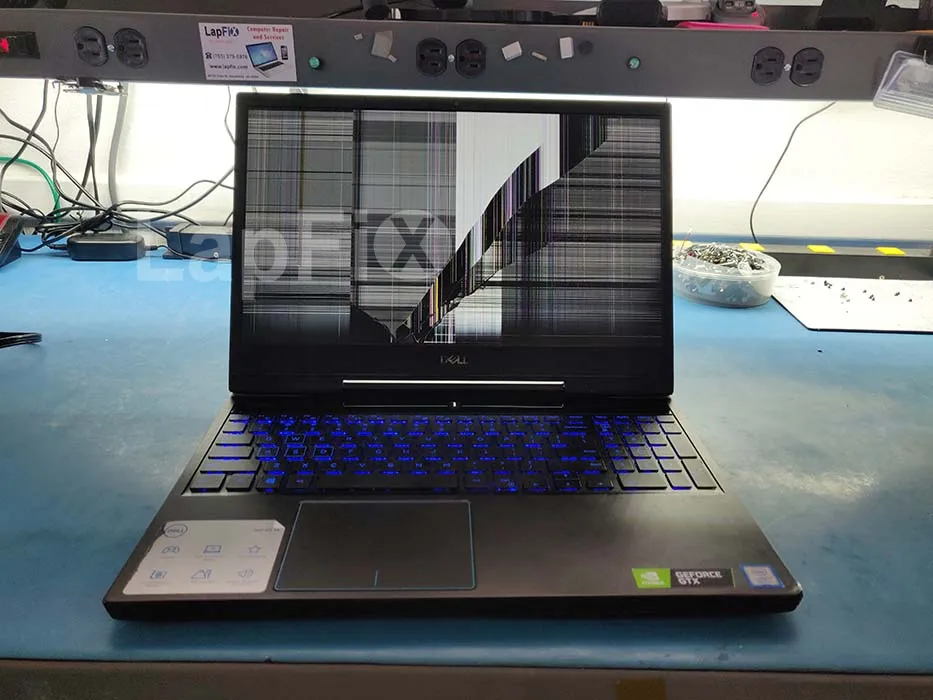
How it works
Our laptop data recovery process
From the moment your drive fails to the moment your files are back in your hands — every step is diagnosed, explained, and verified before it moves forward.
Diagnostic evaluation
We examine the laptop, identify the storage failure, and determine the safest recovery method.
Recovery plan
We explain the failure, expected recovery results, turnaround time, and cost before any work begins.
Professional data recovery
Our engineers recover your files using specialized hardware and software designed for failed SSDs, damaged motherboards, BitLocker systems, and physically damaged laptops.
Secure return
Recovered data is copied to a new storage device or securely returned using our nationwide shipping service.
Why Choose LapFix for Laptop Data Recovery?
Experienced Data Recovery Engineers
No Outsourcing
In-House Repair
Rated 5-Stars on Google
What Our Customers Say About LapFix
Our customers across Virginia, Washington, D.C., and Maryland trust LapFix.com for fast, reliable, and affordable laptop and Mac repairs. Here’s what they say about our data recovery, logic board repair, and computer services.


I did not expect free service for an issue that was not the company's fault. However, the diagnosis by email and immediate dismissal of responsibility is disheartening.
Poor customer service, a high bill, and a lack of professional interest in their work is a bad combination.




From start to finish, the communication was great, the turnaround time was quick, the customer service and the price was outstanding. They kept me updated along the way and made sure everything was working properly before returning my laptop.
I've been using my MacBook since getting it back, and it's running perfectly. It's clear they genuinely care about their customers and take pride in the quality of their work.
Thank you again, Eric, and the entire LapFix team for getting my laptop back up and running. I'll definitely be recommending you to anyone who needs computer repairs!

I had checked with Best Buy and a few other places, but no one was able to help. I found Lapfix by chance and decided to try one last time. They looked at both laptops, explained what could be done, and successfully repaired both.
The Lenovo screen repair cost less than $300 and was completed in less than a week. For the Microsoft Surface, they also had to work on the software and chip-related issues, and the total was still less than $800. That repair took less than two weeks.
Now both laptops are working perfectly, and I’m very happy with the service. The work was professional, honest, and technically solid. As someone with a background in IT and cybersecurity, I was genuinely impressed.
If you think your laptop cannot be fixed, I recommend checking with them first before spending money on a new one.













I brought it to LapFix and Eric was able to fix the motherboard and repair the BIOS so it could finally boot. I am so unbelievably grateful to Eric and the team at Lapfix for saving this important piece of hardware for my business. Thank you so much!! Eric is a wizard!


Mason completed the work sooner than expected and saved me the considerable replacement cost of a laptop that had become unusable.
I would highly recommend this business. They are professional, provide quick responses to communications, and solved a problem that other repair services I consulted were unable to address.










I like that the guys cracking open machines appear to be the same ones who meet you at the front desk.
Laptop Data Recovery FAQ – Common Questions Answered
Are you a certified data recovery center?
Yes — LapFix operates a certified in-house data recovery lab equipped with the specialized hardware, diagnostic software, and cleanroom facilities needed for advanced recovery cases. Every job goes through a structured evaluation process so we can identify the safest path to recovering your files before any work begins.
Why does some data recovery require a cleanroom?
Hard drives contain delicate internal components — read/write heads, spinning platters — that can be ruined in seconds by a single speck of dust. A cleanroom keeps airborne particles out of the equation, giving our technicians a contamination-free space to open the drive and work directly on those components without causing further damage.
Can you recover data from an SSD that is no longer detected?
Often, yes. When an SSD stops showing up, the cause is usually a failed controller chip, a firmware glitch, or a breakdown in how the memory communicates with the rest of the drive. Which recovery method works best comes down to diagnosing exactly which of these is happening and how far it’s progressed.
What if my laptop is water damaged?
Liquid damage doesn’t automatically mean lost data — we successfully recover from spilled coffee, dropped-in-water, and rain-soaked laptops on a regular basis. The single biggest factor in your favor is speed: power the device off immediately and get it to us before corrosion has time to spread.
Is my data secure during recovery?
Yes. Every recovery is handled in-house under strict confidentiality standards, and your files are never shared, copied, or accessed by anyone outside the recovery process.
How will I receive my recovered data?
You choose the format — we can load your recovered files onto an external hard drive, a USB flash drive, or any device you provide. If you’d rather not source your own, we also sell storage devices directly.
Can you recover data from MacBooks?
Yes. Our team regularly works with macOS systems, including drives formatted in APFS, FileVault-encrypted storage, and MacBooks equipped with Apple’s T2 security chip.
Can you recover data from a laptop with a failed motherboard?
A dead motherboard doesn’t necessarily mean dead data — in most cases, the storage drive itself is still fully intact even though the laptop won’t power on. Our engineers can repair the motherboard when it makes sense to, or bypass it entirely and pull data straight from the SSD using dedicated recovery tools. We handle motherboard, liquid-damage, and electrical failures across all major brands, including Dell, HP, Lenovo, ASUS, Acer, Microsoft Surface, MSI, and Samsung.
Can you recover data from a BitLocker encrypted laptop?
Yes, provided you have the recovery key or your login credentials on hand. Whatever caused the laptop to stop working — a dead SSD, motherboard failure, a Windows boot error, or a device that won’t power on at all — our engineers work to recover your files while keeping the encryption intact wherever possible.
Can you recover data from a laptop after a BIOS update failed?
Yes. A botched BIOS update can leave a laptop unable to boot, but your files are typically still sitting untouched on the drive. We diagnose whether the damage is contained to the BIOS firmware or has spread further into the hardware, and in most cases we can recover your data without disturbing it.
Can you recover files from a laptop that shows "No Boot Device Found"?
Yes. That error typically means the system can’t locate your internal SSD or hard drive — the culprit could be a hardware failure, corrupted file system, misconfigured BIOS setting, or physical damage to the storage device. We pinpoint the exact cause and recover files from laptops showing this message or similar startup failures like “Operating System Not Found.”
Can you recover data after Windows was reinstalled?
Often, yes — it depends on how much new data has been written to the drive since the reinstall happened. If you accidentally wiped Windows or ran a factory reset, the most important thing you can do is stop using the laptop right away. Every additional write to the drive lowers the odds of getting your original files back.
Can you recover data from a laptop stuck on the manufacturer logo?
Yes. A laptop that hangs on the Dell, HP, Lenovo, ASUS, Acer, or Windows startup logo is usually signaling a failing SSD, a corrupted OS, a motherboard fault, or a BIOS problem underneath. We track down the root cause and prioritize pulling your files before attempting any repair.
Can you recover files from a damaged NVMe SSD?
Yes. We regularly recover data from failed NVMe drives across major manufacturers — Samsung, Western Digital, SK hynix, Micron, Kingston, Crucial, and Intel included. Whether the drive has vanished from detection entirely, has corrupted firmware, a failed controller, or physical damage, our specialized recovery equipment is built to handle NVMe’s more complex storage architecture.
Can you recover data from Microsoft Surface laptops?
Yes. Surface devices pack their storage into tight, compact designs that call for specialized recovery techniques. We work on Surface Pro, Surface Laptop, and Surface Book models affected by liquid exposure, motherboard failure, SSD failure, corrupted Windows installs, or accidental file deletion.
Can you recover data from gaming laptops?
Yes. From Alienware and ASUS ROG to MSI, Acer Predator, Lenovo Legion, Gigabyte AORUS, and Razer Blade, we recover data from gaming systems regardless of whether the failure is a dead NVMe SSD, motherboard damage, a liquid spill, or a laptop that simply won’t turn on — including game saves, project files, photos, and business data.
Can you recover data from laptops with soldered SSDs?
Yes. Many thin-and-light ultrabooks solder the SSD directly to the motherboard, which rules out simply removing the drive and connecting it to another computer. These cases call for board-level diagnostics and specialized recovery methods — something we regularly perform on Microsoft Surface devices, Dell XPS, HP Spectre, Lenovo Yoga, ASUS ZenBook, and MacBooks.
How much does laptop data recovery cost?
Pricing depends on the type of failure, the storage technology involved, and how complex the recovery turns out to be. Once we’ve diagnosed your laptop, we’ll walk you through your recovery options, what results to expect, the estimated turnaround, and the cost — all before any work begins.
Recover Your Lost Data Today – Local & Nationwide Service
From failed hard drives and SSDs to liquid-damaged laptops and non-booting systems, LapFix provides professional Data Recovery solutions for a wide range of storage failures. Customers throughout Virginia, Washington, DC, Maryland, and across the United States can access the same recovery process through our walk-in and nationwide Mail-In Services.
Call us at (703) 379-5976 or start your recovery with our Mail-in Service.