
Virus and Malware Removal Services – Virginia, DC, Maryland & Nationwide
Virus & Malware Removal at LapFix focuses on identifying and eliminating malicious software while restoring the stability and security of your Windows computer. If your desktop or laptop has become unusually slow, displays persistent pop-ups, or behaves unexpectedly, these symptoms may indicate malware, unwanted software, or operating system corruption. Whenever appropriate, our technicians remove infections without requiring a complete operating system reinstallation while preserving your data whenever possible.
Our Alexandria, Virginia location welcomes walk-ins with no appointment required. Customers throughout the United States can also use our secure Mail-In Service, giving them access to the same structured diagnostic process and professional malware removal services regardless of location.
Expert Virus & Malware Removal for All Computers
Many virus and malware infections can be resolved through a comprehensive system cleanup rather than a complete Windows reinstallation. Our technicians remove malicious software, eliminate unwanted applications, inspect startup programs, and clean browser extensions that may be affecting system performance or stability.
Using professional security and diagnostic tools, we evaluate the operating system for malicious software, configuration changes, and other indicators of compromise before recommending the appropriate remediation. This process helps identify the root cause of the issue while preserving your existing files whenever possible.
If your computer is affected by a virus, ransomware, unwanted software, browser hijackers, or unusually slow startup times, we provide structured diagnostics and professional malware removal to restore the security, stability, and reliability of your Windows system.
Comprehensive Virus & Malware Removal Services

Software Repair
Resolve software corruption, startup failures, operating system errors, and application-related issues.
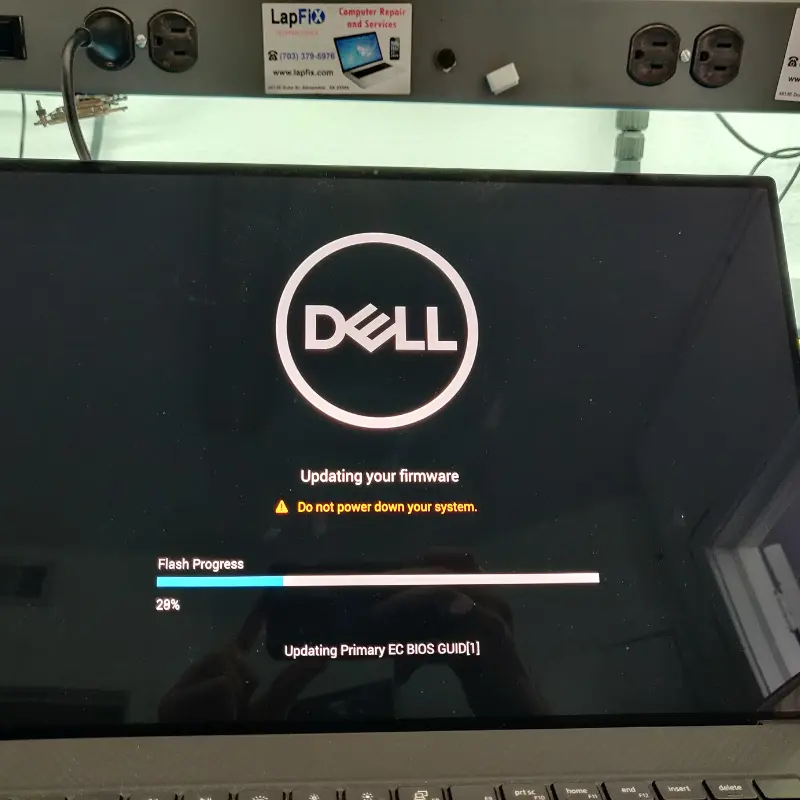
Data Recovery
Recover important files following malware infections, ransomware attacks, or operating system failures.
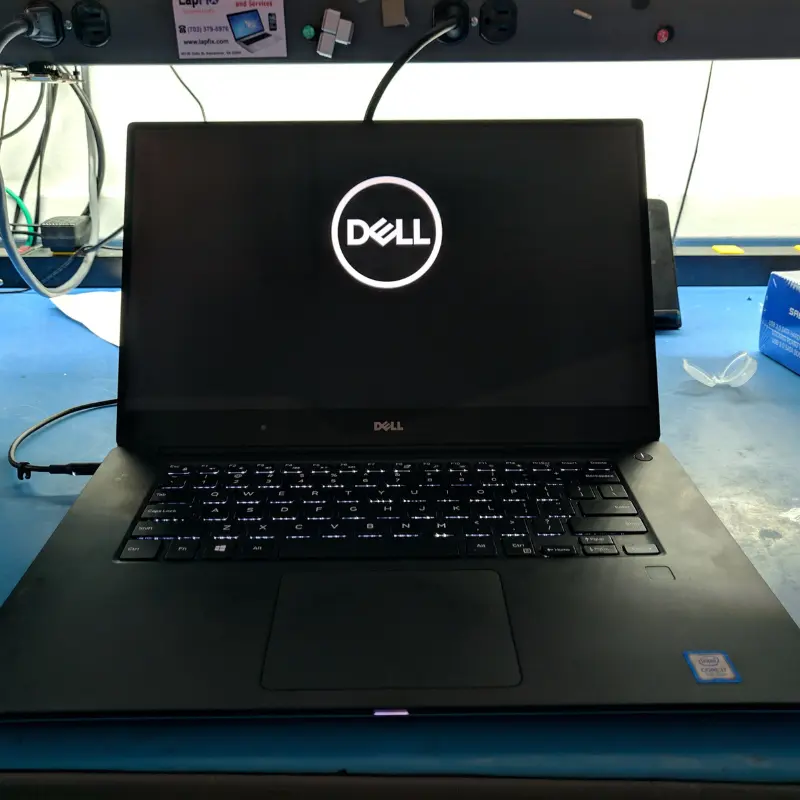
Virus Removal
Remove viruses, malware, spyware, ransomware, and other malicious software while preserving your data whenever possible.
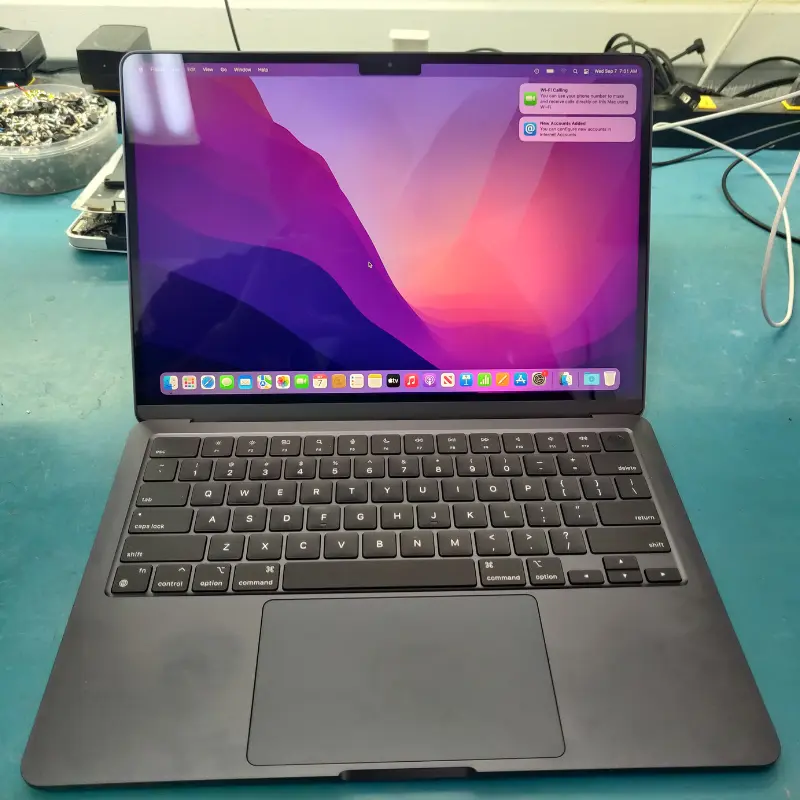
macOS Repair
Resolve macOS security issues, software corruption, update failures, and malware-related system problems.
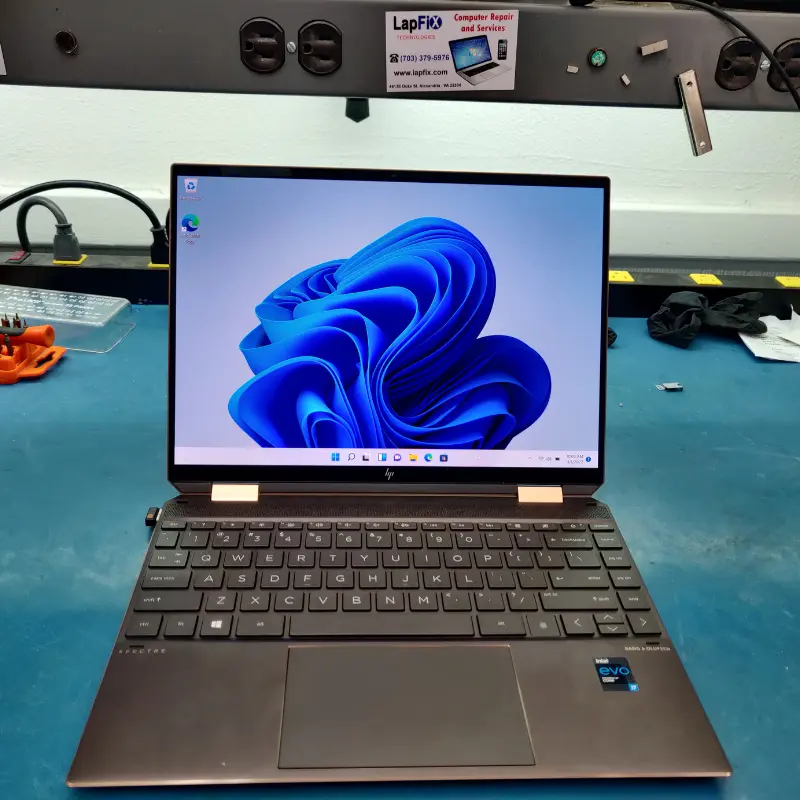
Windows Repair
Repair Windows startup errors, system corruption, driver conflicts, and malware-related performance issues.

Secured Data Repair
Restore secure system operation by repairing compromised user accounts, permissions, and security settings after infection.
Why Choose LapFix for Virus & Malware Removal?
Certified Expert
Technicians
No Outsourcing
In-House Repair
Nationwide Mail-in Service
What Our Customers Say About LapFix
Our customers across Virginia, Washington, D.C., and Maryland trust LapFix.com for fast, reliable, and affordable laptop and Mac repairs. Here’s what they say about our data recovery, logic board repair, and computer services.





From start to finish, the communication was great, the turnaround time was quick, the customer service and the price was outstanding. They kept me updated along the way and made sure everything was working properly before returning my laptop.
I've been using my MacBook since getting it back, and it's running perfectly. It's clear they genuinely care about their customers and take pride in the quality of their work.
Thank you again, Eric, and the entire LapFix team for getting my laptop back up and running. I'll definitely be recommending you to anyone who needs computer repairs!

I had checked with Best Buy and a few other places, but no one was able to help. I found Lapfix by chance and decided to try one last time. They looked at both laptops, explained what could be done, and successfully repaired both.
The Lenovo screen repair cost less than $300 and was completed in less than a week. For the Microsoft Surface, they also had to work on the software and chip-related issues, and the total was still less than $800. That repair took less than two weeks.
Now both laptops are working perfectly, and I’m very happy with the service. The work was professional, honest, and technically solid. As someone with a background in IT and cybersecurity, I was genuinely impressed.
If you think your laptop cannot be fixed, I recommend checking with them first before spending money on a new one.













I brought it to LapFix and Eric was able to fix the motherboard and repair the BIOS so it could finally boot. I am so unbelievably grateful to Eric and the team at Lapfix for saving this important piece of hardware for my business. Thank you so much!! Eric is a wizard!


Mason completed the work sooner than expected and saved me the considerable replacement cost of a laptop that had become unusable.
I would highly recommend this business. They are professional, provide quick responses to communications, and solved a problem that other repair services I consulted were unable to address.










I like that the guys cracking open machines appear to be the same ones who meet you at the front desk.
Virus & Malware Removal FAQ – Common Questions Answered
Why is my computer suddenly running so slow?
Malware, spyware, or unwanted programs often consume system resources, making your PC extremely slow.
Do pop-ups always mean I have a virus?
Not always, but frequent pop-ups are a common sign of adware or browser hijackers.
Will I lose my files when you remove the virus?
No. We prioritize data safety. Most virus removals do not require wiping your drive.
Can you remove CryptoLocker or ransomware?
Yes. We run advanced diagnostic scans and recovery tools to remove ransomware and recover secure copies when possible.
How can I tell if my computer has a virus or malware?
Common signs include unusually slow performance, frequent pop-ups, unexpected crashes, unfamiliar programs, browser redirects, disabled security software, or excessive background activity. A professional diagnostic can determine whether malware is responsible for these symptoms.
Can you install antivirus software after removing a virus?
Yes. Once the system has been cleaned, we can recommend and install reputable security software, verify that it’s configured correctly, and ensure your operating system is fully updated to help reduce future infections.
Can a virus damage my hard drive or SSD?
Most viruses target data or the operating system rather than physically damaging storage hardware, but they can corrupt files, encrypt data, or prevent Windows or macOS from loading properly. Our technicians can determine whether the issue is caused by malware, hardware failure, or a combination of both.
My computer has a virus. Should I stop using it?
If you suspect a virus or malware infection, it’s best to avoid using the computer for sensitive activities such as online banking or shopping until it has been inspected. Continuing to use an infected system can increase the risk of data theft or further system damage.
Protect Your Computer Today
Whether you’re dealing with persistent pop-ups, ransomware, browser hijackers, or unusually slow system performance, our technicians are ready to diagnose the problem and recommend the most appropriate solution.