
Motherboard Repair & Component-Level Circuit Repair
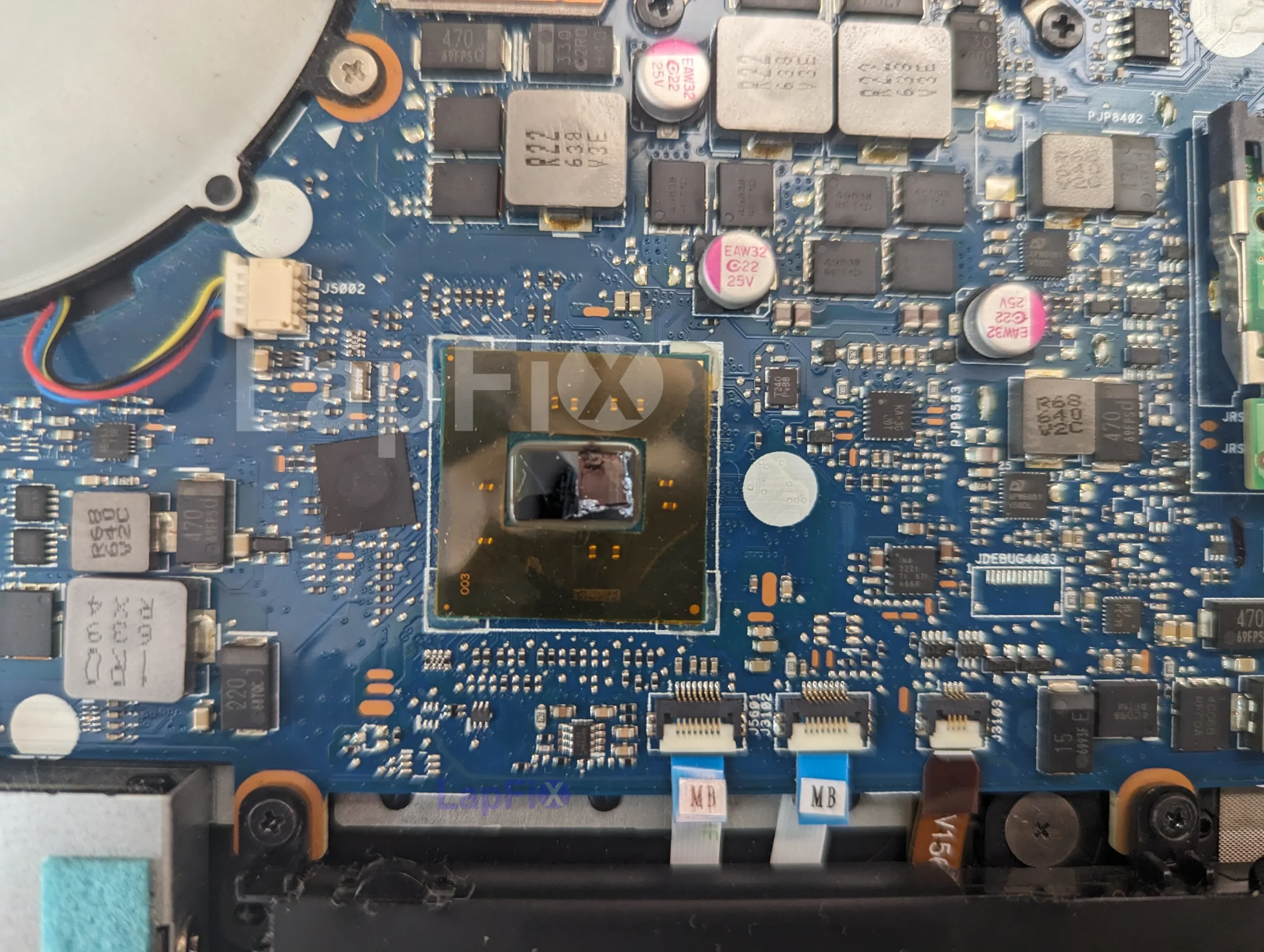
At LapFix, we specialize in advanced Motherboard Repair for laptops, notebook computers, and Apple logic boards affected by electrical faults, charging failures, startup issues, and liquid damage. Using component-level diagnostics and precision microsoldering techniques, our technicians identify and repair faults at the circuit level whenever appropriate, helping restore systems that may otherwise require complete board replacement.
Our Alexandria, Virginia location welcomes walk-ins with no appointment required. Customers throughout the United States can also take advantage of our nationwide Mail-In Service, giving them access to the same structured diagnostic process and advanced board-level repair expertise regardless of location.
Motherboard Problems We Diagnose & Repair
Motherboard problems can show up in many different ways — a laptop may stop powering on, refuse to charge, shut down unexpectedly, or turn on with no display. Because the same symptom can have several possible causes, we diagnose the board at the circuit level before recommending a repair.
No Power or Laptop Won’t Turn On: A laptop or desktop that shows no signs of power may have a fault in the motherboard’s power circuitry, such as a shorted component, failed power-management circuit, or another board-level issue. We test the power sequence and related circuits to determine where the failure is occurring before replacing components.
Charging & USB-C Problems: If your laptop will not charge, charges intermittently, or does not recognize a USB-C power adapter, the problem may be related to the charging circuit, USB-C power-delivery circuitry, charging controller, MOSFETs, the charging port, or another component in the power path. We test the charging system to identify the actual source of the failure rather than replacing parts based on symptoms alone.
Powers On but No Display: A computer that powers on but produces no image does not necessarily have a bad screen. The problem can originate from the motherboard, graphics circuitry, display-output circuitry, connectors, or other components involved in generating and delivering the display signal. Board-level diagnostics help us isolate the fault before determining what needs to be repaired.
Liquid Damage & Corrosion: Liquid exposure can cause short circuits, corrosion, and damage to components and circuit traces on the motherboard. The extent of the damage varies depending on the liquid, where it reached the board, and how long corrosion has been developing. Depending on what we find, repair may involve cleaning the affected board, removing corrosion, replacing damaged components, and repairing damaged circuitry.
Random Shutdowns, Restarts & Boot Loops: A computer that shuts down unexpectedly, repeatedly restarts, or becomes stuck in a boot loop may have an unstable power circuit, voltage-regulation problem, BIOS-related issue, failing component, or another motherboard fault. Intermittent problems can require more extensive testing because the board may appear to operate normally until the fault occurs.
Overheating & Electrical Faults: Abnormal heat on a motherboard can sometimes indicate a shorted or failing electronic component. Electrical measurements, microscopic inspection, and other board-level diagnostic methods can help locate the affected circuit and determine whether component-level repair is practical.
Motherboard Failure With Important Data: When a laptop has a failed motherboard and important files are still stored on the device, professional data recovery by repairing the original board can sometimes help restore access to the system and its data. This can be particularly important on computers with integrated or soldered storage and on encrypted systems. BitLocker-protected Windows computers may also require the BitLocker recovery key when hardware or TPM changes prevent the system from unlocking normally.
Why Choose LapFix for Motherboard Repair?
Certified Expert
Technicians
No Outsourcing
In-House Repair
Nationwide Mail-in Service
Component-Level Motherboard Repairs We Perform
Instead of replacing an entire motherboard whenever possible, our technicians diagnose failures at the circuit and component level. Depending on the problem and condition of the board, a repair may involve replacing failed components, repairing damaged circuitry, addressing firmware-related faults, or restoring areas affected by liquid damage.
Power Management Circuit Repair: Motherboards rely on multiple power circuits to generate and distribute the voltages required by the processor, memory, storage, and other components. We diagnose faults involving power rails, power-management circuitry, MOSFETs, capacitors, voltage regulators, and related components to identify where power delivery is failing.
USB-C & Charging Circuit Repair: Charging problems can involve more than the charging port itself. We diagnose the charging path and related circuitry, including USB-C power delivery, charging controllers, MOSFETs, input-power components, and damaged ports where applicable.
BIOS & Embedded Controller Problems: BIOS corruption, firmware problems, or faults involving motherboard controllers can prevent a computer from starting correctly even when the primary power circuits are functioning. We diagnose these conditions as part of the board-level troubleshooting process and determine whether the problem can be repaired without replacing the motherboard.
Display & Graphics Circuit Repair: When a computer powers on but has no internal or external display, we test the motherboard circuitry involved in graphics and display output. Depending on the device and failure, the problem may involve display-output components, connectors, supporting circuitry, or another board-level fault.
Short Circuits & Failed Components: A single failed component can sometimes prevent an entire motherboard from powering on. We use board-level diagnostic techniques to locate short circuits and identify failed components such as MOSFETs, capacitors, ICs, and other parts before determining the appropriate repair.
Liquid-Damaged Motherboard Repair: For liquid-damaged boards, we inspect the affected areas for corrosion, damaged components, and compromised circuit traces. Depending on the condition of the board, repair may involve cleaning, corrosion removal, component replacement, trace repair, and testing of the affected circuits.
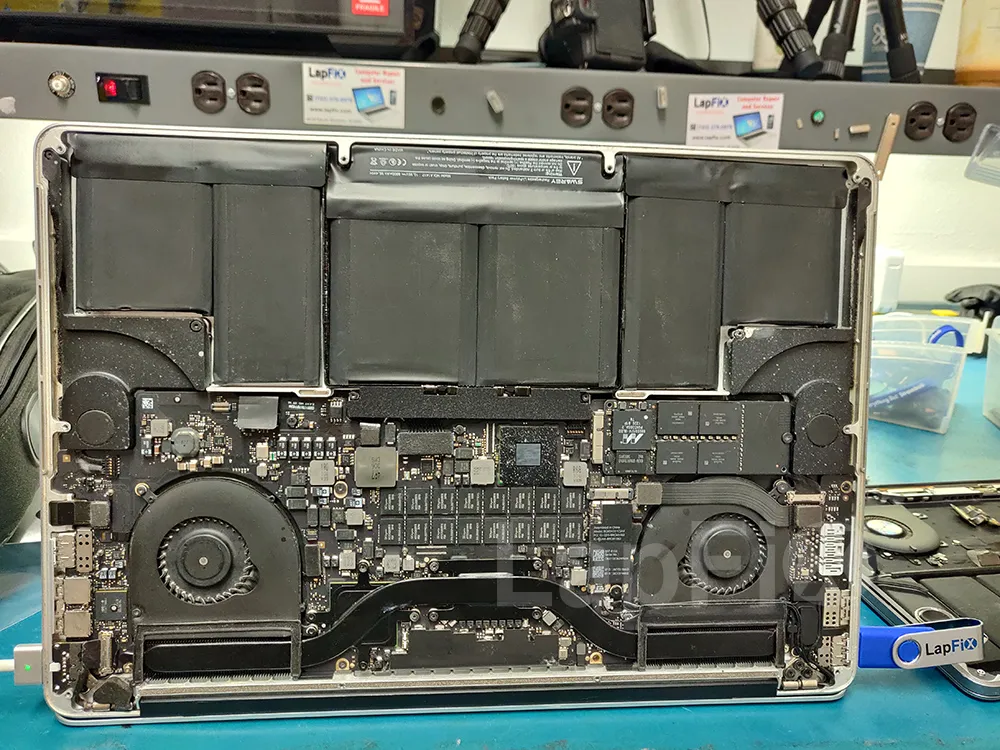
Motherboard Repair Services We Offer

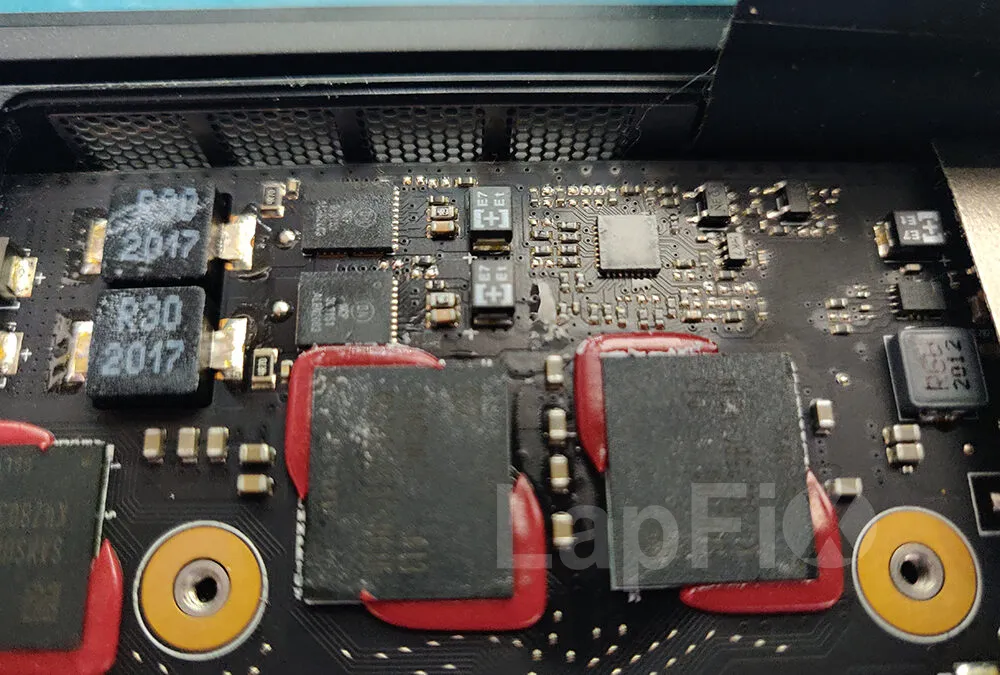
Liquid Spill Repair
Component-level liquid spill repair using ultrasonic cleaning to remove corrosion and restore damaged PC and Mac hardware.
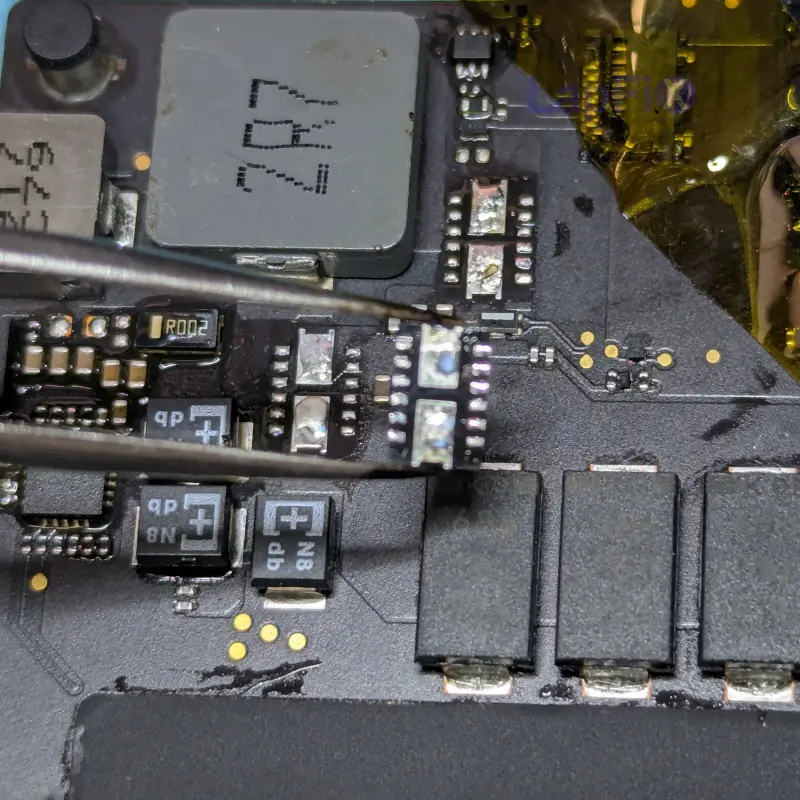
No Power Repair
Diagnose and repair no-power conditions caused by failed components, power circuits, and electrical faults.
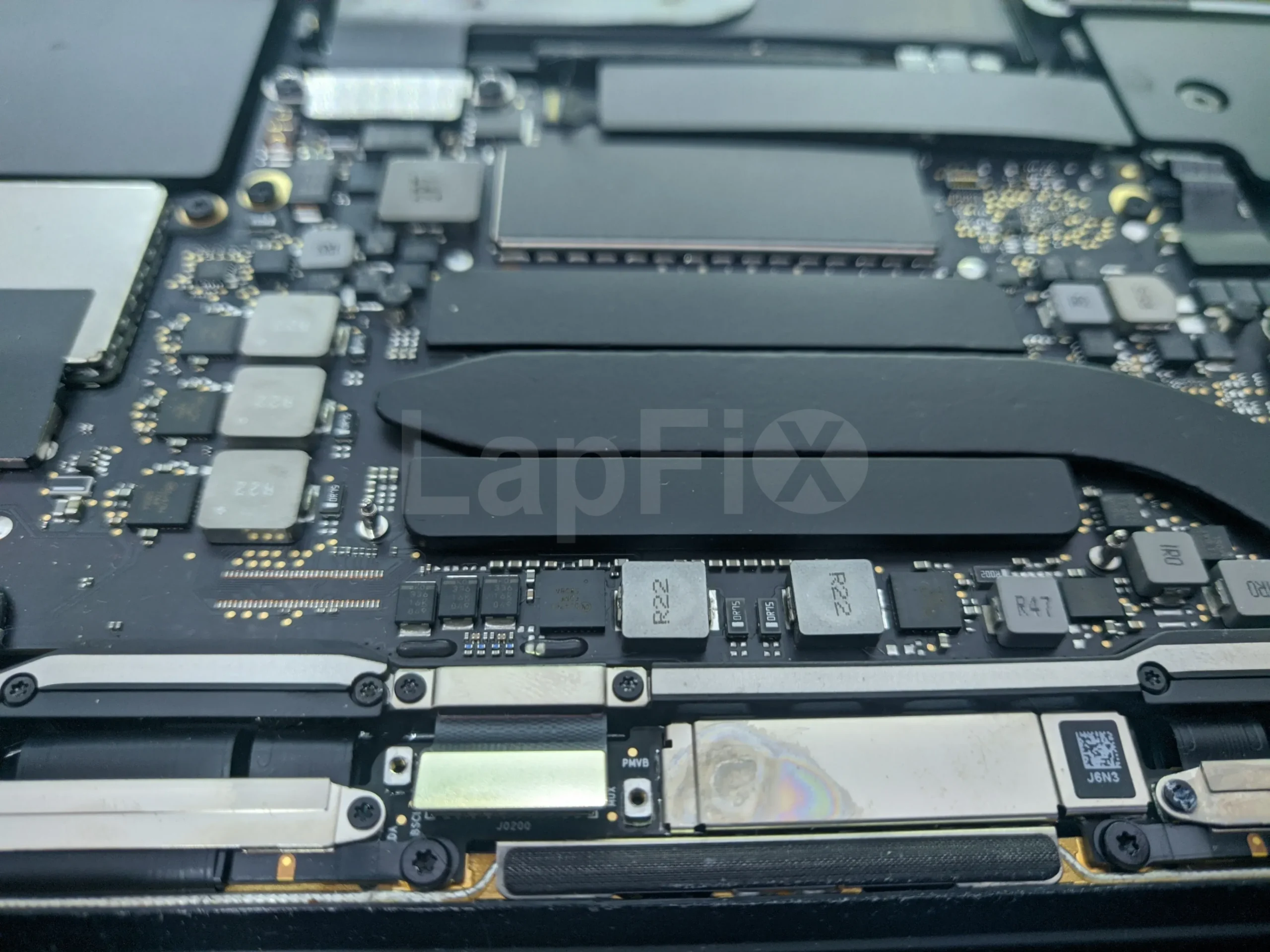
Motherboard Repair
Advanced motherboard repair for desktop PCs with component-level diagnostics and precision circuit repair.
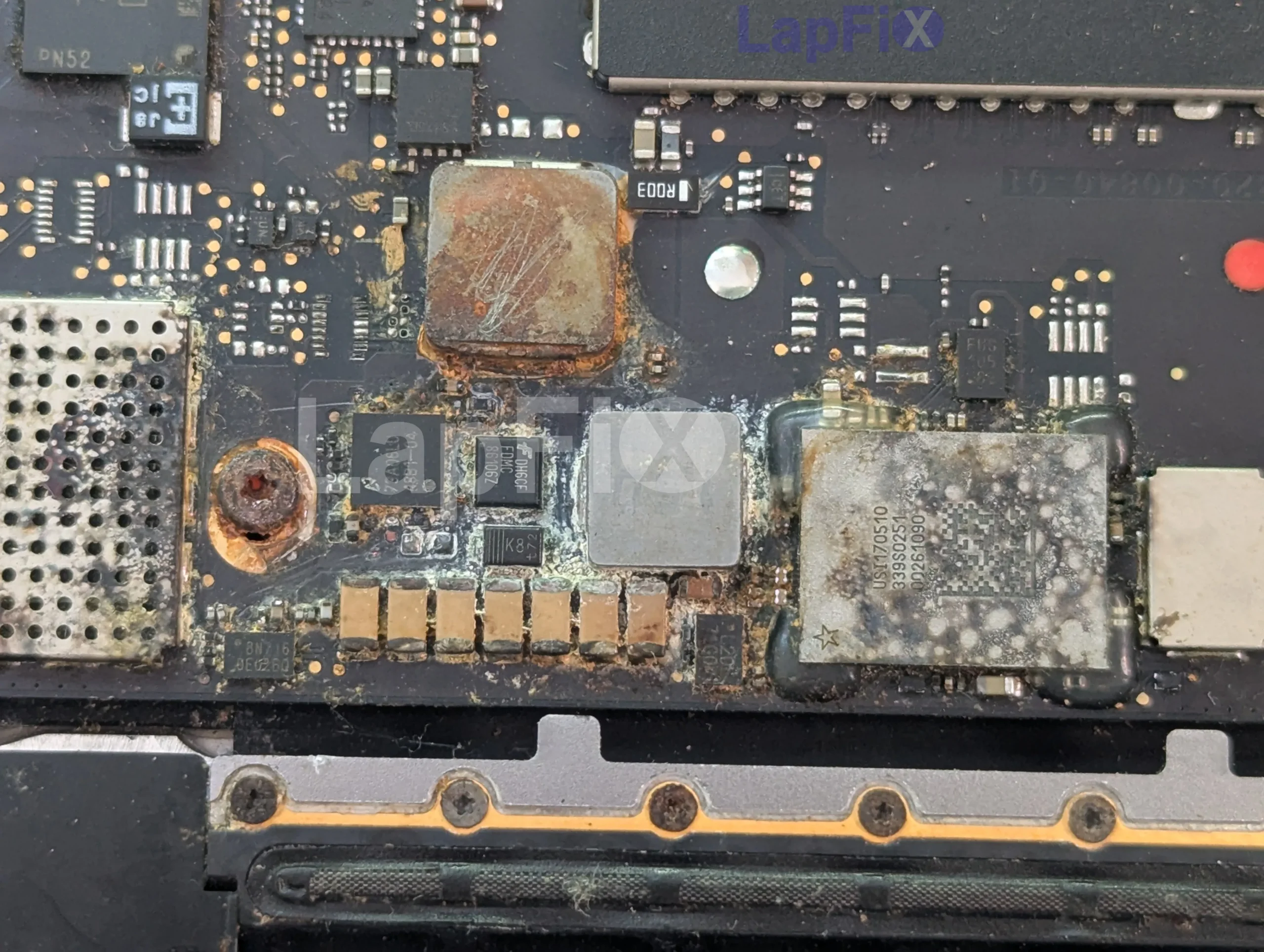
Apple Logic Board Repair
Professional Apple logic board repair, including the latest Apple Silicon boards, to restore power, charging, and startup functionality.
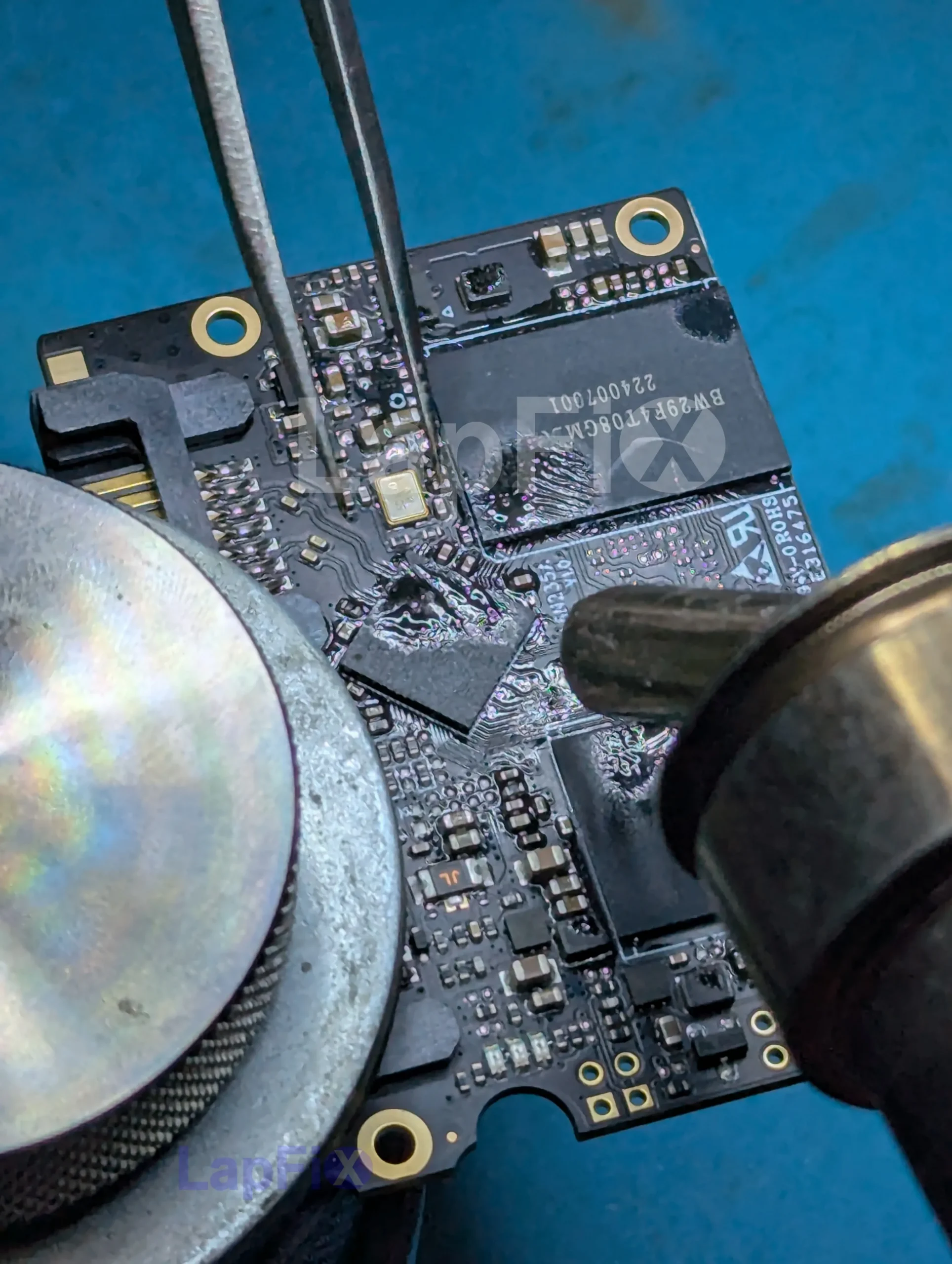
Component-Level Repair
Replace failed chips, power management circuits, connectors, and other board-level components without replacing the entire board.
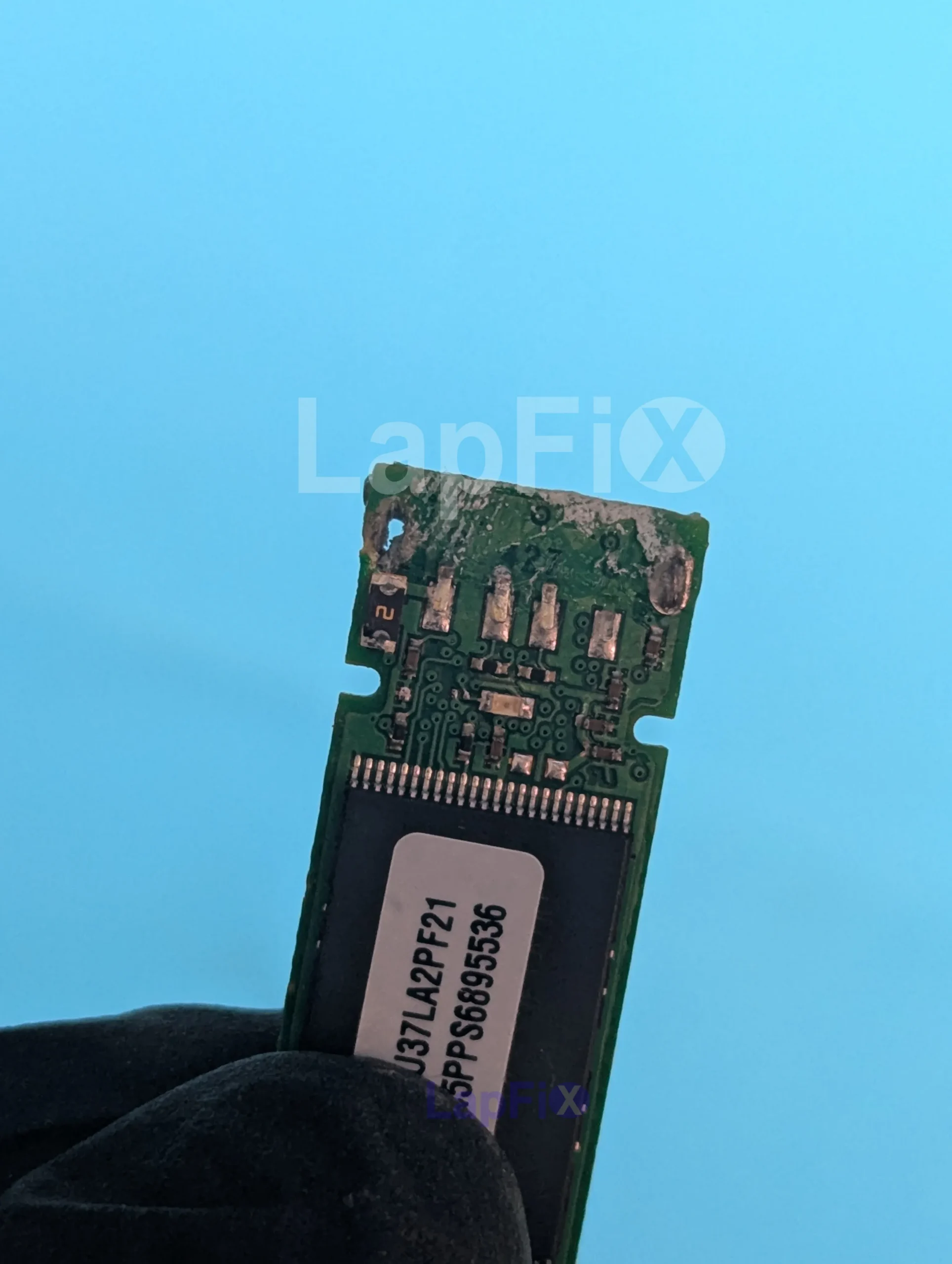
Motherboard Data Recovery
Recover critical data from failed motherboards, integrated storage, and non-booting PC and Mac systems whenever technically possible.
Real Repair Case Studies
MacBook Pro M4 Liquid Spill Repair & Data Recovery
Device: Apple MacBook Pro M4
Problem: A customer accidentally spilled coffee across the keyboard while the MacBook was powered on. The computer immediately shut down and would no longer charge or turn on. Because Apple Silicon models use storage integrated with the logic board, replacing the original board would not restore access to the files stored on it. Recovering the data depended on restoring the original board.
Diagnosis: Using thermal imaging, board-level measurements, and microscopic inspection, our technicians located multiple short circuits caused by liquid corrosion around the power management circuitry. Several damaged components prevented the board from completing the startup sequence.
Repair: Rather than replacing the entire logic board, we performed component-level repair by removing corrosion, replacing failed components, rebuilding damaged circuit traces where necessary, and thoroughly cleaning the board using ultrasonic cleaning equipment. Every repaired circuit was tested before reassembly.
Result: The original logic board was successfully restored, allowing the MacBook Pro to boot normally with all customer files intact. The customer avoided a costly motherboard replacement and retained access to years of important documents, photos, and business data.
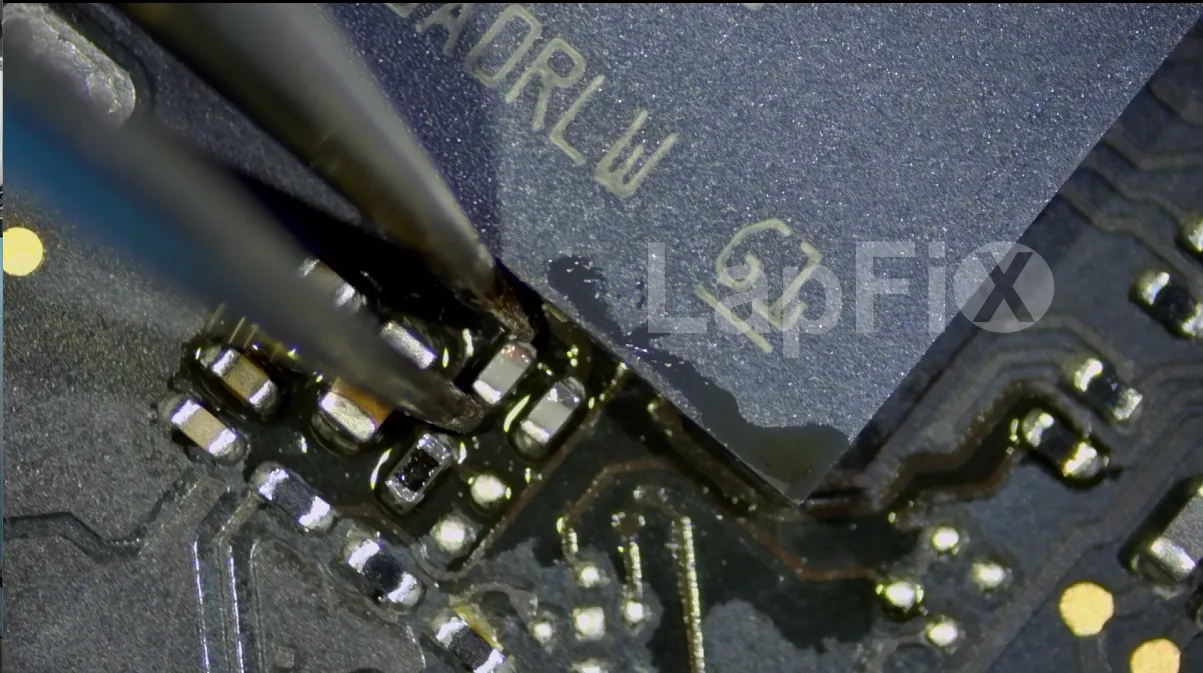
Dell XPS 16 Motherboard Repair with BitLocker Data Recovery
Device: Dell XPS 16
Problem: A Dell XPS arrived completely dead after suddenly shutting off during normal use. The customer relied on the laptop for work, and the internal SSD was protected with Microsoft BitLocker encryption. Because the recovery key was unavailable, simply removing the SSD and installing it into another computer would not provide access to the files.
Diagnosis: Our technicians traced the failure to a damaged motherboard power circuit that prevented the processor and security hardware from initializing. Although the SSD itself was healthy, Although the SSD was healthy, the unavailable BitLocker recovery key meant the practical route for this case was to restore the original motherboard and its security environment so Windows could unlock normally.
Repair: Instead of replacing the motherboard, we repaired the failed power circuitry using precision micro-soldering techniques and replaced several damaged electronic components. After extensive testing, the motherboard successfully completed POST and booted into Windows using its original encrypted hardware environment.
Result: The laptop powered on normally, BitLocker unlocked automatically, and the customer regained access to critical business files, engineering documents, financial records, and project data the laptop powered on normally, BitLocker unlocked automatically, and the customer regained access to the business files stored on the device.
What Our Customers Say About LapFix
Our customers across Virginia, Washington, D.C., and Maryland trust LapFix.com for fast, reliable, and affordable laptop and Mac repairs. Here’s what they say about our data recovery, logic board repair, and computer services.





From start to finish, the communication was great, the turnaround time was quick, the customer service and the price was outstanding. They kept me updated along the way and made sure everything was working properly before returning my laptop.
I've been using my MacBook since getting it back, and it's running perfectly. It's clear they genuinely care about their customers and take pride in the quality of their work.
Thank you again, Eric, and the entire LapFix team for getting my laptop back up and running. I'll definitely be recommending you to anyone who needs computer repairs!

I had checked with Best Buy and a few other places, but no one was able to help. I found Lapfix by chance and decided to try one last time. They looked at both laptops, explained what could be done, and successfully repaired both.
The Lenovo screen repair cost less than $300 and was completed in less than a week. For the Microsoft Surface, they also had to work on the software and chip-related issues, and the total was still less than $800. That repair took less than two weeks.
Now both laptops are working perfectly, and I’m very happy with the service. The work was professional, honest, and technically solid. As someone with a background in IT and cybersecurity, I was genuinely impressed.
If you think your laptop cannot be fixed, I recommend checking with them first before spending money on a new one.













I brought it to LapFix and Eric was able to fix the motherboard and repair the BIOS so it could finally boot. I am so unbelievably grateful to Eric and the team at Lapfix for saving this important piece of hardware for my business. Thank you so much!! Eric is a wizard!


Mason completed the work sooner than expected and saved me the considerable replacement cost of a laptop that had become unusable.
I would highly recommend this business. They are professional, provide quick responses to communications, and solved a problem that other repair services I consulted were unable to address.










I like that the guys cracking open machines appear to be the same ones who meet you at the front desk.
Motherboard Repair FAQ – Common Questions Answered
Can a motherboard be repaired after a power surge?
Often, yes. A surge tends to blow specific components — power management circuits, charging controllers, voltage regulators — rather than destroying the whole board. Once we’ve traced which parts took the hit, replacing just those is usually possible instead of swapping the entire motherboard.
Can you repair a motherboard with burned components?
In most cases. A visibly burned component doesn’t automatically mean the board is dead — we check the surrounding circuit to find what actually caused the failure, then replace the damaged part rather than writing off the whole board.
Can you repair USB-C charging circuits?
Yes. USB-C charging failures usually trace back to a damaged charging IC, a failed power delivery controller, a bad MOSFET, or a worn-out port itself. We test the full charging path before deciding what actually needs replacing
Can you repair HDMI or display output circuits?
Usually, yes. If the system powers on with no external display, the fault is often in the graphics circuit or the display output components rather than the port itself — we trace it back before recommending a fix.
Can a motherboard cause random shutdowns or restarts?
Yes. Voltage regulation problems, overheating components, and intermittent power circuit faults are common causes of a system that shuts down or restarts without warning. We test power delivery under load to catch faults that don’t show up on a quick visual check.
Can you repair Apple logic boards?
Yes, including Apple Silicon boards. We handle power failures, charging issues, liquid damage, and startup faults on MacBook logic boards using the same component-level approach we use on PC motherboards.
Can you repair my motherboard, or will it need to be replaced?
In most cases we repair rather than replace. Micro-soldering lets us swap out individual chips, power circuits, ports, and other failed components, which is usually faster and cheaper than sourcing a full replacement board — especially on newer laptops where boards are expensive or hard to find.
Can liquid-damaged motherboards be repaired?
Yes. Corrosion is the real threat after a spill, not just the initial contact, so we ultrasonically clean the board, remove corrosion, and replace whatever components it damaged before testing everything else.
What if my computer turns on but shows no display?
That points to a fault somewhere between the motherboard and the screen — the graphics circuit, display output components, or the connection between them. We run board-level diagnostics to isolate exactly where the signal breaks down before touching anything.
Do you recover data from motherboards with BitLocker or integrated SSDs?
Yes — and in these cases, repairing the motherboard is often the only path back to your files. When the SSD is soldered to the board or the drive is BitLocker-encrypted, you can’t just pull the storage and read it elsewhere the way you could with a standard drive.
How do you diagnose a motherboard problem?
We go well beyond a visual check. Power rails, charging circuits, and voltage regulators all get tested individually to find exactly where power delivery or electrical communication is breaking down, rather than guessing from the symptom alone.
What is an electrical short, and how does it affect a motherboard?
A short is current flowing somewhere it shouldn’t, usually from liquid damage or a failed component. Depending on where it happens, it can cause anything from charging issues to a system that won’t power on at all — part of why the same symptom can have very different underlying causes.
How much does motherboard repair cost?
It depends entirely on what’s actually failed — a single component swap costs a lot less than extensive corrosion cleanup or several failed circuits. We diagnose the board first and give you a quote before starting any work, so you’re not guessing.
Do you offer a warranty on motherboard repairs?
Why is a systematic diagnostic process important for motherboard repair?
Modern motherboards contain thousands of interconnected components that depend on one another to function correctly. A structured diagnostic process allows technicians to verify each stage of power delivery and circuit communication, ensuring the underlying fault is identified rather than treating only the visible symptoms.
Need Professional Motherboard Repair?
Component-level motherboard repair requires accurate diagnostics, specialized equipment, and experience working with complex electronic circuits. Whether your MacBook has a power failure, charging issue, liquid damage, or startup problem, our technicians diagnose the fault before recommending the most appropriate repair. Local customers can visit our Alexandria location, while customers across the United States can use our secure mail-in repair service.